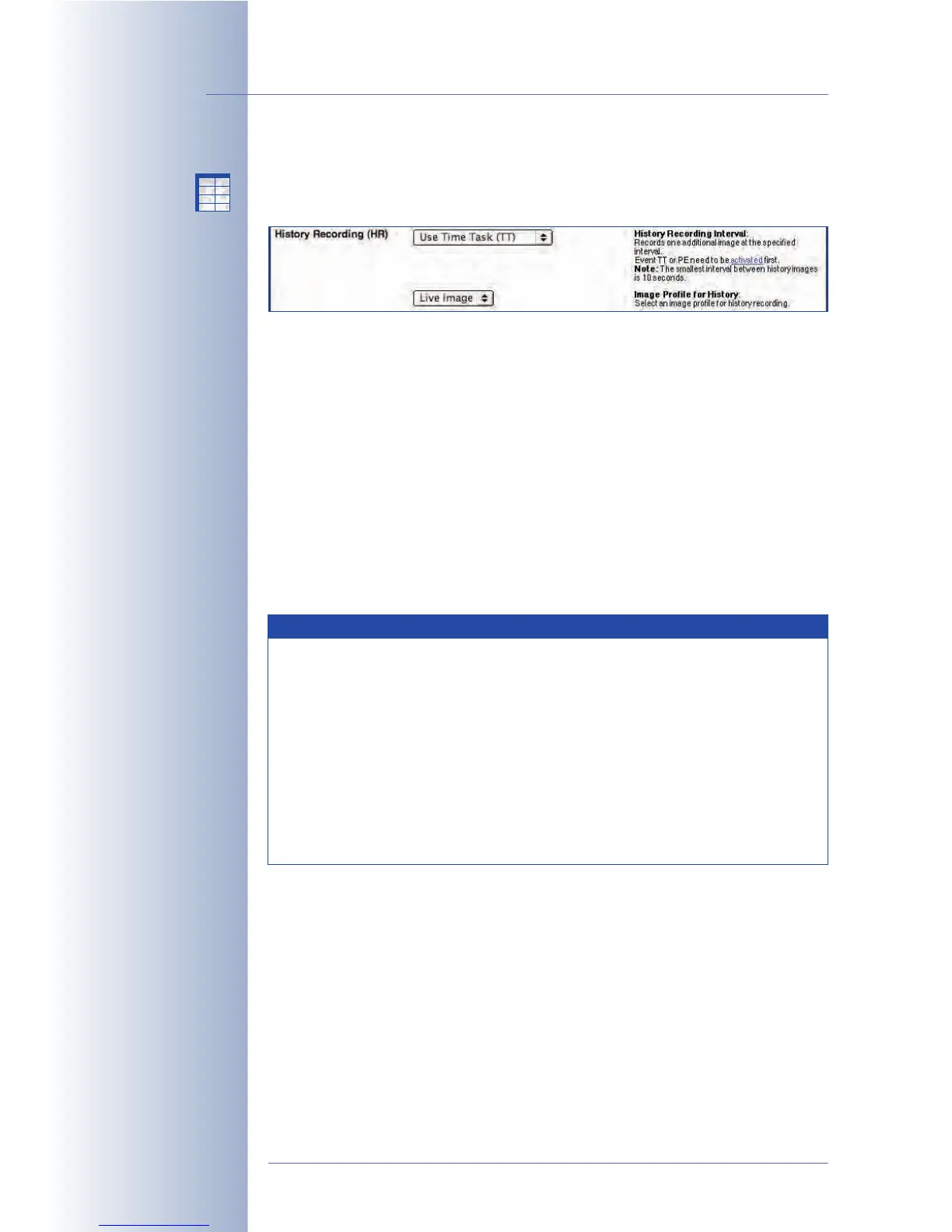
8.2.6 Settings of History Recording
When using Snap Shot or Event Recording, History Images allow recording addi-
tional JPEG images at predefined times or at specific intervals.
You can choose between these two types of history images:
• Use Time Task (TT): Stores single JPEG images if the
Time Task (TT) event
has
been activated in Admin Menu > Time Tasks. Make sure that the Time Task
Event (TT) has been activated in the Setup Menu > Event Settings dialog.
Use this option to set up intervals of at least one minute (see also section 7.9,
Time Tasks
).
• Use Periodic Event (PE): Stores single JPEG images, if Setup Menu > Event
Settings > Periodic Event (PE) has been activated.
Use this option to set up intervals from ten seconds to 24 hours (86,400 sec-
onds). Note that the camera software will automatically increase shorter
intervals to ten seconds.
© MOBOTIX AG • Security-Vision-Systems • Made in Germany
www.mobotix.com • sales@mobotix.com • 10.10.2006
216/288
Software Camera Manual Part 2
History Recording is only
available with Snap Shot
and Event Recording
Setup Menu>
Recording>
More>
History Recording
History images are ideal
for web applications and
for documenting construc-
tion sites, for example
Note
The History Recording function is similar to the periodic event or the
Time Tasks in conjunction with the Time Task (TT) event. When record-
ing events, the camera can store MxPEG video clips and JPEG images
at the same time using the History Recording function.
Moreover, the History Recording feature can also store images, which
have a different resolution, are using a different image sensor and
have different texts and logos than the live image. Use the appropriate
Image and Logo Profiles to control the image and logo parameters,
respectively. For more information, see section 7.8.7,
Image Profiles
,
and section 7.8.8,
Logo Profiles
.
X
X
-
-
-
-
X
X
Kamerafunktionen
Kameramodell



 To Next Page