7.8.3 E-Mail (EM) Profiles
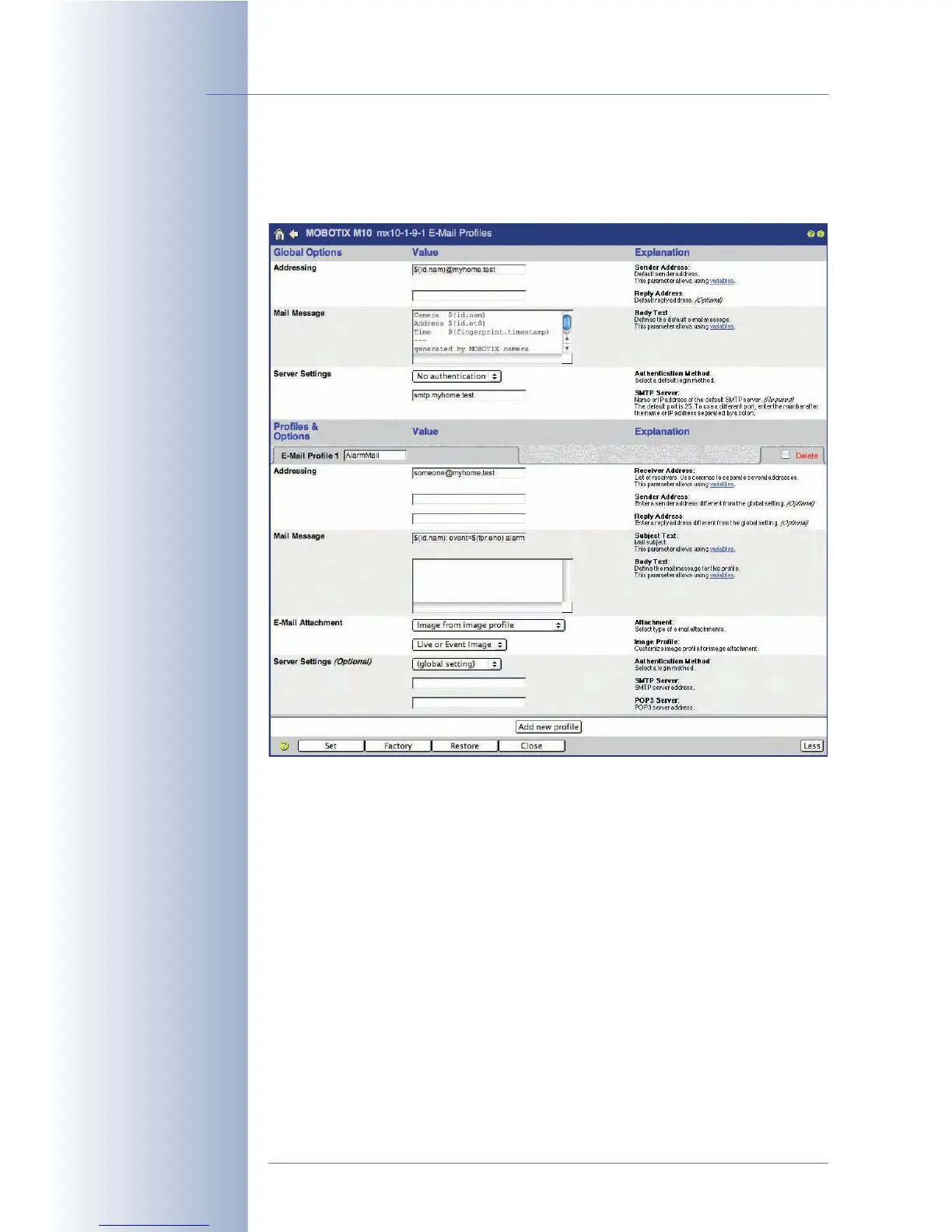
Admin Menu > E-Mail Profiles contains all parameters that are used by the
MOBOTIX camera for sending e-mails containing image and text information.
Global Options
As only one SMTP server is commonly used for sending e-mails, you should enter
this server and the user name and password information (if required) in the Global
Options section at the top of the dialog.
•The Addressing section sets the address information for the e-mails (sender
and reply address). Mail Message allows setting a global text for e-mails.
Make sure to replace the sample data (e.g. $(id.nam)@myhome.test)
by the proper data that is relevant for your installation.
•The Server Settings section sets the SMTP server, the authentication method
(
SMTP Login
,
POP before SMTP
) and other user information, if required. Make
sure to replace the sample SMTP server name by the proper server name for
your installation.
© MOBOTIX AG • Security-Vision-Systems • Made in Germany
www.mobotix.com • sales@mobotix.com • 10.10.2006
180/288
Software Camera Manual Part 2
Authentication Method:
- none
- SMTP login
- POP before SMTP



 To Next Page