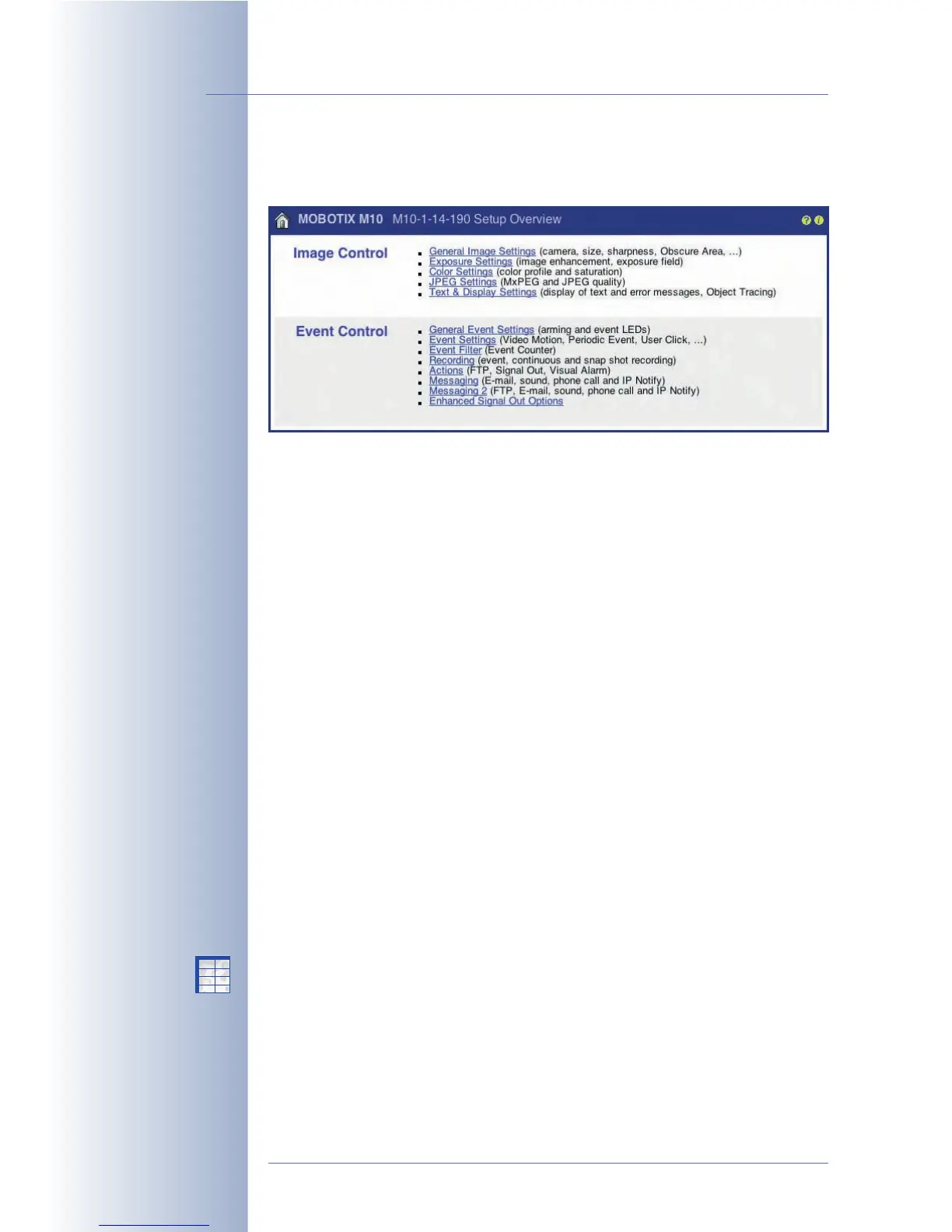
5.1.2 The Setup Menu
The Setup menu contains the image control and event control dialogs.
Image Controls
In this section, you can select the desired image sensor (right, left), image
resolution, brightness, color, contrast, backlight correction, image sharpness, JPEG
quality, MxPEG or JPEG mode, exposure times and exposure windows, darkness
options, object tracing as well as the display of text in the camera image. For more
detailed information on the image settings, see sections 5.5,
Image Control
, 5.7,
Exposure Settings
, and 5.8,
Day & Night Modes
.
Event Control
In this section, you can activate events and assign specific actions and messages
to these events. In addition, you can activate image recording and set the
recording method.
An event can trigger the MOBOTIX camera to perform a certain action or to send a
message, e.g. when the camera detects a movement or the microphone detects
noises above the defined level. This event can also start the recording of event
images or event clips with or without audio in the camera's internal ring buffer or
an external ring buffer on a file server.
Generally speaking, the desired events need to be activated and the MOBOTIX
camera has to be armed (Setup Menu > General Event Settings). Using the time
tables, it is possible to arm the camera only for certain times, days of the week and
holidays (Admin Menu > Time Tables). The time tables can also be combined with
a key switch that is connected to the camera's signal input. Likewise, you need to
activate the desired actions and messages.
In order to record images, clips and sound, make sure that you activate the
recording feature (Setup Menu > Recording).
© MOBOTIX AG • Security-Vision-Systems • Made in Germany
www.mobotix.com • sales@mobotix.com • 10.10.2006
62/288
Software Camera Manual Part 2
Setup Menu for image and
event settings
Image sensor selection,
resolution, text display
Events, Actions, Messag-
ing and Recording
Arming the MOBOTIX
camera!
X
X
-
-
-
-
X
X
Kamerafunktionen
Kameramodell



 To Next Page