5.8 Day & Night Modes
5.8.1 Overview
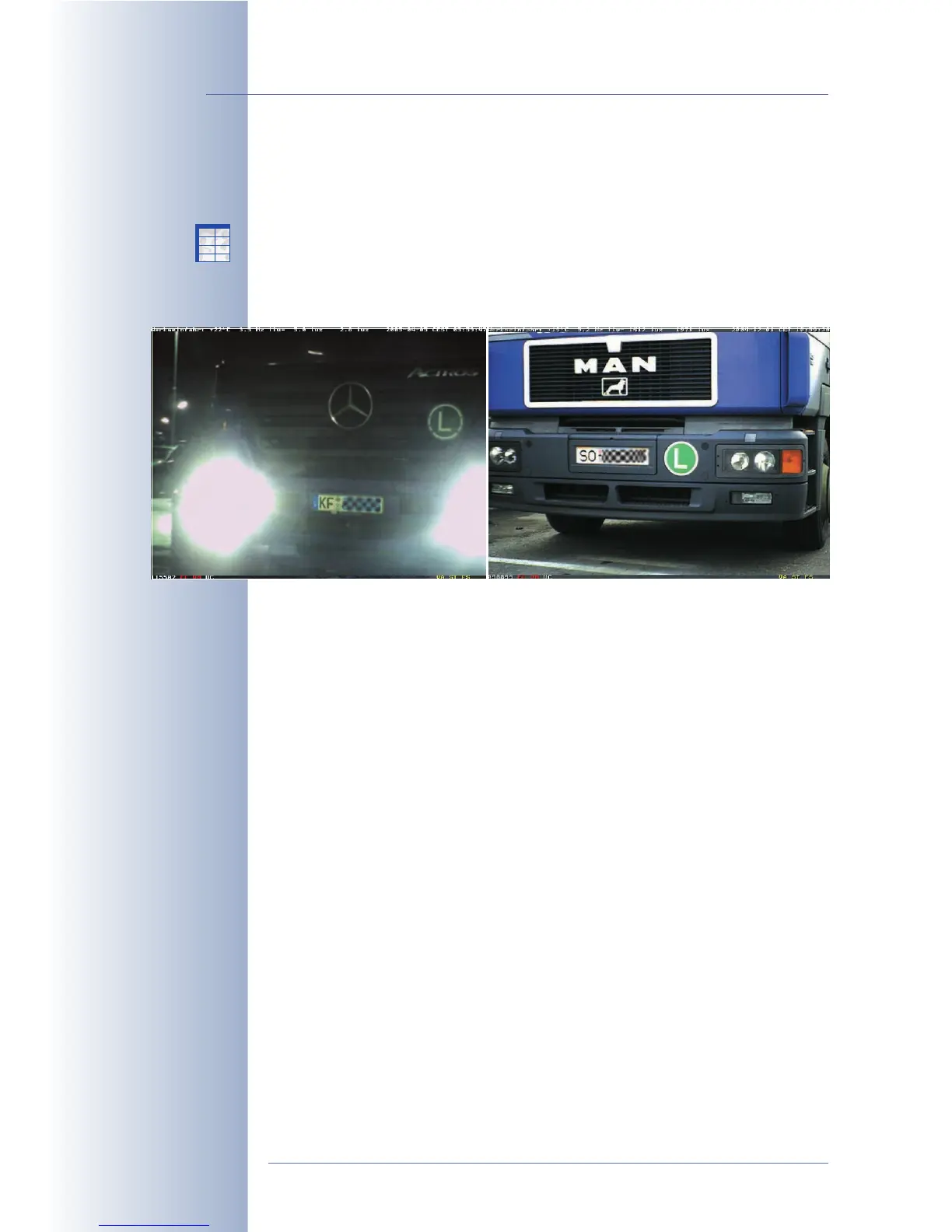
The MOBOTIX Day/Night camera models are equipped with one color and one B/
W image sensor. Depending on the illumination of the scene, the camera uses
either the color image sensor with daylight lens or the B/W image sensor with IR-
sensitive lens to record the images. This provides for the best possible color images
during the day and for crisp black/white images at night.
The camera indicates which lens it is currently using by displaying a symbol in the
lower right corner of the live image:
• DY: Day lens activated.
• NI: Night lens activated.
As per factory default, the camera automatically switches between the day and
night lenses (Setup Menu > General Image Settings > Camera Selection
Auto
).
Using the Night Camera Level parameter, you can define the switching threshold
in lux (measured at the lens, factory default value is
10 lux
). The Night Switch
Delay prevents the camera from switching too fast and thus avoids that the cam-
era switches back and forth between lenses when the light values are close to the
switching threshold (e.g. as caused by the light from a car's headlights briefly hit-
ting the image sensors). Thanks to the night switch delay, the camera reacts to
changes in illumination only after it detects illumination higher or lower than the
defined threshold value for more than 10 seconds.
Note: You can define different exposure windows for the day and night lenses. For
additional information on this topic, see section 5.7.6,
Exposure Windows
.
© MOBOTIX AG • Security-Vision-Systems • Made in Germany
www.mobotix.com • sales@mobotix.com • 10.10.2006
130/288
Software Camera Manual Part 2
Night models:
Image sensor has to be
set to Auto to enable
automatic Day/Night
switching
X
X
-
-
-
-
X
X
Kamerafunktionen
Kameramodell



 To Next Page