5.9.4 Copying Configuration Files to Other Cameras
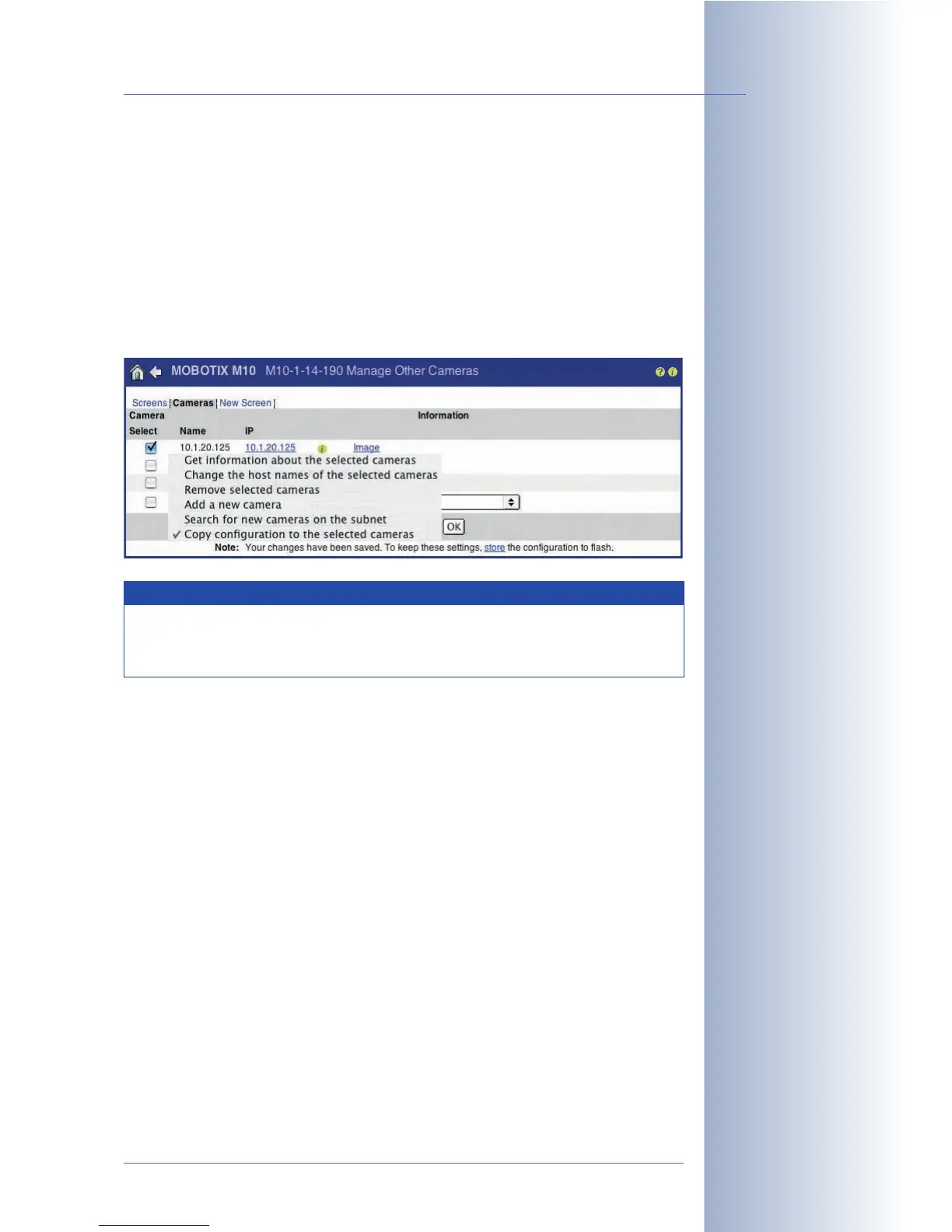
Admin Menu > Manage allows copying the configuration file of your MOBOTIX
camera to one or several other cameras at the same time (
Copy configuration to
the selected cameras
), provided that the other cameras are listed on this page
(
Search for new cameras on the subnet
; see section 4.5.2,
Defining Cameras
). In
the following dialog, you can select the configuration sections you would like to
copy (see figure).
For security reasons, you will be prompted to enter an administration user name of
the target camera and the corresponding password.
© MOBOTIX AG • Security-Vision-Systems • Made in Germany
www.mobotix.com • sales@mobotix.com • 10.10.2006
135/288
Software Camera Manual Part 2
Manage Other Cameras
allows copying config-
uration files to other
cameras
Note
When copying the configuration file to other cameras, you should
make sure that the source and the target cameras are of the same
model with identical software versions.



 To Next Page