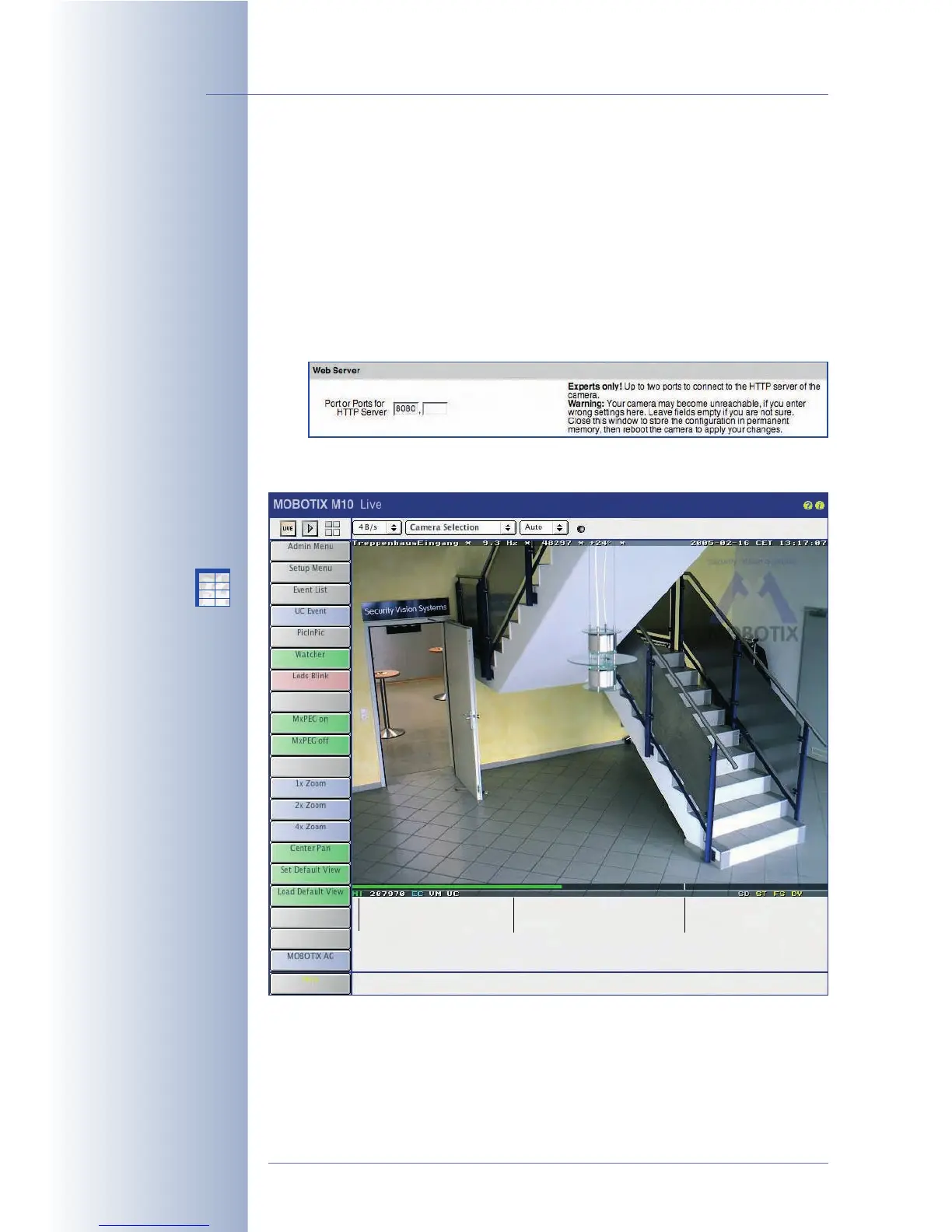
• HTTP Port(s): The default port for accessing your MOBOTIX camera in a
browser is port 80. You can set two different ports for accessing the camera
using this parameter. If you configure port 8000, for example, your camera
can only be accessed using the IP address http://10.1.0.99:8000.
Any modifications of the camera's HTTP port will only become effective after
the camera has been rebooted. It is recommended to only change this set-
ting with good reason. Take extra care to avoid ports that are already being
used (such as port 21 for FTP), but use ports from 1025 upwards. For a list of
well-known ports, see www.iana.org (look for
port numbers
) or search
the Internet for "well-known ports".
5.4.5 Microphone and Speaker
The MOBOTIX camera has an audio channel with microphone and speaker.
Among other things, the audio channel is used for the telephony functions. This
means that the camera can establish a voice connection to an external phone
(using ISDN or IP telephony connections) and it can receive voice calls from a phone
(see also chapter 9,
Telephony Functions
).
© MOBOTIX AG • Security-Vision-Systems • Made in Germany
www.mobotix.com • sales@mobotix.com • 10.10.2006
102/288
Software Camera Manual Part 2
Caution: Improper use
may render the camera
inaccessible
Two different ports for
camera web server
possible
The camera also
transmits the audio
channel
You can display the
sensitivity and the trigger
value of the microphone in
the live image (Setup
Menu> Text and Display
Settings)
Chart display:
- Bars (shown)
- Scroll Chart
X
X
-
-
-
-
X
X
Kamerafunktionen
Kameramodell
Micro



 To Next Page