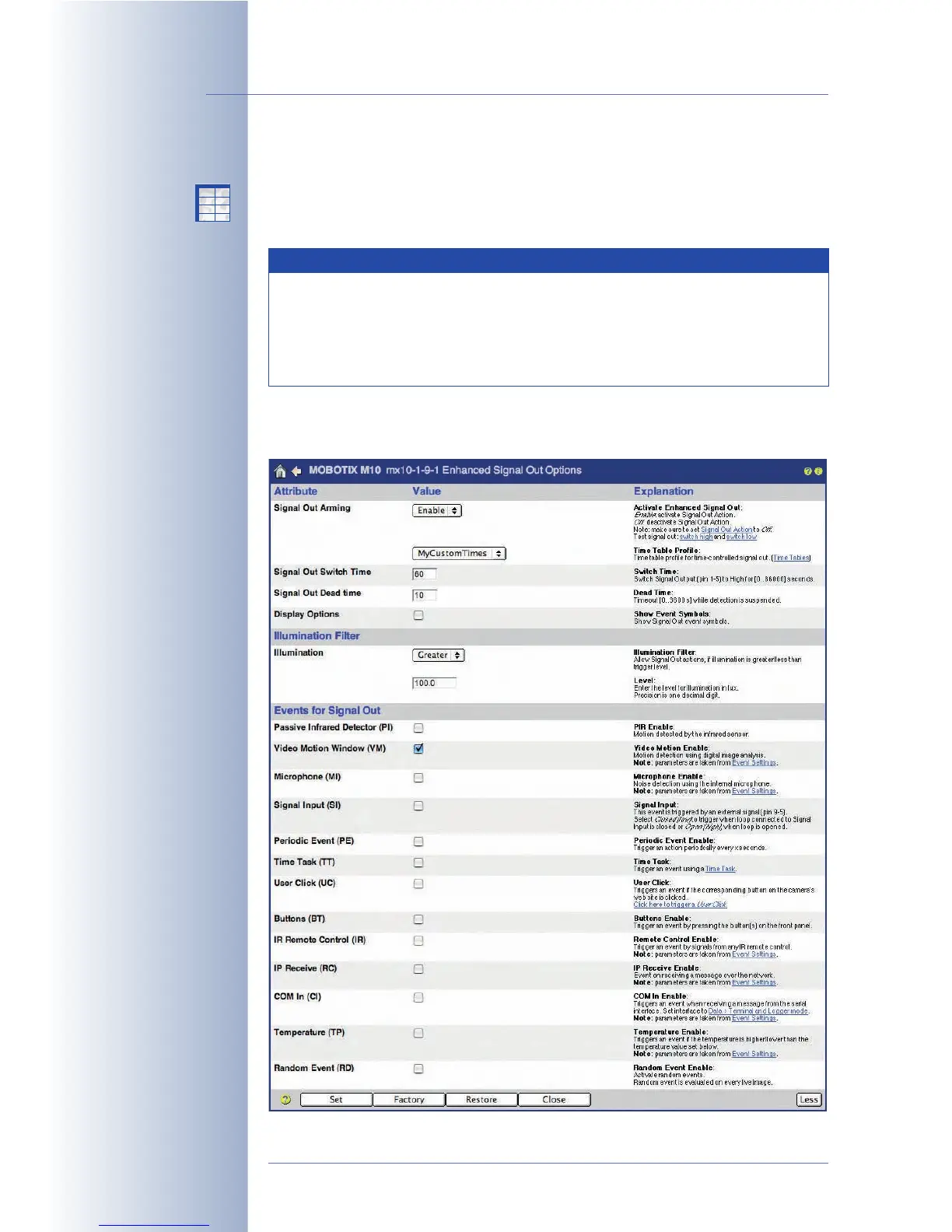
7.7.1 Signal Out (Action SO)
This action can close the signal out pins (1-5) for a specific period of time (1 second
to 5 minutes).
© MOBOTIX AG • Security-Vision-Systems • Made in Germany
www.mobotix.com • sales@mobotix.com • 10.10.2006
172/288
Software Camera Manual Part 2
Signal output closed: high
Signal output open: low
Note
The reaction of the signal output can be controlled in Setup Menu >
Enhanced Signal Out Options (switching time, dead time, etc.). If you
would like to use these features, make sure not to configure the signal
output in Setup Menu > Actions, but in Enhanced Signal Out
Options.
X
X
-
-
-
-
X
X
Kamerafunktionen
Kameramodell



 To Next Page