(3) Deactivate popup blockers: Deactivate any popup blockers that may be ac-
tive in your browser (see below). In most modern browsers, popup blockers
are activated by default (Internet Explorer, Safari, Firefox) or additional soft-
ware applications take care of this problem (e.g. Google Toolbar). When
working with the camera, popup blockers prevent that dialogs are opened
during the software update. With active popup blockers, the software up-
date will not work properly.
(4) Reboot browser and camera: Close all browser windows and restart your
browser before you continue.
Restart the camera (Admin Menu > Reboot Camera). This makes sure that
the camera is in a defined and stable state when starting the software up-
date.
6.3 Updating the Camera Software
Updating the software involves the following steps:
(1) Downloading the software from the Internet: Download the update file
(.mpl file) for your respective camera from www.mobotix.com.
Read the notes in the readme file.
(2) Uploading the software to the camera: Check the camera's current soft-
ware release version (Info button (i) in the title bar of your camera's Live
screen).
Read the notes in the Admin Menu > Update System Software dialog.
Then, follow the instructions for updating the software.
Avoid any power failure or network disconnect while uploading the soft-
ware as this can damage the firmware in the camera.
Once you have started the software update, avoid interrupting or stopping
the process. Do not perform additional actions in your browser, do not load
another website at the same time and do not close any browser windows.
During the update process, the camera
LEDs are running a pattern in a clockwise
manner, sometimes all LEDs are blinking.
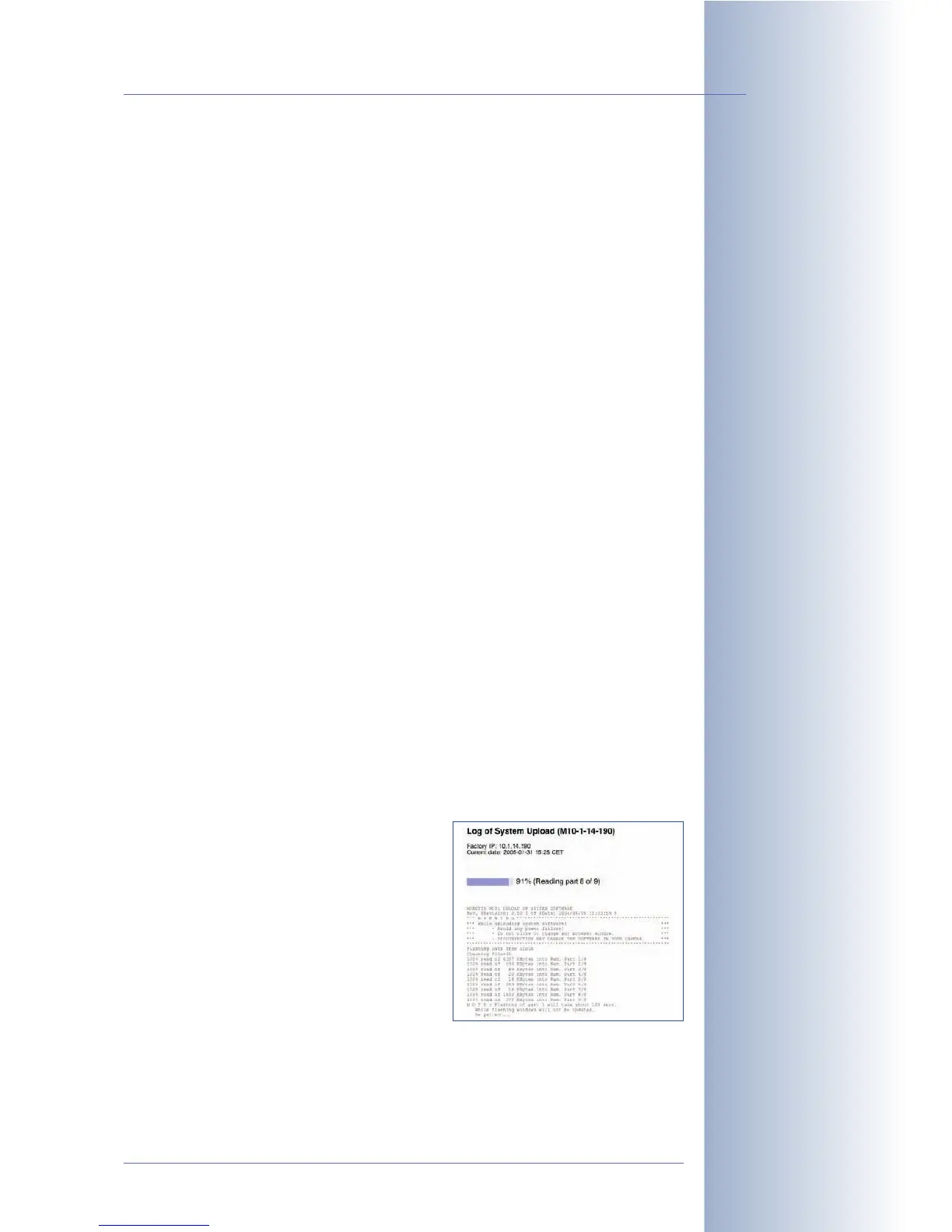
The status information of the upload
process is displayed in a popup window
of the browser (see figure). Wait until the
camera software prompts you for further
actions.
© MOBOTIX AG • Security-Vision-Systems • Made in Germany
www.mobotix.com • sales@mobotix.com • 10.10.2006
137/288
Software Camera Manual Part 2
Never interrupt the up-
date process!



 To Next Page