4.4.3 Recording Modes
If required, MOBOTIX cameras can control image and video storage using the in-
tegrated weekly time tables as set in the browser interface of the camera (see
section 7.8.6,
Time Tables
). The time tables can also be combined with e.g. a key
switch and the camera's signal input. Recording can then be:
•started
• stopped or
• extended (retriggered).
This allows e.g. a door switch to start a recording of predefined length using the
camera's signal input, while recording is extended as long as the camera recogni-
zes movement in the image. As an additional feature, the camera can filter the
number of events over time, so that an alarm is only triggered, if more than x
events occur in the specified time frame. This flexibility for event selection and filte-
ring can reduce the number of false alarms (and recordings) drastically.
Arming can be controlled to the minute using the weekly time table profiles (see
section 7.8.6,
Time Tables
). Every weekday can have a different setting with several
periods per day in which the camera is armed. On top, MOBOTIX cameras can
handle custom days for including or excluding freely definable days or vacation ti-
mes.
The MOBOTIX cameras offer four different recording modes:
• Snap Shot Recording with pre- and post-alarm images (JPEG), but without
sound
• Event Recording: with variable frame rate and sound (MxPEG)
• Continuous Recording: with audio and reduced frame rate that is automati-
cally increased to the maximum frame rate on events (MxPEG)
• History Recording: recording of additional images at pre-defined intervals
(JPEG)
The recording modes are independent of the selected encoding type (JPEG,
MxPEG). Using MOBOTIX' own MxPEG encoding, however, will result in the highest
frame rates and the lowest storage requirements.
Besides the event-controlled recording, the camera
can store history images at regular intervals and in-
dependent of the other recording options. If requi-
red, the image format can be different from the for-
mat of the live images. This provides for storing a
single megapixel image every 10 minutes parallel to
the event-controlled video/audio recording with pre-
and post-alarm images in VGA format.
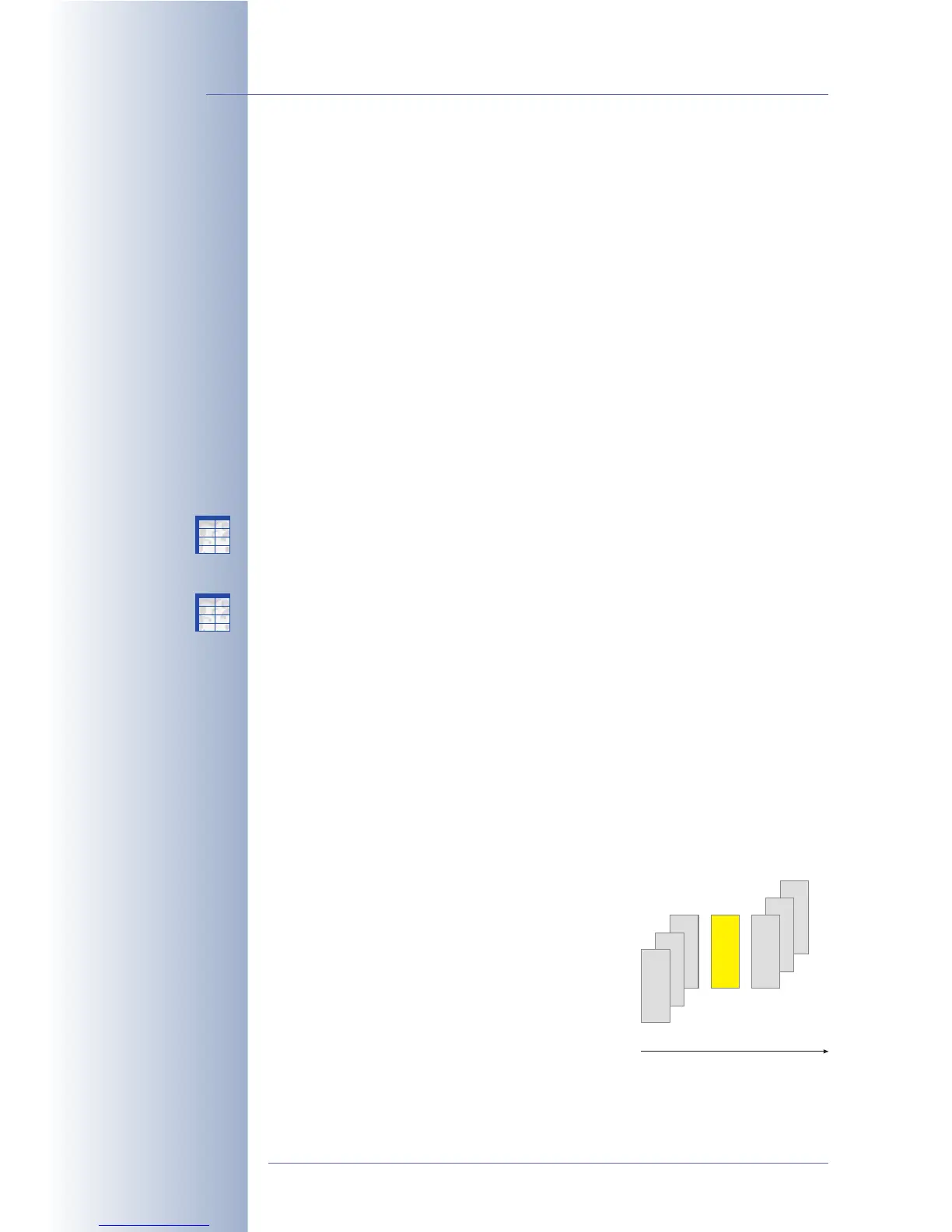
Snap Shot Recording will record the event image as
a single JPEG image in a separate file. You may set up to 50 pre- and post-alarm
images that will also be saved in single JPEG files at a fixed interval (Basic and Web
© MOBOTIX AG • Security-Vision-Systems • Made in Germany
www.mobotix.com • sales@mobotix.com • 10.10.2006
34/288
Software Camera Manual Part 2
History images!
Single images for high-
quality shots and long-
term recording with low
storage requirements
A00001.jpg
A00002.jpg
A00003.jpg
P00001.jpg
P00002.jpg
P00003.jpg
E00001.jpg
Images Before Event
(A)
Images After Event
(P)
Event Image
(E)
Event with three pre
and post-alarm images
X
X
-
-
-
-
X
X
Kamerafunktionen
Kameramodell
X
X
-
-
-
-
X
X
Kamerafunktionen
Kameramodell



 To Next Page