If the camera is connected directly to an ISDN NT, enter one of the MSNs of
this phone line. Make sure that this MSN has not yet been assigned to
another device within your ISDN network. Otherwise, calls will be accepted
by both devices (they will both "ring").
If the camera is connected to an ISDN phone system, the MSN may be hard
to determine. The camera software can assist you in finding and entering the
MSN: Call the camera and then refresh the Phone Call-In dialog. The
camera recognizes and displays the MSN, allowing you to copy the MSN to
the corresponding field.
• Accepted Phone Numbers or SIP Addresses: The camera can be
configured to either react to all incoming calls (factory default) or only to the
phone numbers or SIP addresses entered here.
In order to create a list of accepted telephone numbers, enter the phone
numbers and SIP addresses in the text box, one per line.
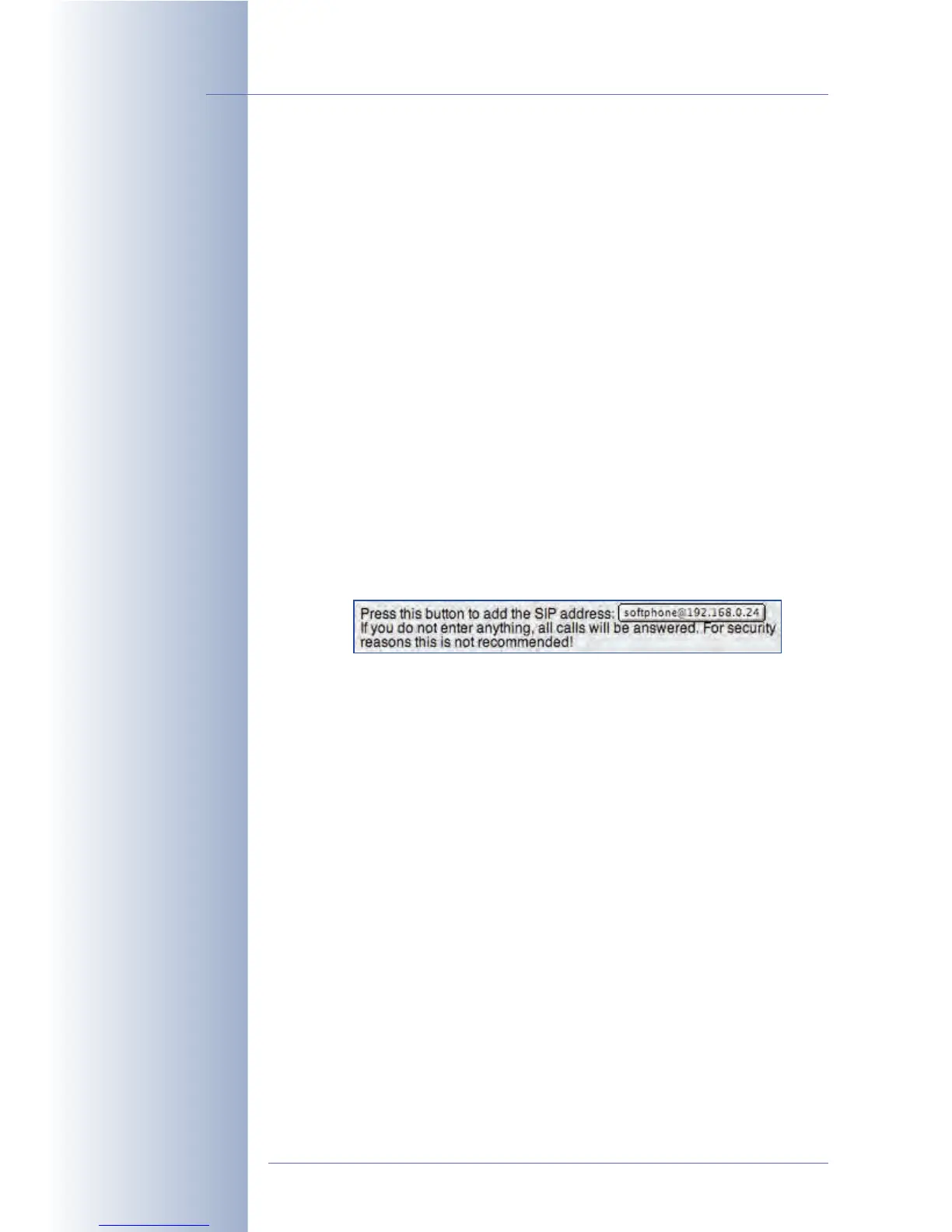
The camera software can assist you in finding and entering the phone
numbers and SIP addresses. Open the Phone Call-In dialog after calling the
camera. The camera recognizes and displays the phone number or SIP
address of the last caller (you may have to reload the page to see this),
allowing you to copy this information to the corresponding field by clicking
this button:
Note: If this field is empty, the camera will answer every (voice) phone call
and may even be remote-controlled, if the settings permit this. For security
reasons, entering authorized callers is highly recommended.
• Welcome Message: When called, the MOBOTIX camera will play back the
selected voice message. You can either use one of the audio files provided in
the software or any audio file that you have recorded or uploaded in the
Admin Menu > Manage Voice Messages dialog.
• PIN: Enter a PIN code (Personal Identification Number), if you would like to
prevent unauthorized access to the camera. If you have set a PIN, every
caller needs to enter this number using the phone keys when prompted
("
Enter PIN
"). This will only work if the phone supports touchtones (DTMF tone
dialing).
Please note: When using SIP connections, the calling phone and the SIP
provider will have to support touchtones (DTMF), as it is otherwise impossible
to enter the PIN number of the calling MOBOTIX camera. Make sure that the
SIP provider also supports DTMF tone dialing.
© MOBOTIX AG • Security-Vision-Systems • Made in Germany
www.mobotix.com • sales@mobotix.com • 10.10.2006
246/288
Software Camera Manual Part 2
A PIN may only consist of
six digits (0 ... 9).
Make sure that your SIP
provider also supports
DTMF tone dialing when
activating the PIN as you
will not be able to enter
the PIN otherwise!



 To Next Page