Image quality is directly dependent on the compression level and is displayed as
a percentage value. Using a compression of 60% will usually deliver good-quality
images for most purposes. Compression below 20% will produce jagged corners in
the image; compression above 70% produces images that are hardly different
from the original. File size is further dependent on the image contents, i.e. an
image with fine details and structure will require more storage space than an
image of a country scene with little contrast.
If audio should be obtained from the camera as well, both compression modes
are possible. Using MxPEG compression will deliver the highest frame rates and
the lowest storage requirements. In order to hear the sound in the browser, you
have to select the
ActiveX
operating mode in the quick controls. This operating
mode is only available when using Microsoft Internet Explorer under Windows.
Note that you have to permit ActiveX in the browser settings. If other browsers or
PDAs are used, MxPEG mode will only deliver images, no sound.
When using the ActiveX operating mode in Internet Explorer
under MS Windows, you can activate the sound from the ca-
mera by right-clicking directly into the live image in the
browser. Click on Audio in the context menu that appears.
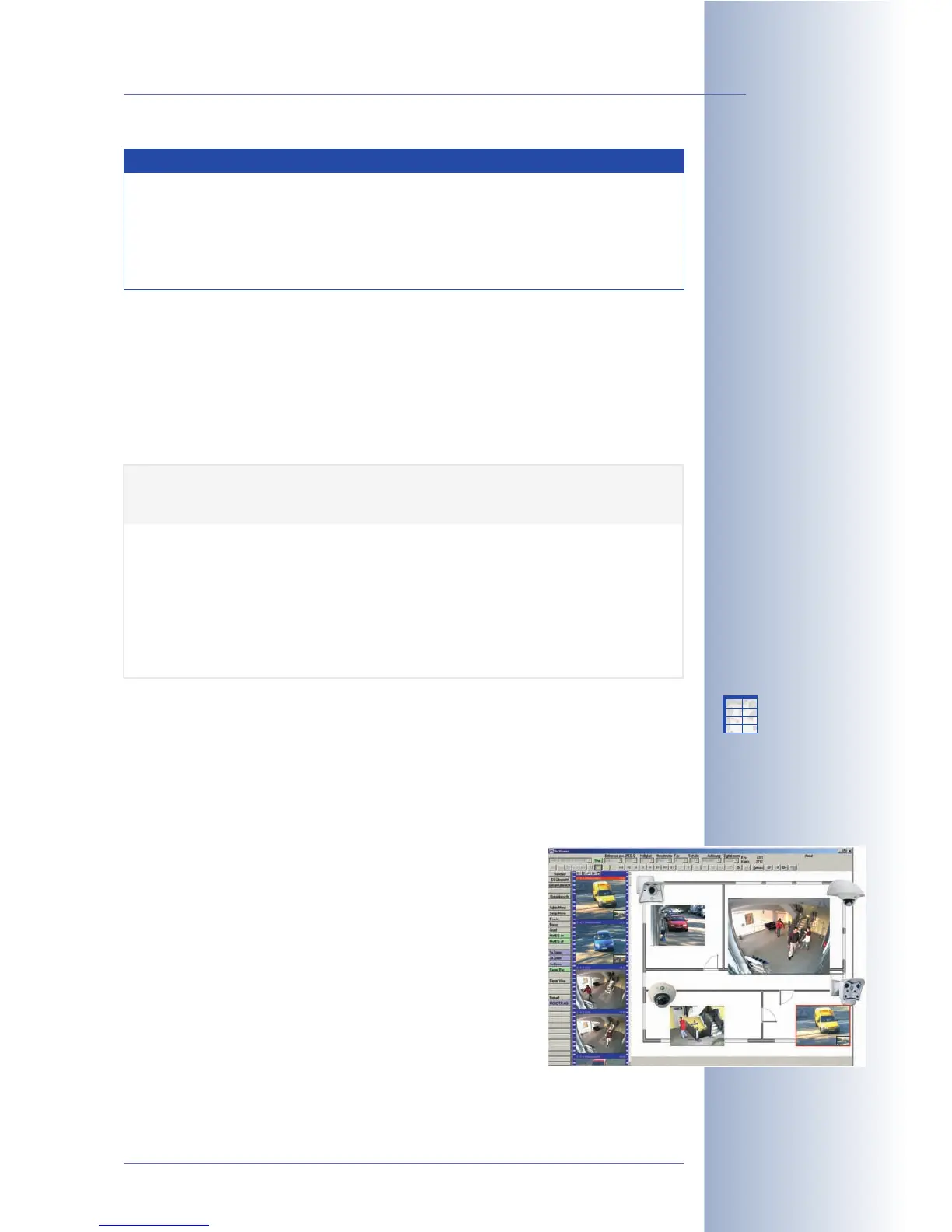
The MOBOTIX MxViewer for Windows is another possibility to
show fast live video simultaneously from many cameras (in-
cluding sound). It can display around 30 cameras in CIF for-
mat (320x240) with 30 frames per second on a standard PC
(P4 with 3.0 GHz). Download the newest version of MxViewer
free-of-charge from the MOBOTIX website. Section 4.3.6,
Background Information on JPEG, MxPEG and Audio
, will give
a more detailed overview of the compression methods.
© MOBOTIX AG • Security-Vision-Systems • Made in Germany
www.mobotix.com • sales@mobotix.com • 10.10.2006
27/288
Software Camera Manual Part 2
Web applications => JPEG
image mode
Fast video streaming: Ac-
tiveX operating mode uses
MxPEG video compression
Default setting: 60%
Audio in the Browser?
Browser> ActiveX, then
right-click in the live ima-
ge> Audio
Note
For high-quality web applications, the camera should thus be set to
JPEG mode. The camera can still display and record video sequences.
It is using the standard motion JPEG process that displays single JPEG
image in rapid succession. This, however, reduces the frame rate and
requires more storage space.
X
X
-
-
-
-
X
X
Kamerafunktionen
Kameramodell
JPEG Quality 160x120
PDA
320x240
CIF
640x480
VGA
1280x960
MEGA
20% (low)
40% (medium)
5 kB
6 kB
10 kB
15 kB
20 kB
31 kB
56 kB
90 kB
60% (high)
80% (highest)
8 kB
10 kB
19 kB
30 kB
41 kB
64 kB
136 kB
213 kB



 To Next Page