tory IP Address
, in the
Camera Manual
) but still want to use your previously
defined configuration.
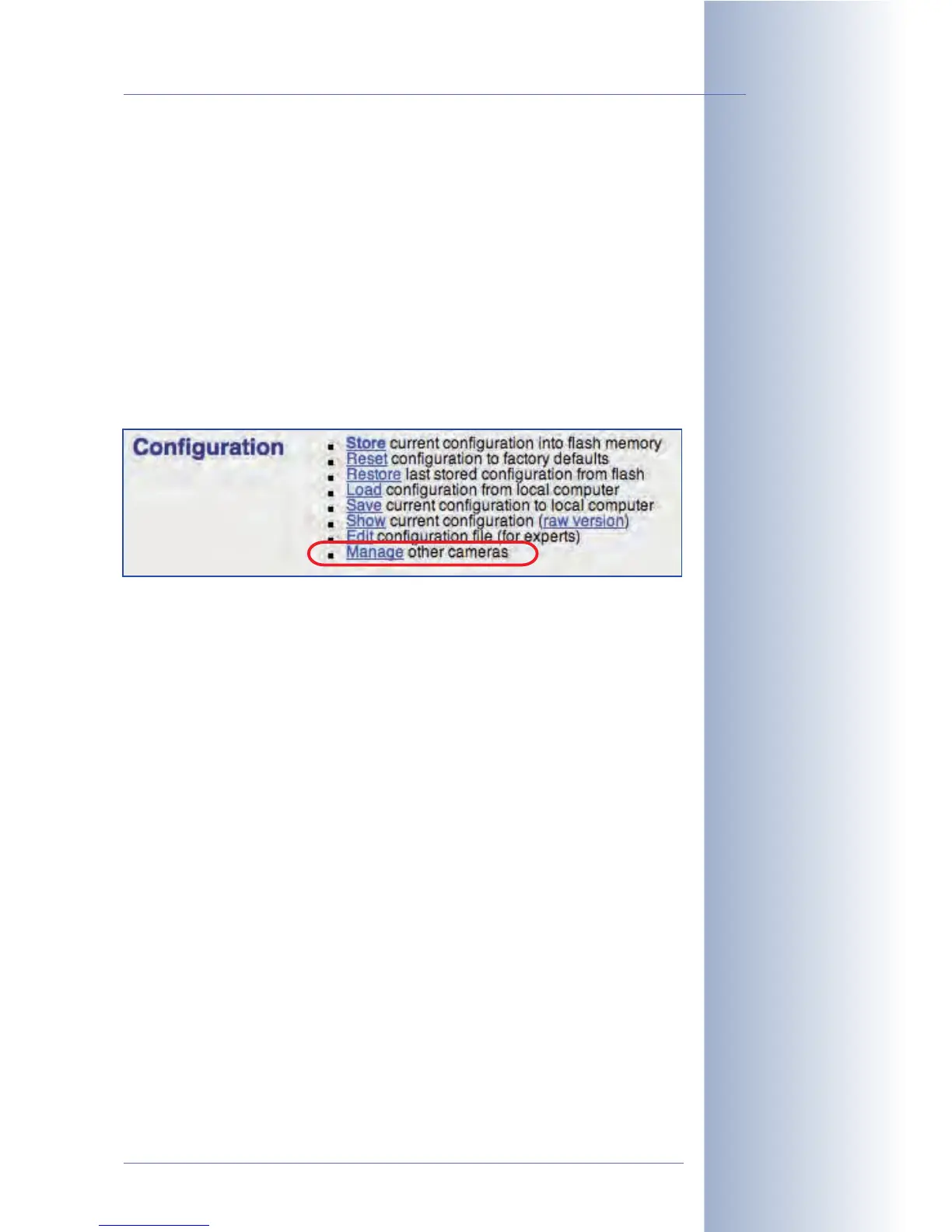
• Load: Loads a configuration file (or certain portions of it) stored on a local
computer into the camera (see section 5.9.3,
Loading Configuration Files
).
• Save: Saves the current configuration file from the camera's RAM to a local
computer. You can open the configuration file using a text editor (never use a
word processor!). Be careful when editing the file directly in the text editor.
• Show: Displays the active configuration file.
• Edit: Allows editing the current configuration file directly in the browser.
• Manage: Allows automatically transferring the configuration settings from
one MOBOTIX camera to several other cameras at the same time.
Warning: Only change your configuration file if you know what you are doing. Inva-
lid settings or uploading a corrupt configuration file may result in losing the connec-
tion to the camera, requiring you to reboot it using the factory defaults (see section
3.6,
Starting the Camera Using the Factory IP Address
, in the
Camera Manual
).
Note: Thanks to the Time Tasks feature, you can automatically restore the last
saved configuration at scheduled intervals. This allows to temporarily change indi-
vidual settings (e.g. by a user directly accessing the camera from the Internet) with-
out permanently storing these settings in the camera. For additional information on
this topic, see section 7.9,
Time Tasks
.
© MOBOTIX AG • Security-Vision-Systems • Made in Germany
www.mobotix.com • sales@mobotix.com • 10.10.2006
133/288
Software Camera Manual Part 2
Only for experts!
Managing camera
configurations



 To Next Page