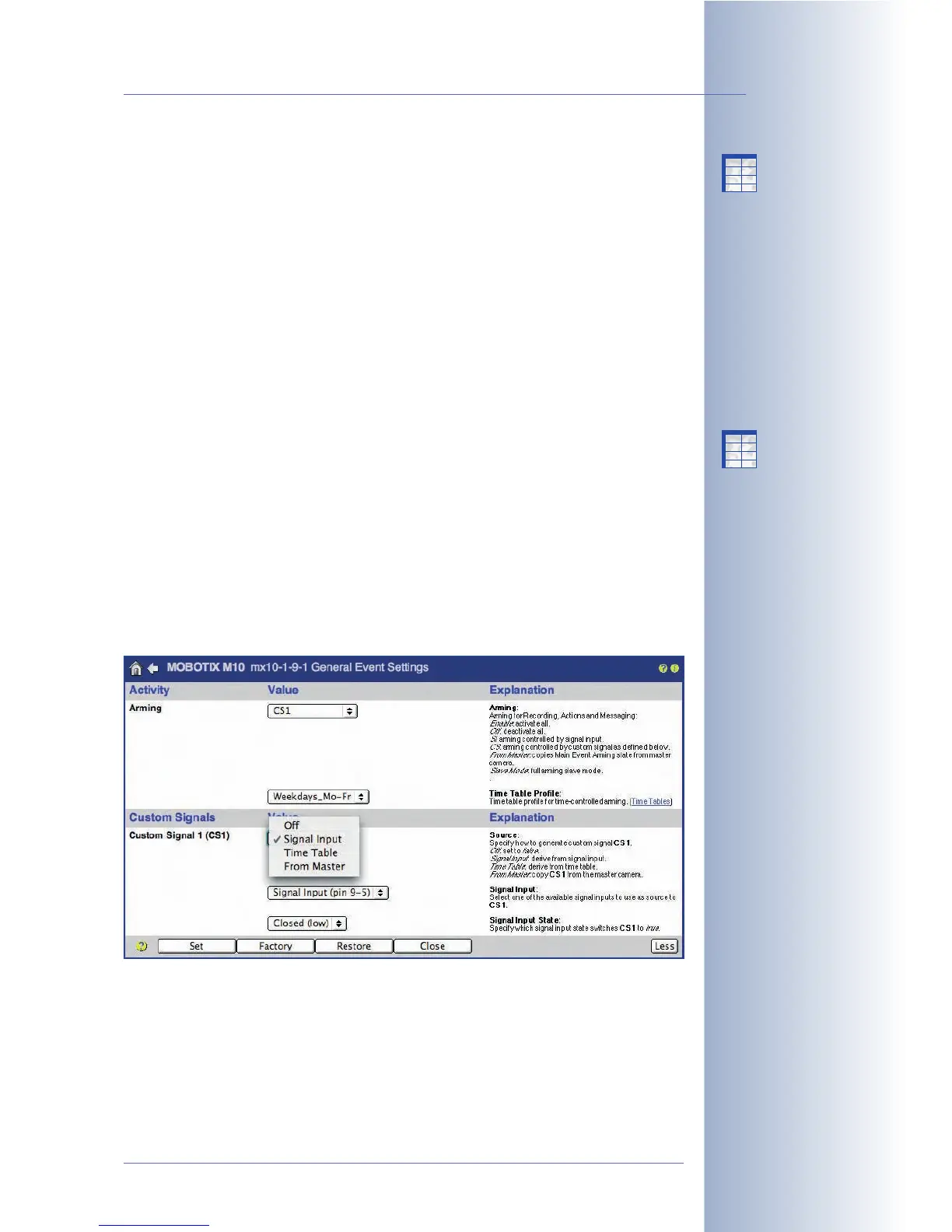
• Arming controlled by signal input
The camera's arming status is based on the signal input status. Depending
on the selected option, the camera is armed if the signal input line is closed
(
SI Closed (low)
option) or if the signal input line is open (
SI Open (high)
option). If the signal input line has the opposite status, the camera is not
armed.
This feature allows using a key switch or the main switch of an alarm system
to arm one or more MOBOTIX cameras. The signal input may also be used to
arm the camera permanently after an alarm button has been pressed (e.g.
bank teller).
If a time table profile has been selected as well, the camera is only armed if
the signal input line has the selected status and one of the time ranges of
the time table profile is active.
• Controlling the arming status using a Master camera
Selecting the
From Master
option will copy the arming status of a MOBOTIX
camera from that of another MOBOTIX camera, the Master camera. Note
that it is of no importance, why the Master camera is armed.
Every MOBOTIX camera, for which Arming has been set to the
From Master
option (Slave camera), will register with the Master camera once (and again
periodically) if the Enable Master/Slave has been properly configured. Every
time the Master camera changes its arming status, it will send this status
(
armed
or
not armed
) to the registered Slave cameras.
© MOBOTIX AG • Security-Vision-Systems • Made in Germany
www.mobotix.com • sales@mobotix.com • 10.10.2006
147/288
Software Camera Manual Part 2
Arming controlled by
signal input
Controlling the Arming
status using a Master
camera
The
From Master
option
can also be set in these
dialogs:
- Recording
- Actions
- Messages
- Messaging 2
X
X
-
-
-
-
X
X
Kamerafunktionen
Kameramodell
X
X
-
-
-
-
X
X
Kamerafunktionen
Kameramodell



 To Next Page