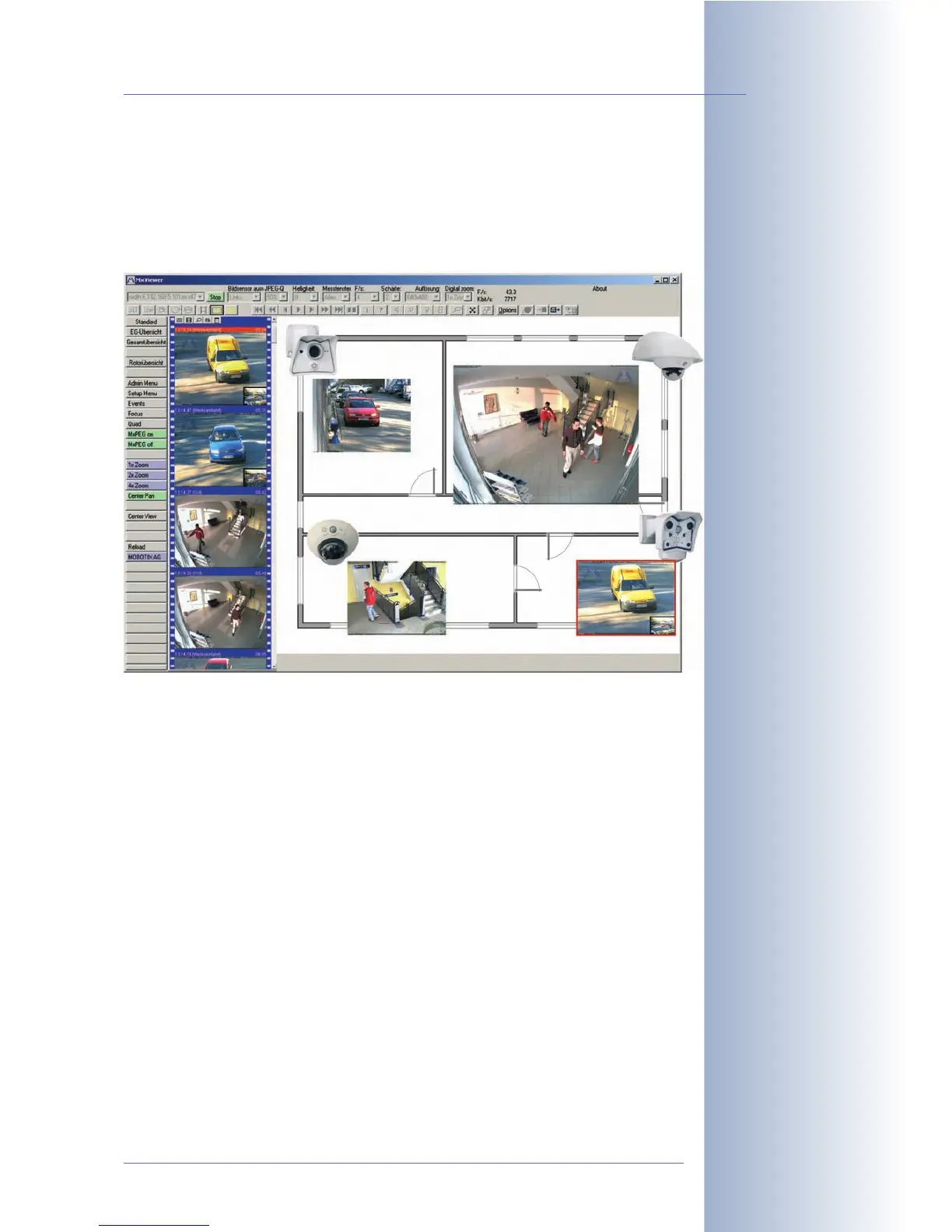
The following methods are also available in order to access the recorded video
data (apart from using the camera's integrated player features):
MxViewer can directly access the video data of the alarms in the shared folder of a
file server without connecting to the camera. This application also shows alarm lists
and has a multitude of other useful features.
Time-Controlled Recording: Documenting and Presenting
Be it for a web site or for documenting the progress of a construction site in addi-
tion to its security tasks, the MOBOTIX camera can automatically store history im-
ages at certain intervals or at specific points in time. Downloading these images
will automatically include an HTML player to immediately view the downloaded im-
ages. You could also produce a digital time-lapse video using some readily avail-
able tools.
File Transfer Using FTP: Also Used for Security Purposes
Apart from its recording features, the MOBOTIX camera's image storage functions
via FTP also deserve mentioning. The camera can use FTP to update images on a
web site, but it can also store a video clip (including the sound from the camera mi-
crophone!) on a remote FTP or web server for backup purposes.
For more information on file transfer to an FTP server see sections 7.7.2,
FTP File
Transmission (FT Action)
, and 7.8.2,
FTP Profiles
.
© MOBOTIX AG • Security-Vision-Systems • Made in Germany
www.mobotix.com • sales@mobotix.com • 10.10.2006
207/288
Software Camera Manual Part 2
MxViewer
Simple FTP file
transfers



 To Next Page