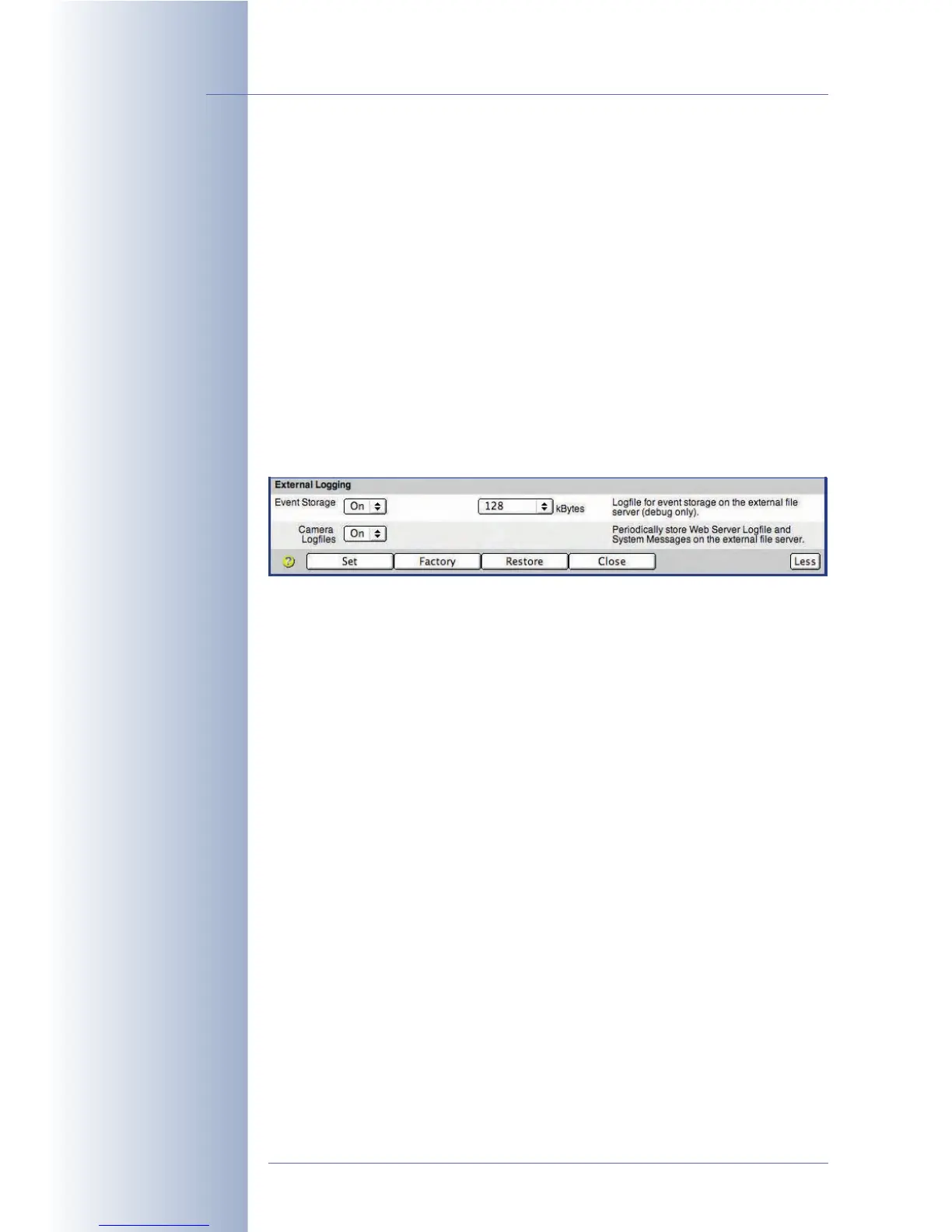
External Logging
Click on the More button to see the options for external logging.
Storing the camera's log files can help track down errors and can be used to moni-
tor the camera's actions. You could check the camera's system messages to see if
the connection to the server has been disrupted, for example. The web server log
file on the other hand automatically logs all users and when they accessed the
camera.
• Event Storage: When activating the event storage log file, the camera will
periodically store this file on the Linux/UNIX computer. This log file allows set-
ting a maximum size (default is 128 kB).
• Camera Logfiles: When you activate this option, the camera will store the
web server log file (WebServerMessages.log; Admin Menu > Web
Server Logfile) and the system messages (SystemMessages.log; Admin
Menu > System messages) at regular intervals on the Linux/UNIX computer.
© MOBOTIX AG • Security-Vision-Systems • Made in Germany
www.mobotix.com • sales@mobotix.com • 10.10.2006
228/288
Software Camera Manual Part 2
Easy troubleshooting
using the log files



 To Next Page