• Windows File Server:
\\<Netbios Name>\<Share>\10_1_0_99\001\798\E00000.jpg
• Linux/UNIX File Server:
<DNS-Name>/<Directory>/10_1_0_99/001/798/E00000.jpg
The file names of the recorded images and video clips are created using the fol-
lowing patterns:
• Ennnnn.jpg: Event Images
• Annnnn.jpg: Pre-alarm (Ante) images
• Pnnnnn.jpg: Post-alarm images
• Cnnnnn.jpg: Packed (Continuous) single images
• Mnnnnn.jpg: MxPEG video clip files
• INFO.jpg: Only contains the JPEG header information of the
event image and the image sequence; this file is
created in every folder.
© MOBOTIX AG • Security-Vision-Systems • Made in Germany
www.mobotix.com • sales@mobotix.com • 10.10.2006
235/288
Software Camera Manual Part 2
Additional information
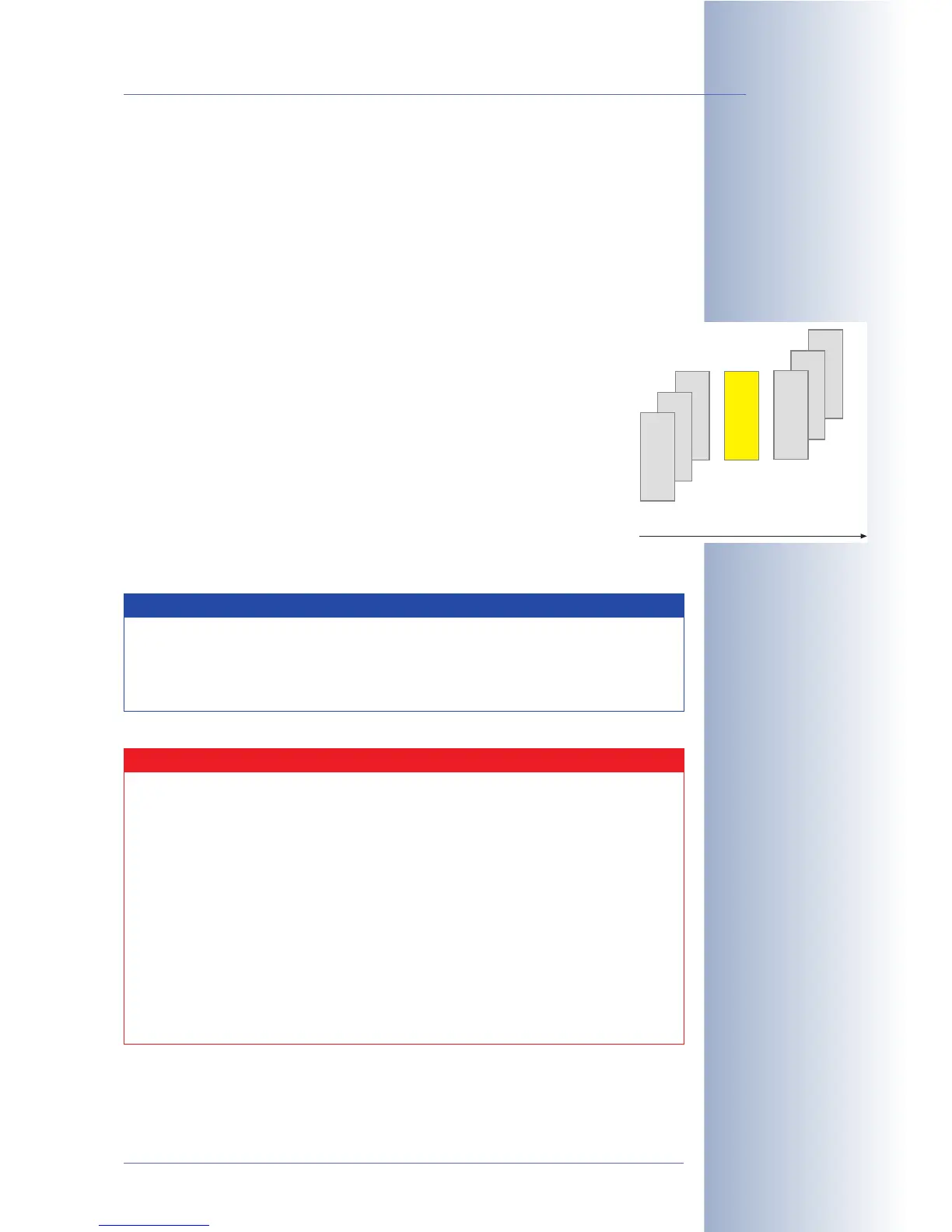
A00001.jpg
A00002.jpg
A00003.jpg
P00001.jpg
P00002.jpg
P00003.jpg
E00001.jpg
Images Before Event
(A)
Images After Event
(P)
Event Image
(E)
Event with three pre
and post-alarm images
Note
The camera will also store files with .log and .txt extensions as
well as the .erdinfo file. These files contain important video man-
agement information of the corresponding MOBOTIX camera and
must not be touched. This applies especially to the .erdinfo file.
Caution
Manipulating the file structure of the MOBOTIX camera can lead
to problems when recording; the camera may even display erratic
behavior and may stop recording altogether. Never manipulate
the file structure!
You should never remove nor rename folders or files. Likewise,
opening the files from other applications is only feasible if the MO-
BOTIX camera will not access the image and video files at the same
time. For example, the MOBOTIX camera cannot delete a file or a
folder if this file or folder has been opened by another application.
Copying files and folder, however, represents a workable alterna-
tive. You can access the copied files and folders without any re-
strictions.



 To Next Page