SIP Settings
• Standard case: with SIP provider
• User Name: Enter the SIP user name that you have registered or that you
have been assigned during the registration process with your SIP pro-
vider. Currently, this entry is identical to the Registration User Name (see
below). For certain scenarios, however, they could be different.
• SIP Domain: Enter the IP address or the name of the SIP provider (e.g.
sipgate.com).
• Registration Server: Enter the IP address of the SIP server for the camera
to log onto as SIP user, e.g. sip:sipgate.com.
• Registration User Name: Enter the login name registered with the SIP
provider. Currently, this entry is identical to the registration user name (see
above) for most of the SIP providers. For certain scenarios, however, they
could be different.
• Registration Password: Enter the correct password for the Registration
User Name.
• Use as Outbound Proxy: If this option is enabled, the MOBOTIX camera
uses the registration server as default SIP proxy for all outgoing SIP con-
nections. This parameter should be enabled.
• Registration Expires After: After the time set for this parameter, the
MOBOTIX camera will login again at the registration server. You should
not have to change this setting (default is
1 Min.
).
• Special case: IP telephony on the network (no SIP provider required)
• User Name: Enter a user name which is used for calling the camera. This
user name can be set freely.
• SIP Domain: Enter the IP address of your MOBOTIX camera.
It is not necessary to enter any other data in this dialog!
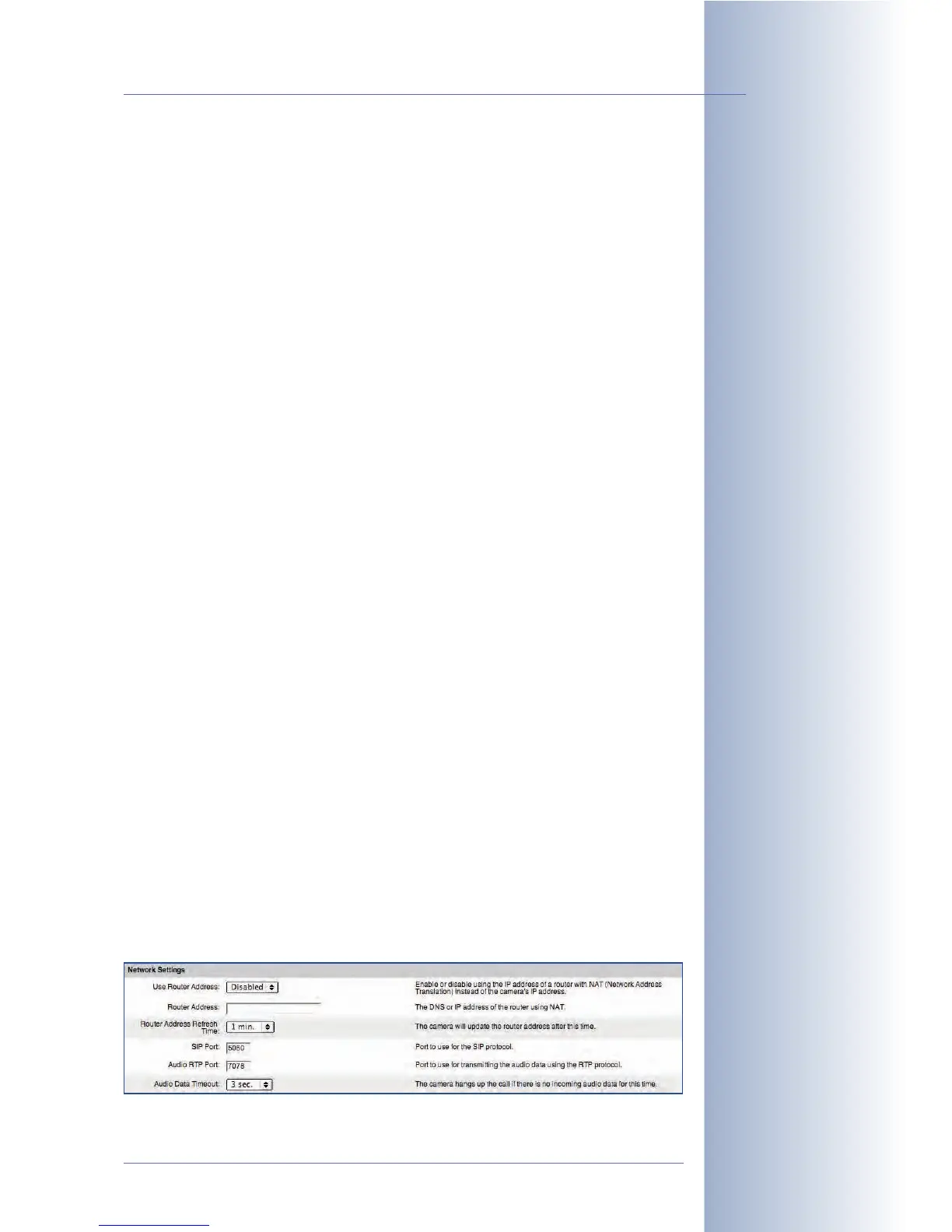
Network Settings
The SIP network settings should only be changed if your network environment uses
special security mechanisms (firewall, NAT routers, etc.). Contact your network
administrator to obtain the required information.
© MOBOTIX AG • Security-Vision-Systems • Made in Germany
www.mobotix.com • sales@mobotix.com • 10.10.2006
239/288
Software Camera Manual Part 2
The MOBOTIX camera
can now be reached using
the SIP address (e.g.
firstname.lastname@<
sip_provider>) or the
phone number assigned by
your SIP provider
Assuming the user name
mxcam and the SIP-Do-
main 10.1.0.99, the MO-
BOTIX camera can be
reached using this SIP ad-
dress: mxcam@10.1.0.99



 To Next Page