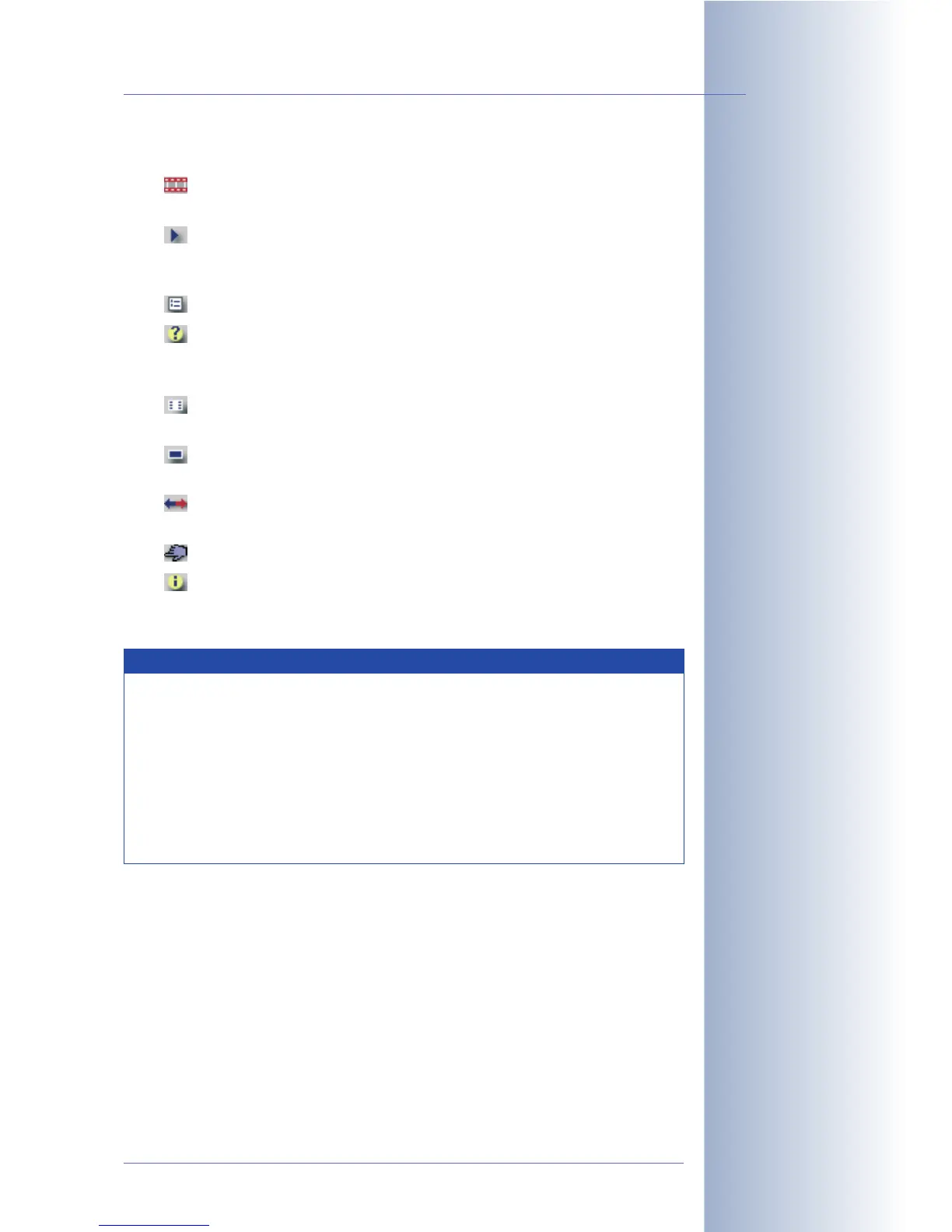
The button bar (see figure) contains the following controls:
• Live: The Live PDA screen displays the current image of the MOBOTIX
camera. To see a new image, click on the Live button.
• Player: Use the Player button to view the events stored in the internal or
the external image storage (file server) of the camera. Click on the image to
display it in its original size.
• Event list: The event list displays a list of the latest stored events.
• Query: Select a date and time to show and click on the > button. You
will receive a list of events with all events before and after the selected date
and time.
• Softbuttons: Select one of the camera functions of the Softbuttons PDA
dialog and click OK to execute the function.
• Size: This button displays the default resolution of 320x240 pixels. The
following resolutions are also available: 160x120, 640x480.
• Switch Lens: Click on this button to switch lenses. This button is not
available on MOBOTIX camera models with only one lens (Mono models).
• User Click: Triggers the User Click (UC) event of the camera.
• Camera Information: Displays information on the hardware, software
and the most important settings of the camera in a format that is suitable for
PDAs.
© MOBOTIX AG • Security-Vision-Systems • Made in Germany
www.mobotix.com • sales@mobotix.com • 10.10.2006
43/288
Software Camera Manual Part 2
Image is updated using
the Live button
Note
JavaScript-enabled PDA browsers will update the live image automati-
cally if the links pda/s, pda/m and pda/l are used.
• http://x.x.x.x/pda/s PDA screen 160x120 pixels
• http://x.x.x.x/pda/m PDA screen 320x240 pixels
• http://x.x.x.x/pda/l PDA screen 640x480 pixels
To see a new image in the PDA screen, click the Live button repea-
tedly.



 To Next Page