What you will find in this Manual1.1
Read this First on page 1
Make sure your have read and fully understood the safety requirements
in this section. This section also includes a list of acronyms and symbols that
are used throughout this User Guide to explain the features and functions of
your Mailing System.
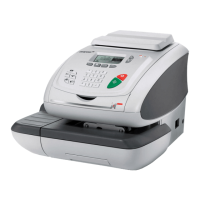
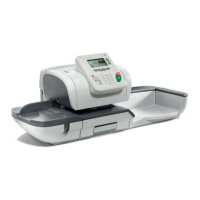
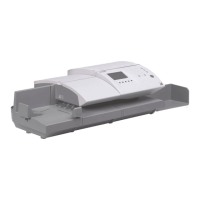
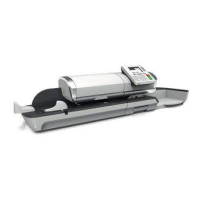
Meet Your Mailing System on page 9
This section explains your system's features, functions and controls of your
Mailing System. It also includes information on mail formats that can be pro-
cessed and how to power down your system.
Processing Mail on page 35
Provides information on choosing a task, weighing your mail, selecting a
Postage Rate, sealing your mail, running batches of mail, etc.
Postage Funds Management on page 97
Loading Postage Funds into your Mailing System.
Managing Accounts and Assigning Rights on page 103
Changing Accounts as a User, setting up Accounts and Assigning access to
the Mailing System as the Supervisor.
Reports on page 139
How to generate and print reports.
myEquipment E-Services on page 171
Accessing E-Services and upgrading your Mailing System features.
Configuring your Mailing System on page 181
Reviewing and re-setting your system settings.
Options and Updates on page 227
How to update/upgrade your Mailing System.
Maintaining your Mailing System on page 243
Managing your Ink Cartridge and maintaining other system components.
3
| Page 3 | janv.-12-2012 11:42 |
1
Read this First


 To Next Page
 Loading...