102 Chapter 3 Use the Océ TDS700 flexible scanner
Available settings for copy jobs
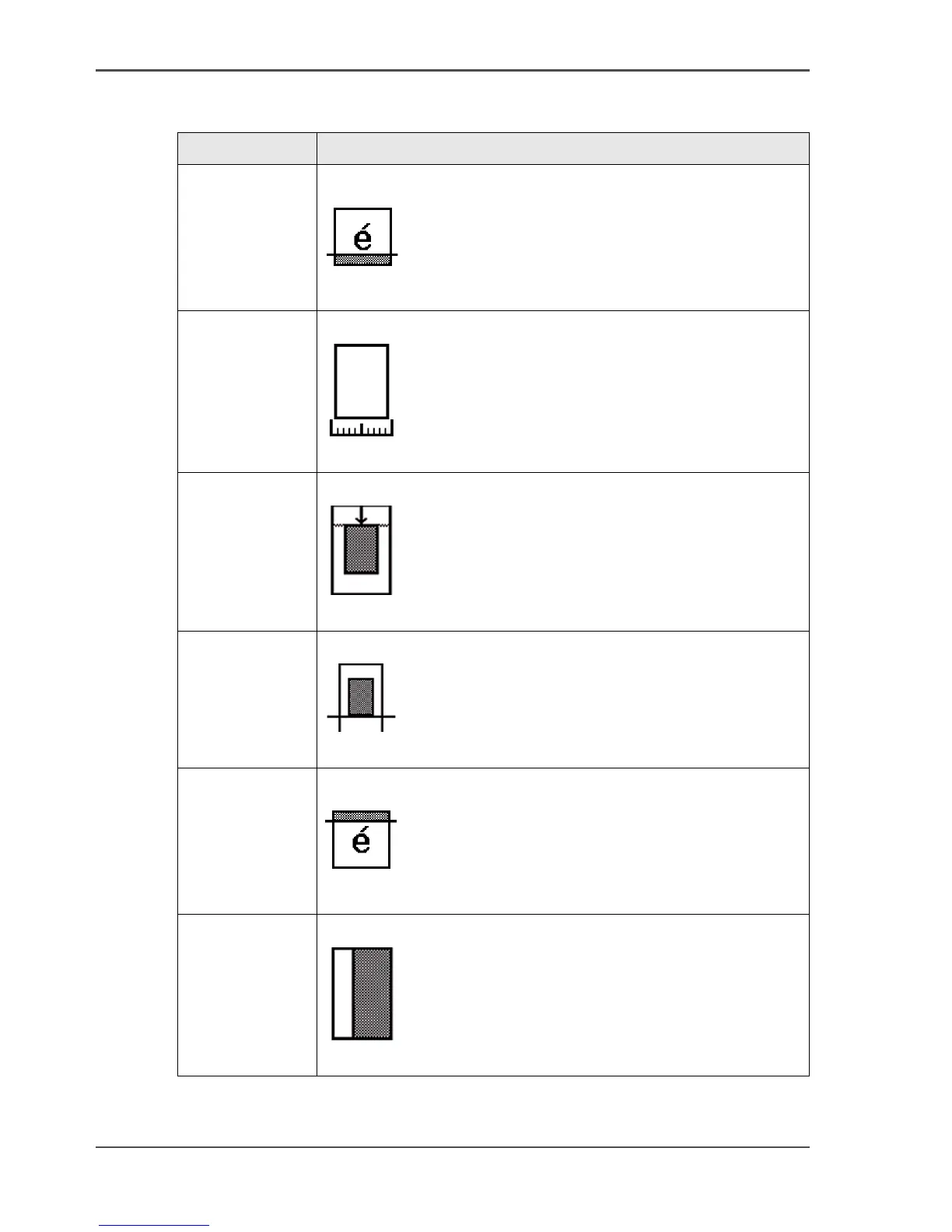
'Remove strip' Copy without strips
[41]
[41] 'Remove strip' (example)
'Original width' Define the width of the original
[42]
[42] 'Original width' (example)
'Delete area' Copy without a specific area
[43]
[43] 'Delete area' (example)
'Cut method' Define the cut method of the printer
[44]
[44] 'Cut method' (example)
'Add strip' Copy with a strip
[45]
[45] 'Add strip' (example)
'Alignment' Align the image of the copy
[46]
[46] 'Alignment' (example)
[14] The available settings for copy jobs, a setting can contain more than one
setting. (2 – 3)
Setting Function












 To Next Page