103
Available settings for copy jobs
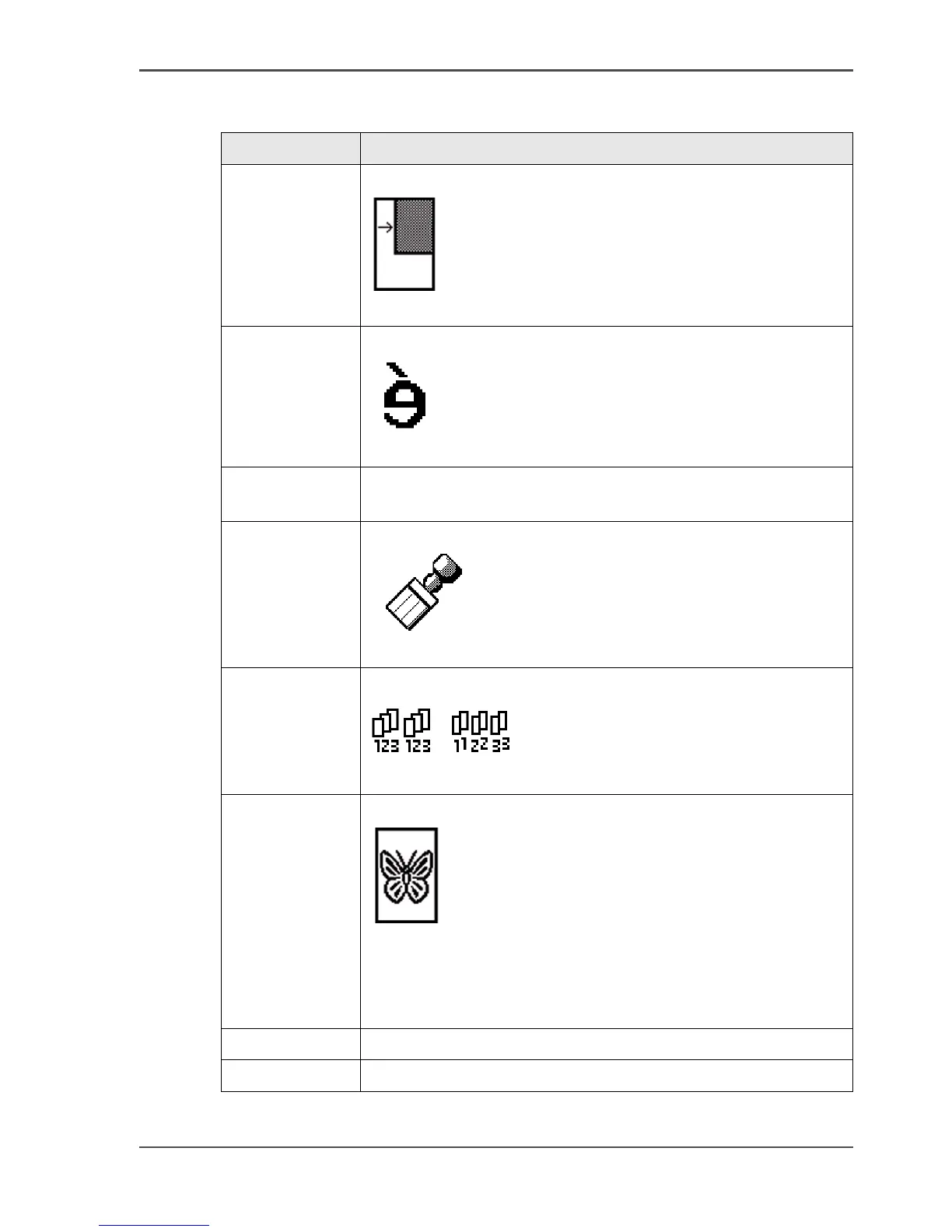
'Shift' Shift the image of the copy
[47]
[47] 'Shift' (example)
'Mirror' Mirror the image of the copy
[48]
[48] 'Mirror' (example)
'Drawing
method'
Define the legend location
'Stamp' Copy with a stamp
[49]
[49] Stamp (example)
'Collate' Define how to collate the copies.
[50]
[50] 'By set' (left) and 'By page' (example)
'Optimisation' Optimise the copy for speed or fine details
[51]
[51] Scan quality mode (example)
■ 'Fine details'
■ 'Normal'
■ 'Productive'
Folding Optional setting to define the folding method
Binding Optional setting to use a binding strip or a reinforcement strip
[14] The available settings for copy jobs, a setting can contain more than one
setting. (3 – 3)
Setting Function












 To Next Page