156 Chapter 3 Use the Océ TDS700 flexible scanner
Functions in Océ View Station® LT
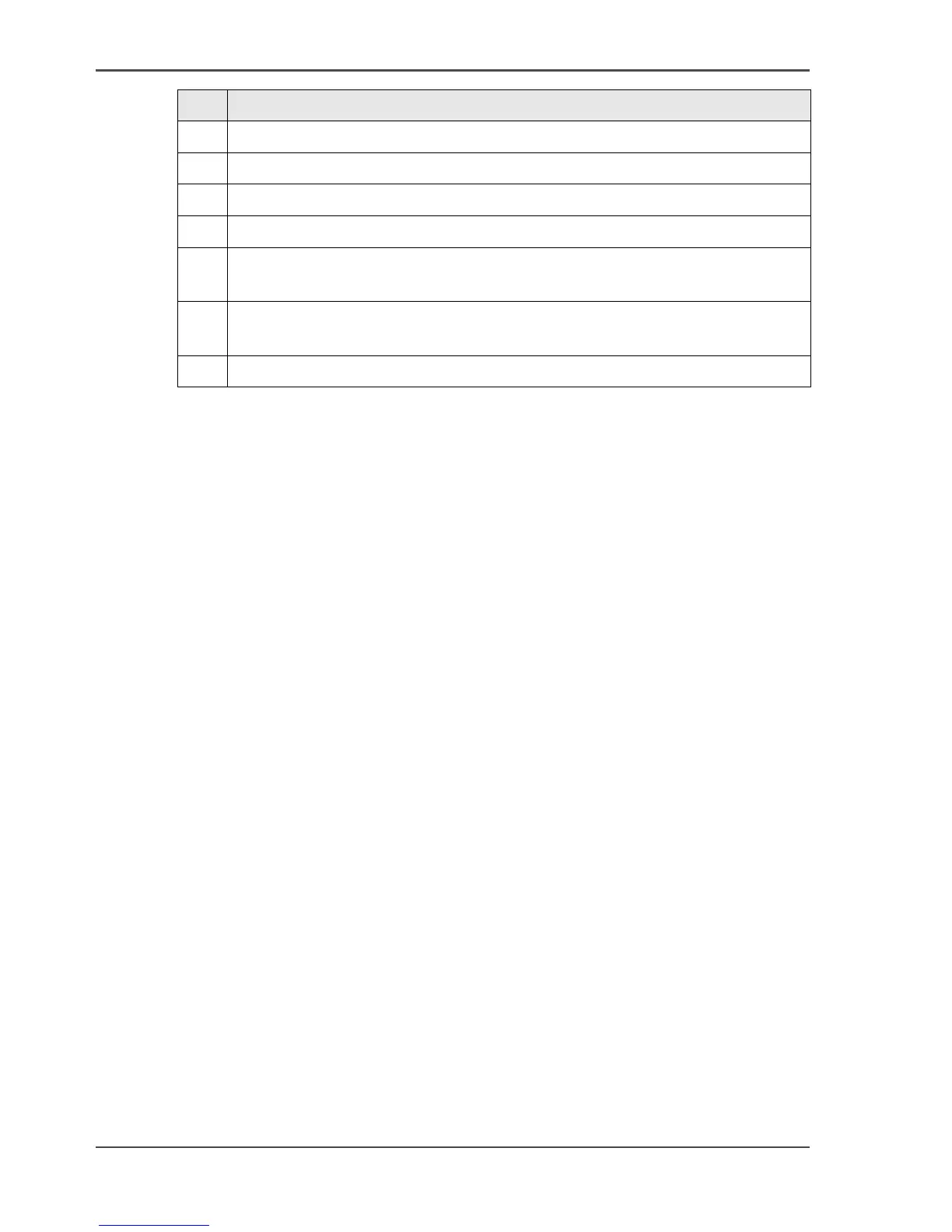
6 Mirror: Mirrors the image.
7 Rotate 90 CCW: Rotates the image 90 degrees counter-clockwise.
8 Rotate 90 CW: Rotates the image 90 degrees clockwise.
9 Rotate 180: Rotates the image 180 degrees.
10 Measurement: When active, allows you to measure lines and areas on the
image.
11 Reference: This small floating window displays the entire current page in
miniature for reference.
12 Displays or removes the Detail window.
Nr Description




 To Next Page