220 Chapter 4 Use the Océ TDS700 productive scanner
Scanning originals with filing strip
Make a copy with removed filing strip along the left hand side
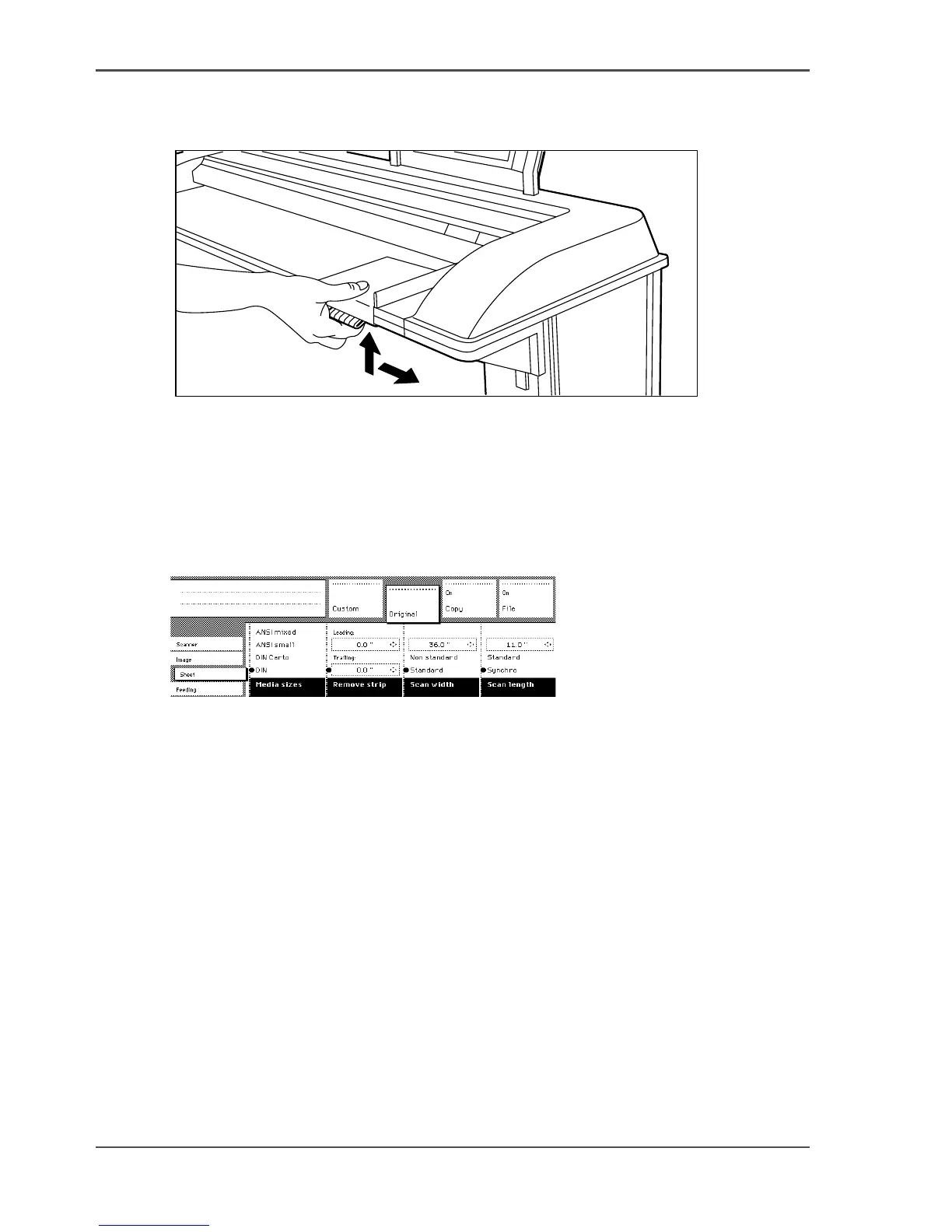
1. Press the handle underneath the original guide, and move it to the right.
[138]
[138] Adjusting the original guide to add or remove a filing strip along the left hand side
2.
Make all required settings.
3. Insert the original face-down, right aligned with the original guide on the original
feed table.
Illustration
[139]
[139] Example of removing the right hand side of an original
Make a copy with removed filing strip along the right hand side
1. Select the required media in the ‘Custom’ section on the operator panel.
2. Select the 100% value for the ‘ Scale’ function.
3. Make other settings as required.
4. Feed the original.


 To Next Page
 Loading...








