38 Chapter 1 Introduction
Turn on and off the Océ TDS700
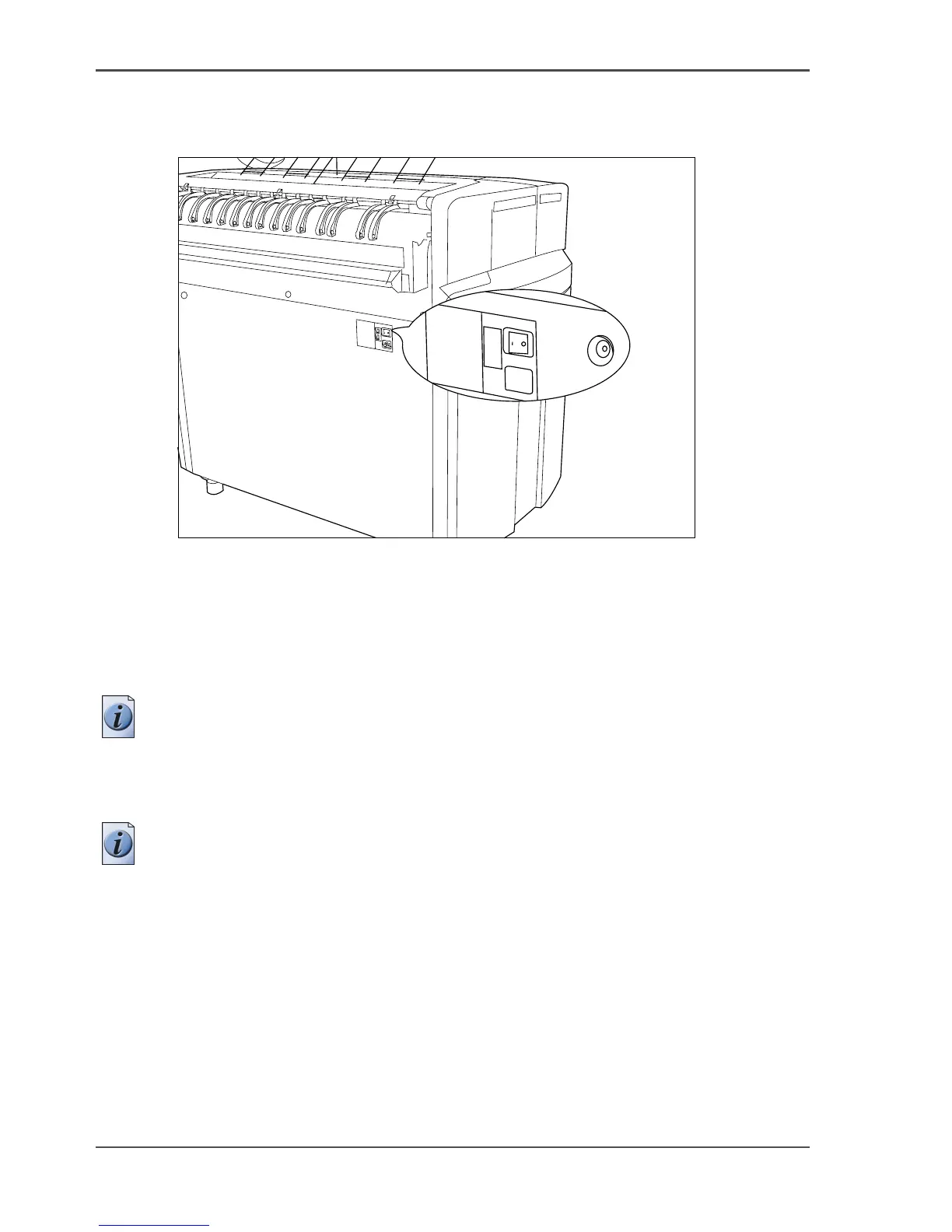
Illustration
[7]
[7] On / off switch at the rear of the printer
Turn on and off the printer
1. Set the On / off switch at the rear of the printer to position ‘1’. The green LED turns
on. The message Ready to print appears on the printer operator panel.
Note: You must separately switch on the controller that is located inside the printer.
2. Set the On / off switch at the rear of the printer to position ‘0’. This action only turns
off the printer.
Note: Before you turn off the printer, make sure that the printer is not printing a job.












 To Next Page