39
Turn on and off the Océ TDS700
Illustration
[8]
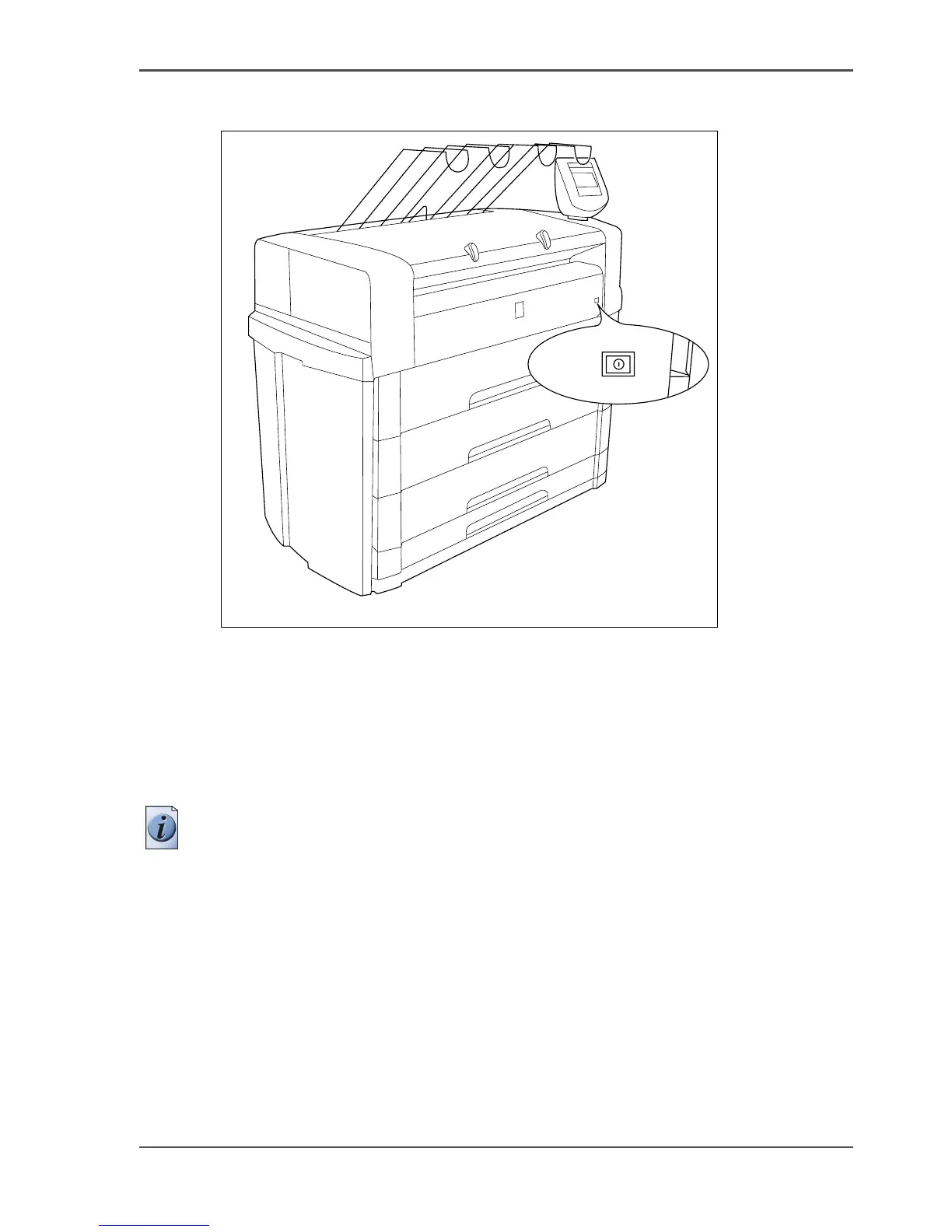
[8] On / off button on the incorporated Océ TDS700 Power Logic
®
controller
Turn on and off the controller
1. The printer can be in standby mode, in sleep mode or it can be turned off completely.
Press the On / off key at the front of the printer to turn on the controller inside the
printer. The green LED turns on.
Note: This action only turns on the controller. Separately from this action, you can
turn on the printer and scanner.
2. Press the On / off key at the front of the printer to turn off the controller inside the
printer. The green LED turns off 30-60 seconds after you have pressed the key.












 To Next Page