40 Chapter 1 Introduction
Turn on and off the Océ TDS700
Illustration
[9]
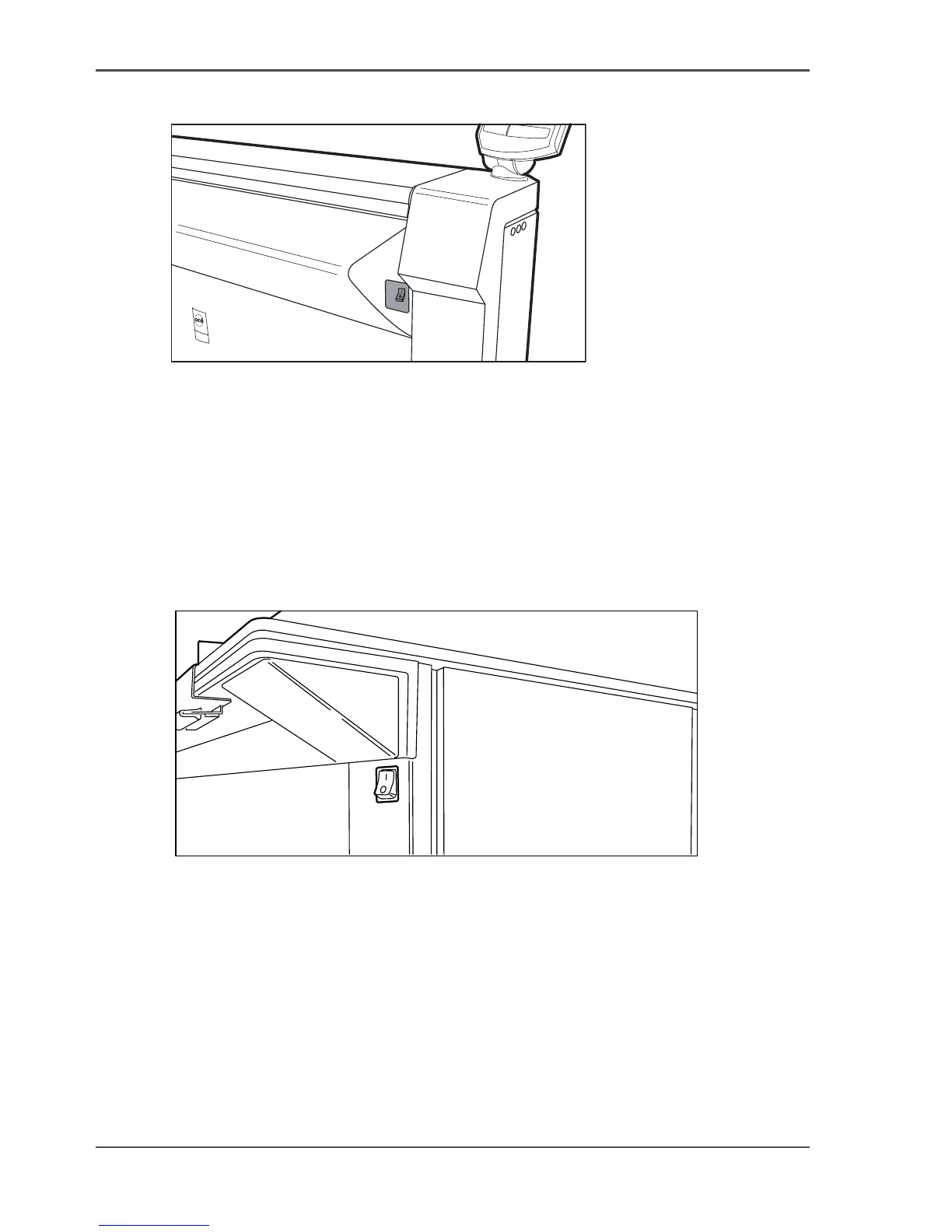
[9] On / off switch on the flexible scanner
Turn on and off the flexible scanner
1. Set the On / off switch to position ‘1’. The green LED turns on. The message Ready
to scan’ appears.
2. Set the On / off switch to position ‘0’.
Illustration
[10]
[10] On / off switch on the productive scanner
Turn on and off the productive scanner
1. Set the On / off switch at the front of the scanner to position ‘1’. The green LED
turns on. The message Ready to scan’ appears.
2. Set the On / off switch at the front of the scanner to position ‘0’.












 To Next Page