Mixer : Creating and Configuring Mixers
10 - 275
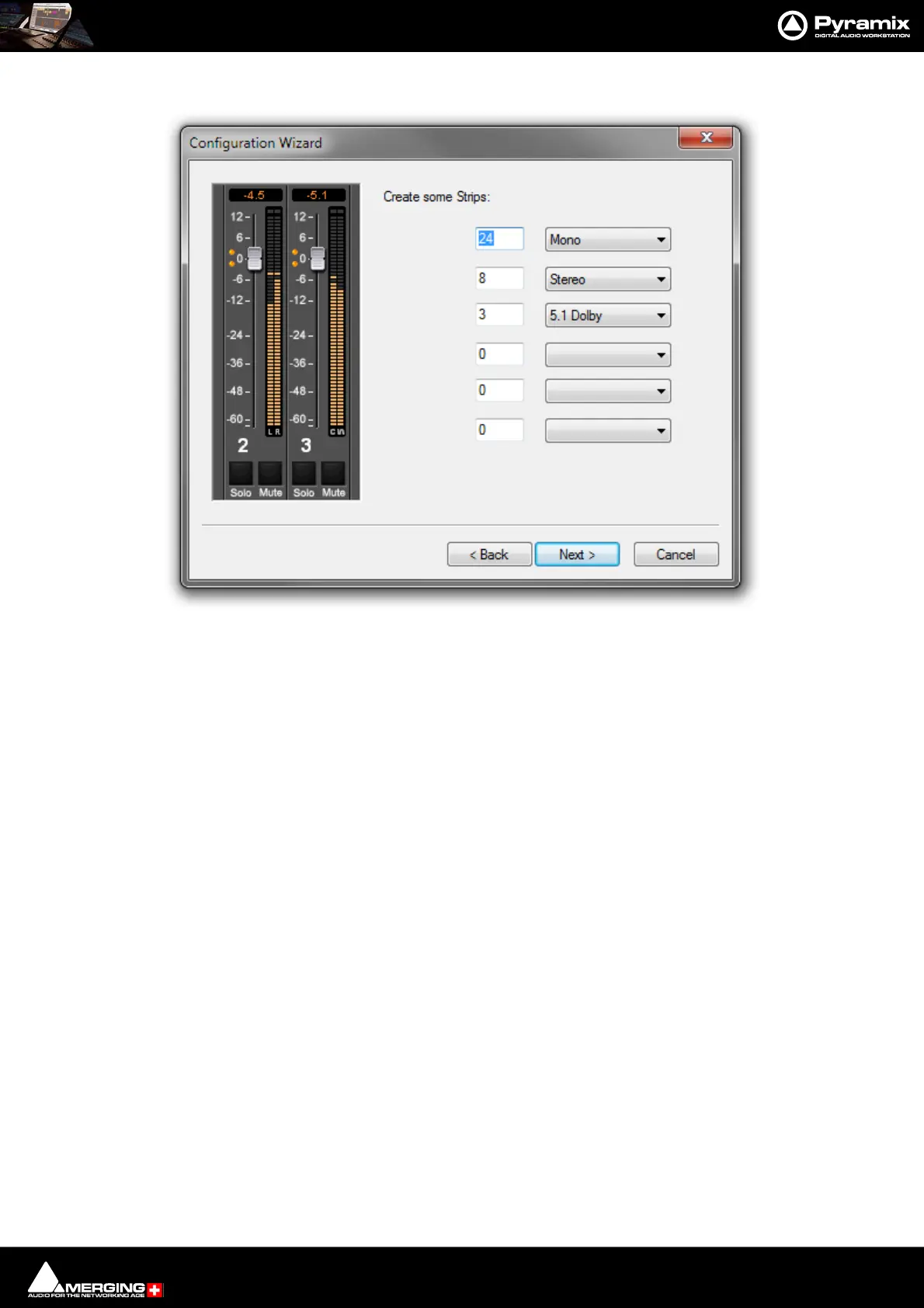
Create Some Strips
Column 1 Field for the number of Buses to be created.
Column 2 Drop-down list with the 32 Strip Formats available.
Back Moves to the previous page page.
Next> Moves to the next Wizard page.
Cancel Keeps the current Mixer and closes the Wizard.
Type the number of Strips required in the left-hand field and choose the Strip Format from the right-
hand drop-down list. The six rows are used to create different Strip Types and formats simultane-
ously. Click the Next button to move on to the next page:
Configuration Wizard strips dialog



 To Next Page