Mixer : Creating and Configuring Mixers
10 - 276
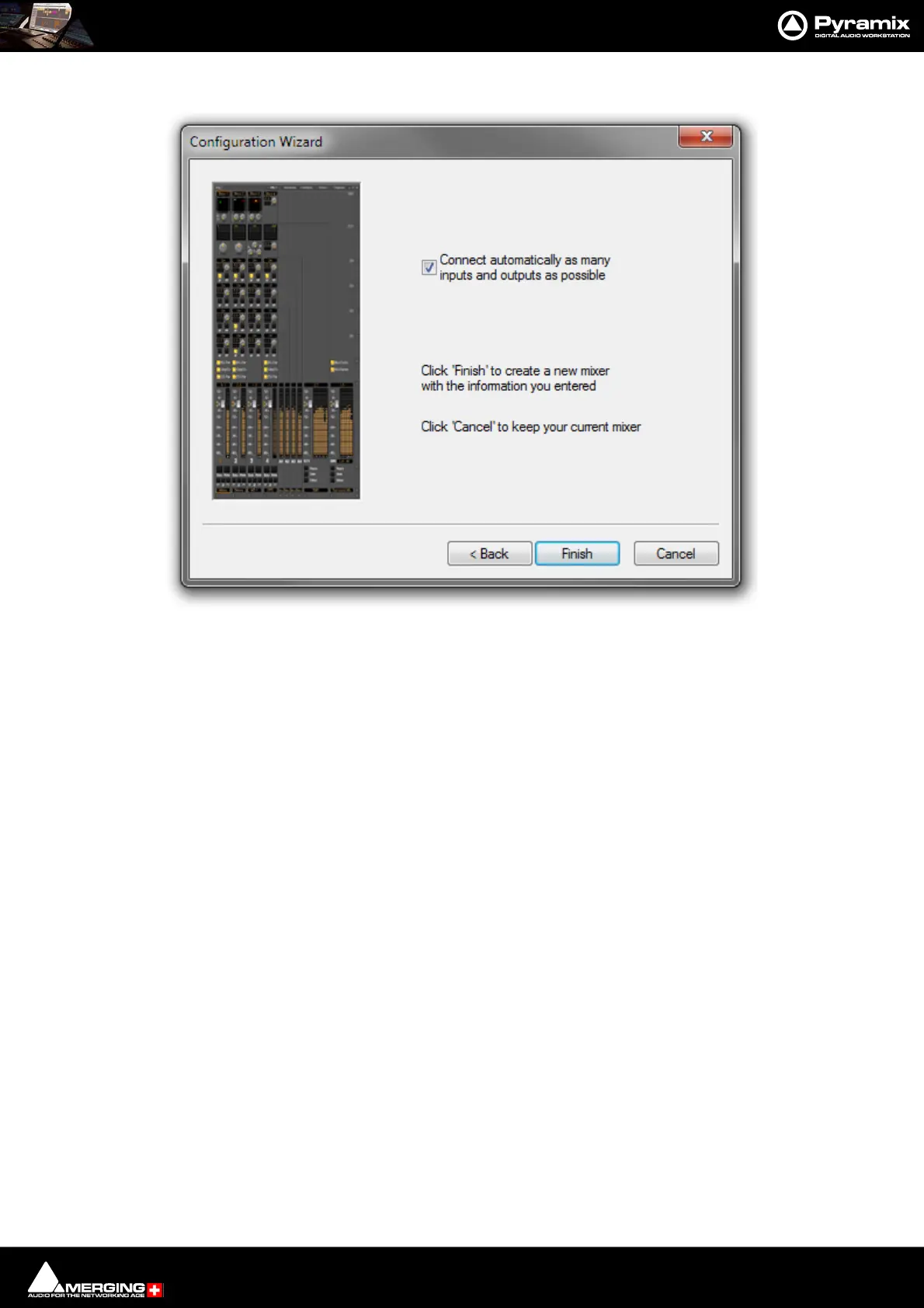
Connect & Finish
Connect automatically as many inputs and outputs as possible Check the box to auto connect.
Back Moves to the previous page page.
Next> Moves to the next Wizard page.
Cancel Keeps the current Mixer and closes the Wizard.
Checking the Connect automatically as many inputs and outputs as possible check-box will cre-
ate the same number and types of Tracks as there are Input Strips and connect as many as possible
to the available physical inputs in ascending order and connect output Buses to the physical I/O and
Track outputs to Mixer Input Strips, although you can easily reconfigure this later. If the box is not
ticked, the Tracks will be created in the same way with Track outputs connected to Mixer strips but
no physical Inputs or Outputs will be connected.
Note: When the Wizard is run from New Project Wizard clicking Cancel opens the new Project
with a Blank Mixer Window (to configure see below).
Configuration Wizard auto Connect & Finish dialog



 To Next Page