Video : Wrap in Video
21 - 527
Target Folder Field shows the path to the Target Folder where the wrapped video file will be created.
The ... button opens a File Browser enabling a folder to be selected or created.
Ensure RDD09 Compliance When checked the wrapped file will be checked for RDD09 compliance.
Options
Use Source Video Timecode to generate Target Video Timecode When checked, Timecode in the wrapped file will match
the original Video File
Use Timeline Timecode to generate Target Video Timecode When checked, the TimeCode in the wrapped file will
match the Timeline Timecode. (Not available for all formats.)
Wrapping the File
Initiate the process by clicking on the Mix Down button in the Mix Down dialog.
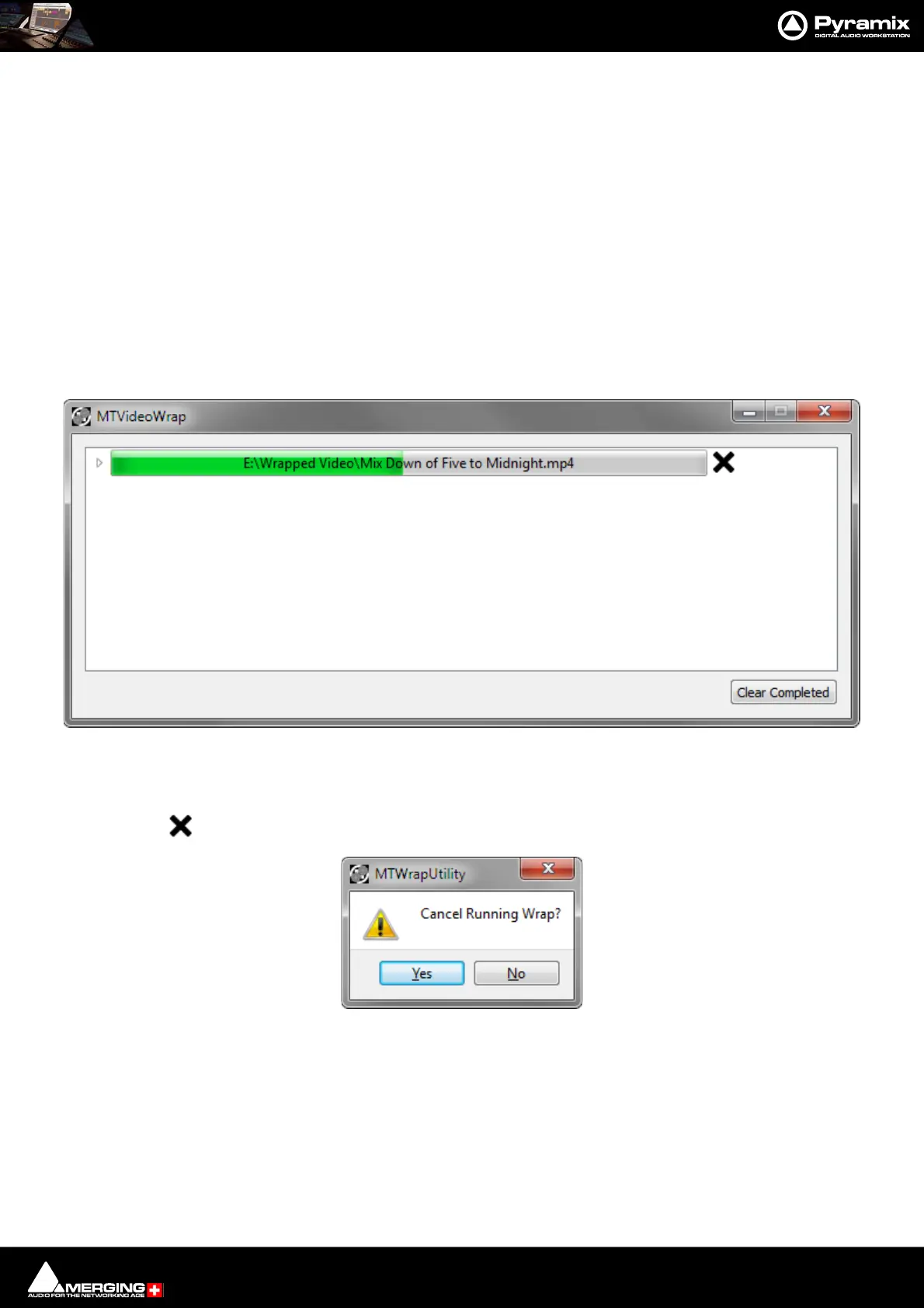
The Audio Mix Down proceeds first. When this is complete the Wrap process begins and the MTVideoWrap win-
dow opens:
The green bar indicates progress.
Clicking on the X button while the Wrap is in progress opens the MTWrapUtility dialog:
Click on Ye s to Cancel the Wrap process, or No to continue the Wrap.



 To Next Page