Video : Wrap in Video
21 - 530
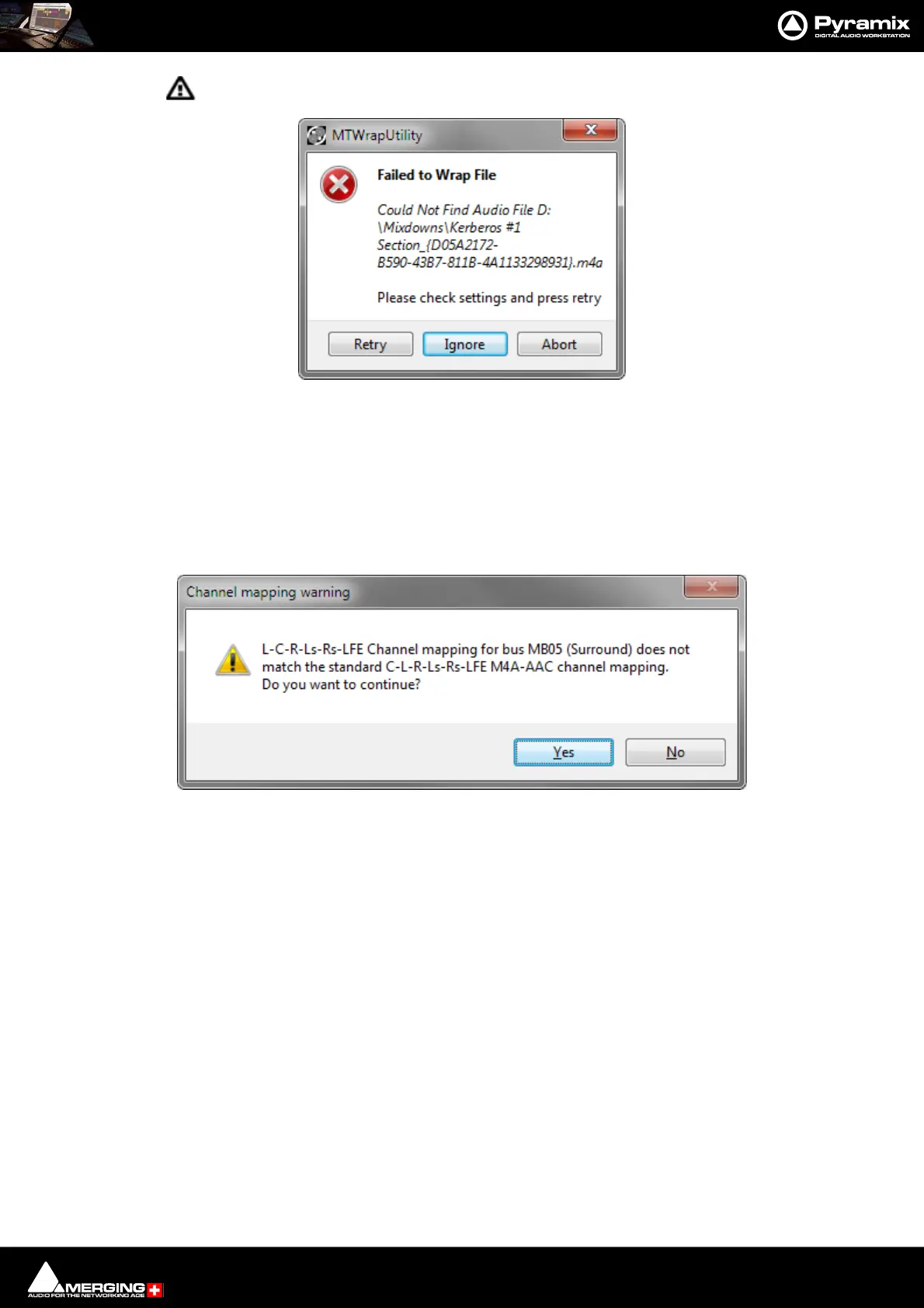
Clicking on the ! button opens the MTWrapUtility dialog:
The dialog shows the reason for the failure. Clicking on Retry may allow the Wrap to be completed. However, if as
in this case the Audio file does not exist, nothing will happen. Clicking Ignore leaves the entry in the MTVideoW-
rap list. Clicking Abort removes the entry from the list.
Channel Mapping Warning
When the Mix Down button is pressed if the Output Bus Channel Format does not match a permissible target
Video File Channel Mapping a warning dialog appears:
Click on Ye s to continue the Wrap or No to abort.



 To Next Page