CD/SACD Mastering and Album Production : Album Publishing
26 - 613
Offline Controllers
Check the box to turn any connected controllers off during the image generation process.
SRC Filter Type
If Sample Rate Conversion is necessary this option will be available. It uses the Merging technologies HeptaCon
technology. Choose the desired Filter Type from the drop-down list :
• Linear Phase features constant group delay, thanks to the linear phase, and has a symmetric impulse
response, but also longer rings. This offers the best preservation of stereo image. There will be a minimum
of phase distortion from the anti-aliasing filter.
• Minimum Phase features an asymmetric impulse response with minimum phase response. This gives the
lowest amount of phase variation along the frequency spectrum and allows slightly better results for tran-
sient sounds.
• Apodizing offers the steepest response around the Nyquist point and linear phase. It offers the best of
both worlds for the about the same computational effort as the 2 other designs. There is a steep transition
band in the LPF filter using an almost linear phase. Arguably this is the best compromise between linear
and minimum phase types.
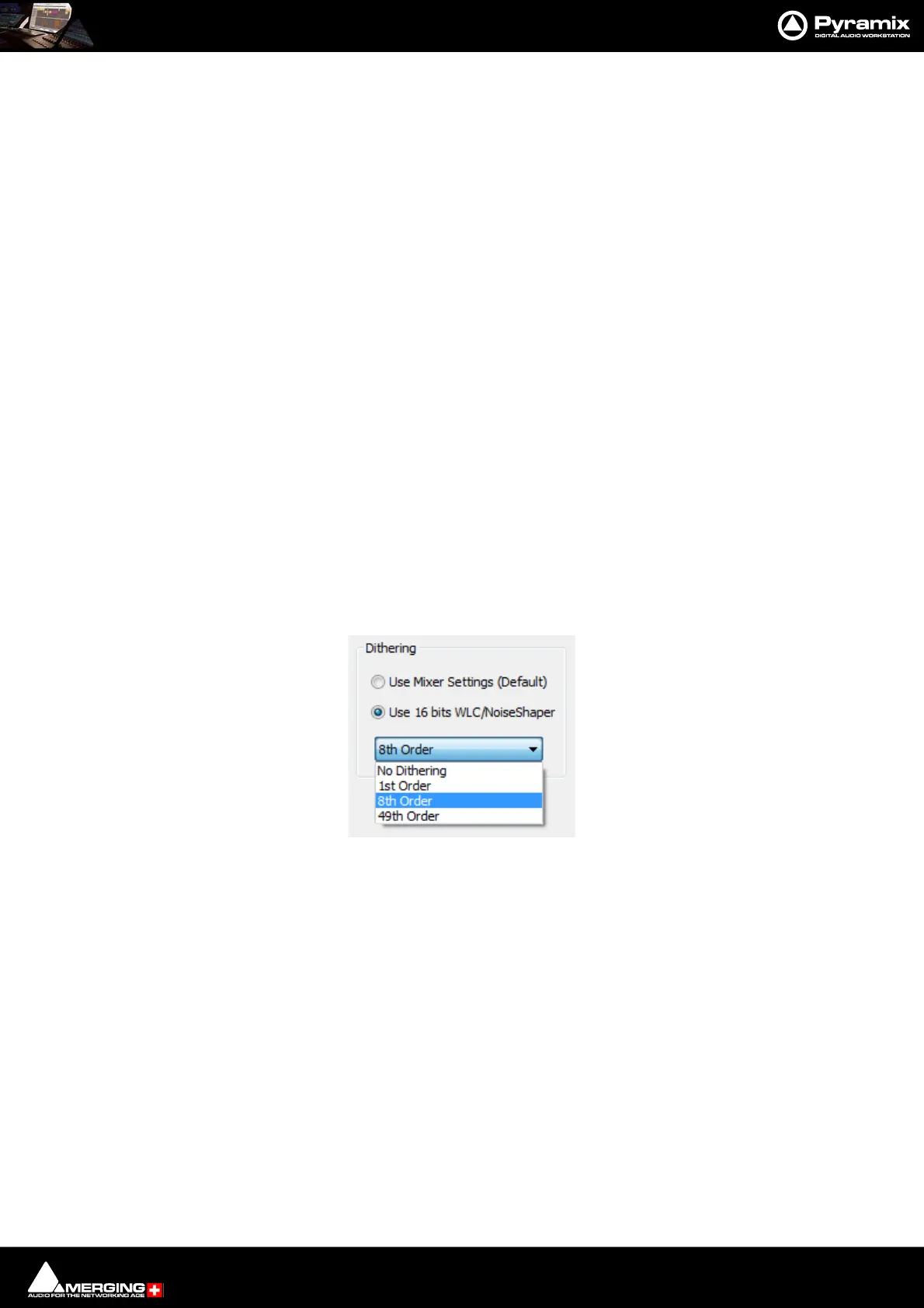
Dithering
Note: There is no necessity to manually disable dither in the Mixer.
There is a choice between two dither processing units:
Use Mixer Settings (default)
Applies the same treatment as the Mixer's Dither (parameters are those selected in the Mixer) or
Use 16 bits WLC/Noise Shaper
This is the same as the dither in V4.2, available even if no SRC is applied. The combo box offers a choice of settings:
Select the required quality of Noise Shaping from the drop-down list.
1st Order is simple single order shaping with
8th Order and
49th Order offering improved quality.
A higher quality setting will produce better results, but the processing time will also increase.
Controllers
Offline Controllers
Untick the box if you want to use a Hardware Controller while generating the image in realtime for e.g. changing
Monitor volume etc. or to fade out.
Post Processing Album Publishing
Check the Album Publishing box to generate files in one or more formats.
Click on the Settings button in the Album Publishing section to open the Album Publishing options Proper-
ties dialog, make the appropriate settings and click Generate Image to commence the process.
Generate CD/SACD dialog - Dither options



 To Next Page