Media Management & Libraries : Media Management Tab Window
4 - 62
Mounting Rules Opens the Mounting Rules dialog only when a file or files are selected. This allows the
user to apply special rules when attempting to mount files that contain the same ‘unique’
identifier. Please see: Mounting Rules on page 93
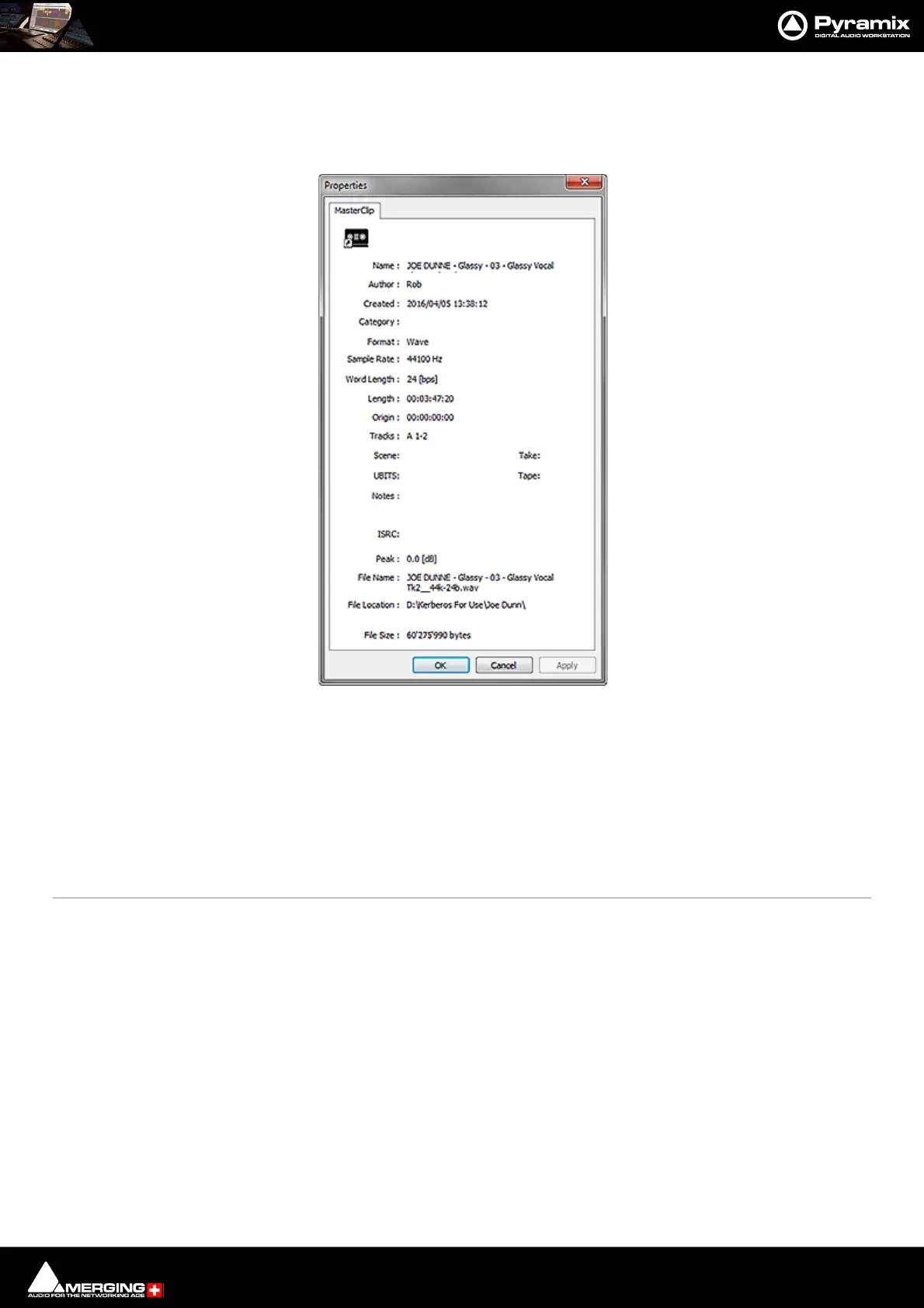
Properties Opens the Properties window for the selected Media Folder or MasterClip:
Edit Menu
Copy Copy object.
Paste with Media Pastes object complete with associated Media files to wherever the target object is
stored.
Rename Rename object
Lock Rename When ticked Locks all objects for Renaming. Do you really want your Sound Effects
Library entries to be renamed by anyone who can access it?
Open/Audition Opens highlighted (selected) Clip or Composition in the Trimmer and begins audition
play. Opens highlighted (selected) Shelf
Audition Opens highlighted (selected) master Clip in the trimmer and begins audition play.
Stop Audition Stop audition Play and return Cursor to beginning



 To Next Page