Productivity : Tab Windows
27 - 645
Note: The centre button is only available when the Tab can be docked as a Tab in another Tab
Window.
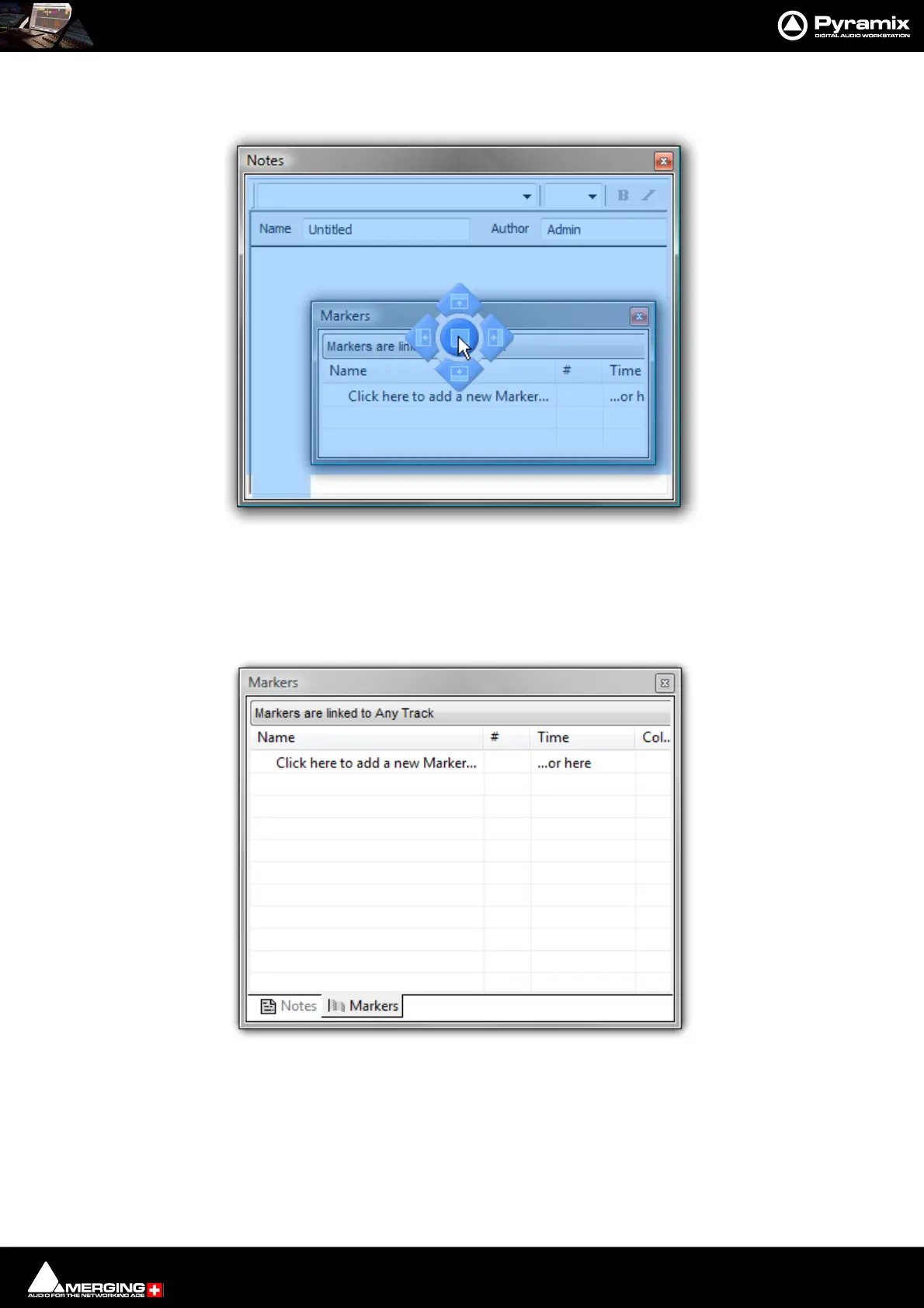
Placing the mouse cursor over a specific Landing Light determines what will happen when the mouse button is
released. In order to help avoid confusion blue “ghost images” appear showing where the Tab Window will land. In
the screenshot above, if the mouse button is released the Markers Tab Window will become nested with the
Notes floating Tab Window thus:
If a nested, floating Tab’s title bar is double-clicked all the nested Tabs are returned to the main Tab dock.
Tab Window “Landing Lights” and “Ghost Image”



 To Next Page