Productivity : Tab Windows
27 - 646
Layout Example
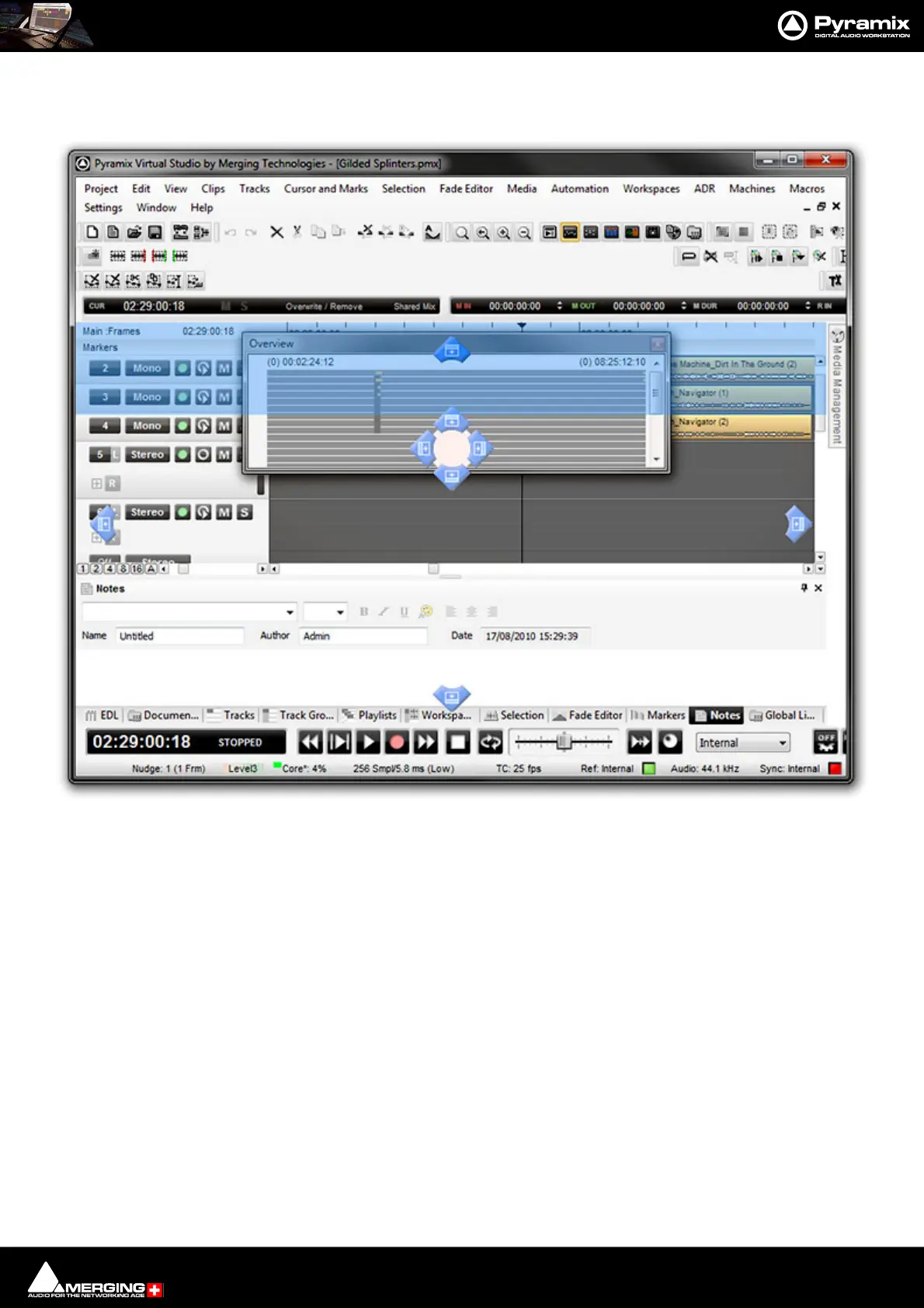
Here, the Overview Tab has been ‘torn off’ by clicking and dragging.
It is often useful to have the Overview above the Timeline and so that is the landing light used here.
When the mouse button is released, the Overview will be positioned above the Timeline and can then be re-sized
as required.
Main Project Window Tab Window with “Landing Lights” and “Ghost Image”



 To Next Page