Appendices : Appendix III Optional Features
31 - 792
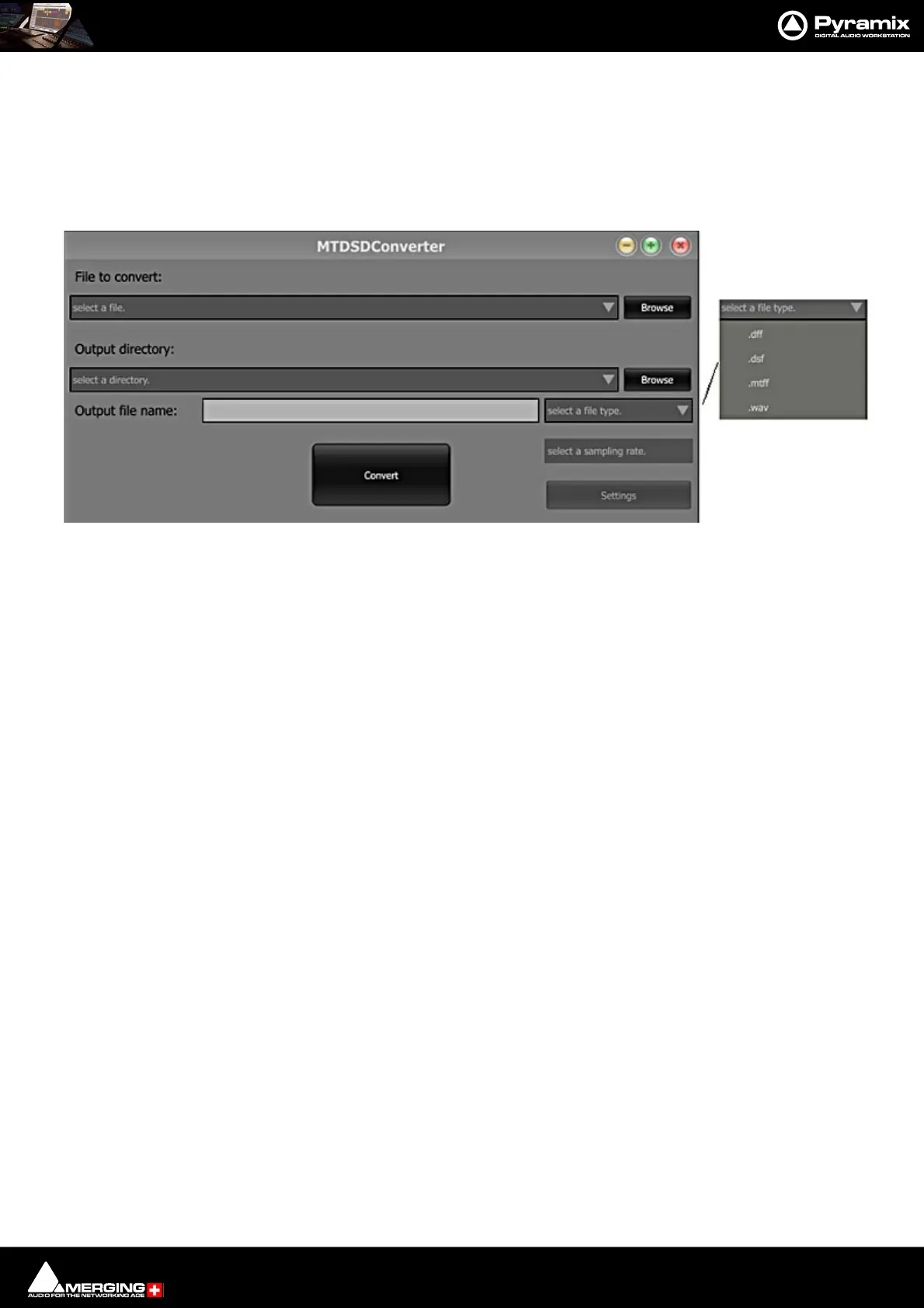
MTDSD Converter
A stand alone DSD converter application is installed with Pyramix.
You will find it in Start > All Programs > Merging Technologies > Pyramix.
The input file format can be 8FS, DXD or DSD. The output file type is chosen from the select a file type. drop-down
list.Sampling rate is selected from the select a sampling rate. drop-down list such as DSD64, DSD128 or DSD256.
• DFF = DSDIFF
• All formats support up to DSD256 except WSD (DSD 64 and DSD128 supported).
• Edited masters can only be DSDIFF (Stereo, 5.0 or 5.1).
• DSDIFF can support up to 64 channels
• DSF supports 1 to 6 channels.
• WSD is limited to 256.
• MTFF supports up to 6 channels with specified channel mapping as a Digital Release (TOC included). Other-
wise, as regular media support is up to 256 channels.
MTDSD Converter user interface



 To Next Page