Display screens
ENVI-MAG Manual A3-11
Instrument
Help screens
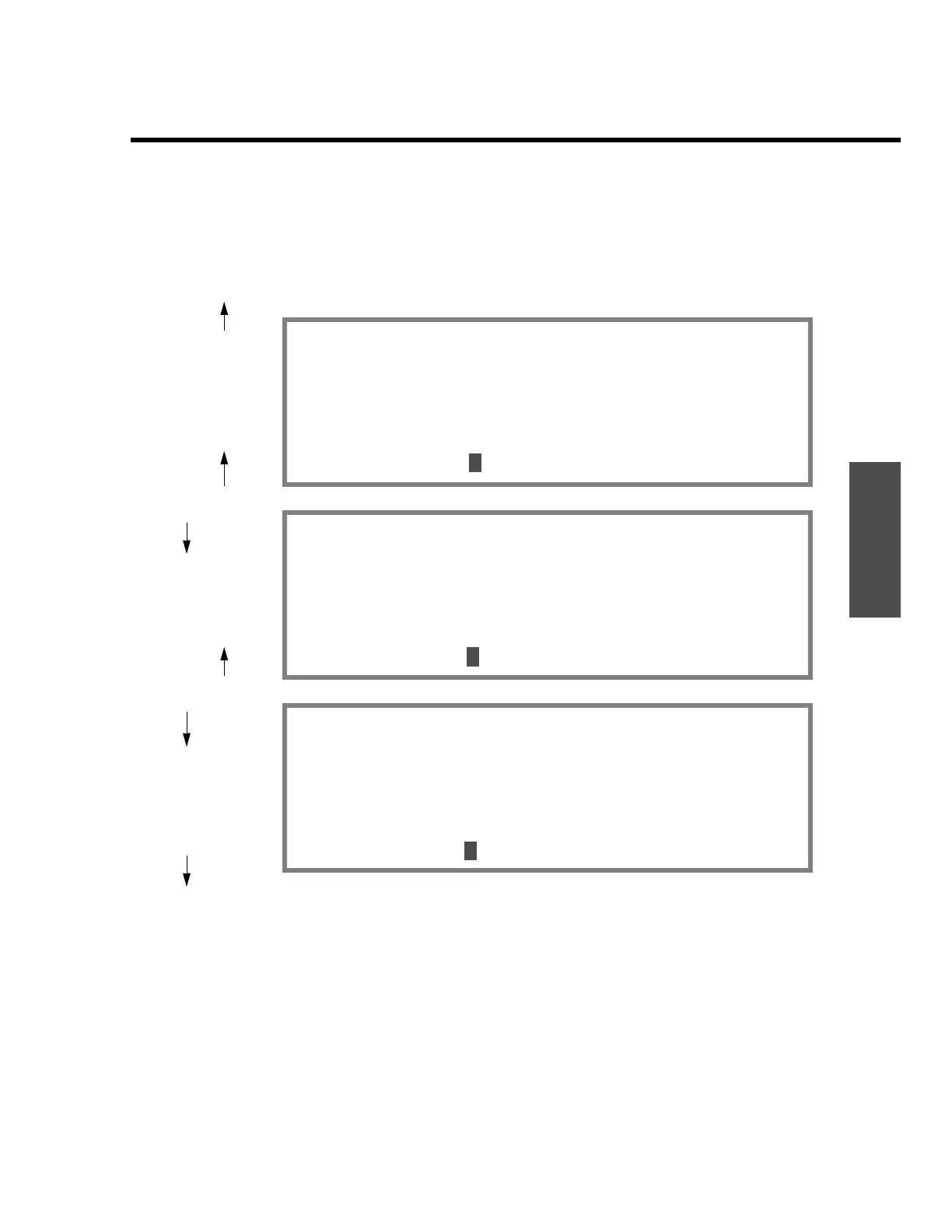
On-line help is also available. There are three screens of information
providing a quick reference on how to do most operations and which
buttons to push. The screens are as follows:
Figure A-14
Help screens available
The help screens are displayed when you press the “INFO” button. Whenever
you see the text
help:INFO in the bottom prompt line of a display, you can
activate the help screens.
To toggle to the another help screen, press the “+” or ”-” key. The screens
change in a cyclical manner as shown in the above figure.
To return to the main operating menu, press the “ESC” key.
Cold Boot:AUX-ON simult.
Follow setup inst. bottom left line
To change application:SETUP-ON simult.
Switch Window:NEXT
Read:START/STOP..Tie point read:TIE
While reading, NEXT to tag station
Main Menu: ESC 000 V2.1 more +-
Read end:GRAPH/NUM,NEXT to view data
On graph:ENTER recall. +- Scale, 0 centr
On num.:NEXT for signal diagnostic
Search mode on line view both graph/num
Base sensor cable:2-LONG, 3-SHORT
Main Menu: ESC 000 V2.1 more +-
HOT/MENU KEYS: (appl. 5,6,7)
SETUP: Main instrument
NOTE: Define notes,macros
RECALL: Off-line data recall
INFO: tm/dt,oper,job#,ser#,batt,mem
AUX: LCD intens.,output,lock, RP.OS.
Main Menu: ESC 000 V2.1 more +-
=
-
=
-
-
=
7
=-
0


 To Next Page
 Loading...