Advanced Mode
ENVI-MAG Manual A4-27
Setup
Display intensity control
The display intensity gets pre-set at each cold boot and seldom needs to be
adjusted. If it does, proceed as follows.
From the Main operating display:
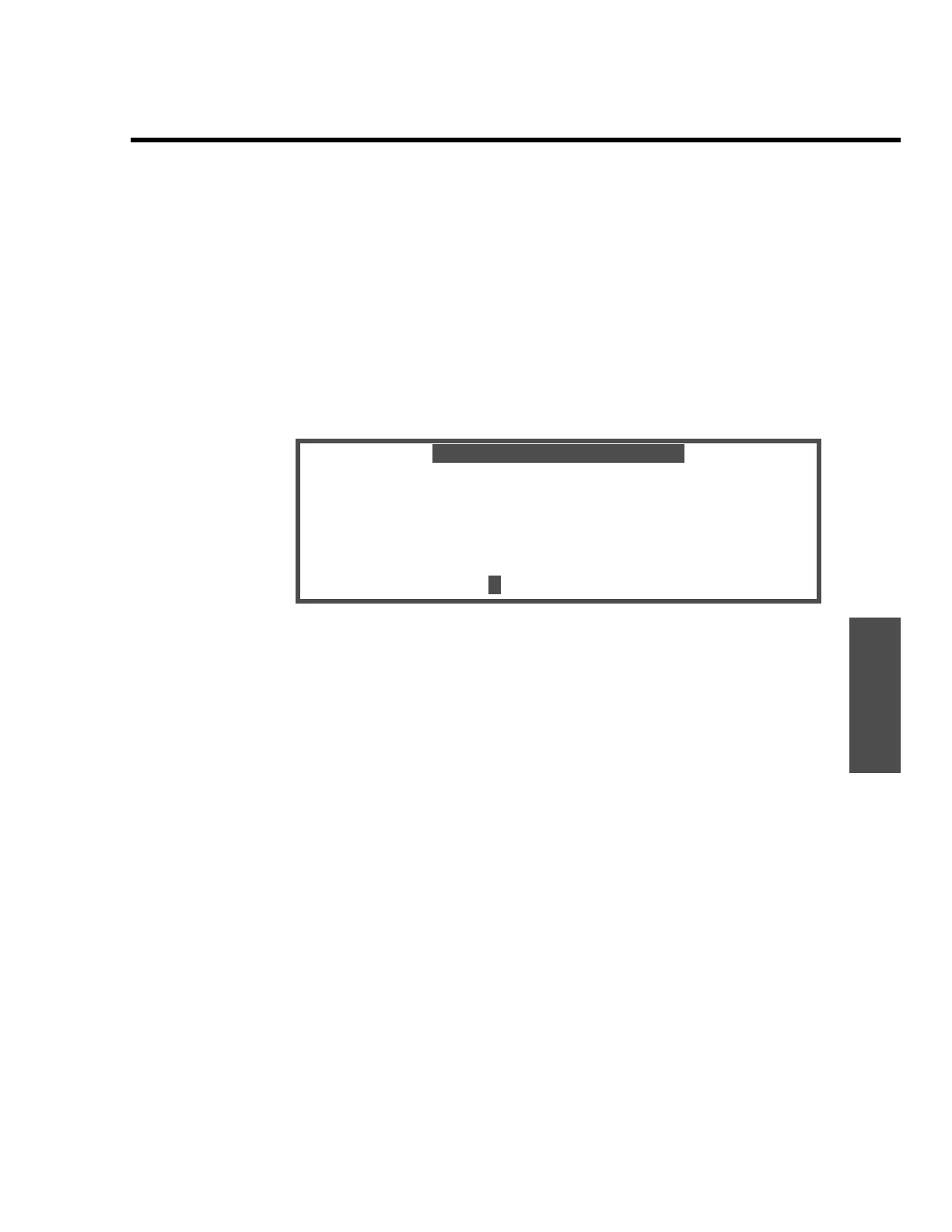
1. Press the “AUX/LCD” key, and the Auxiliary Function display appears.
(+- ESC) LCD Intensity
(1) Data Output
(2) Factory Test #
(3) Lock OFF
(4) Reprogram System
Select function
2. Press the “+” or “-” key to adjust the intensity of the display to your satisfaction.
3. Press “ESCAPE” twice to return to the Main operating display.
1
auxiliary functions
=-
00


 To Next Page
 Loading...