LOGO! Manual
A5E00380835-01
92
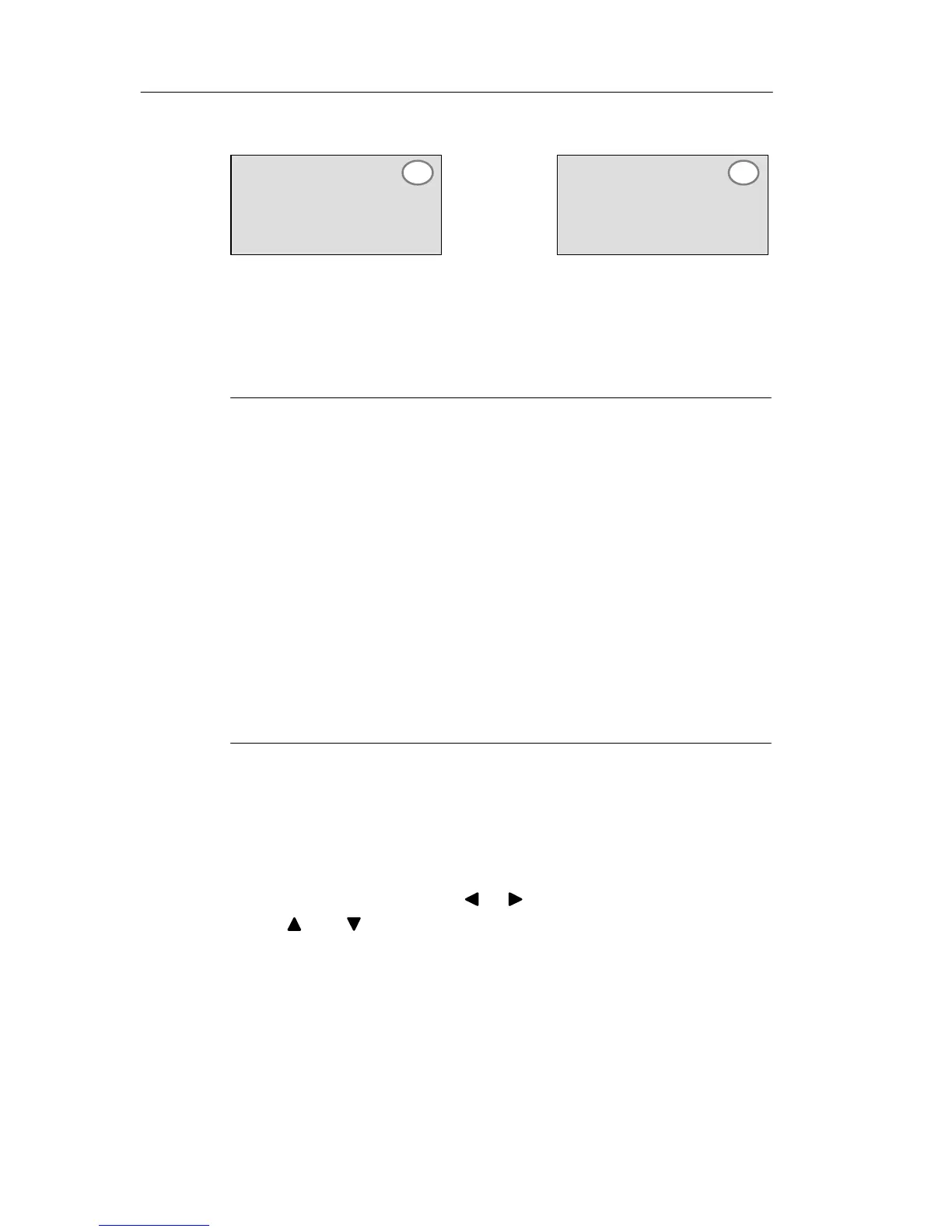
The display now shows:
or
Retentivity R: Current
data are retained
Retentivity /: Current
data are not retained
T=12:00m
B2 –/
T=12:00m
B2 –R
3. Confirm your entries with OK
Note
For further information on the protection mode, refer to
Chapter 4.3.5.
For further information on retentivity,
refer to Chapter 4.3.4.
You can modify the protection mode and retentivity setting
only in programming mode, i.e. this is not possible in pa-
rameter assignment mode.
In this manual, the protection mode (”+” or “–”) and reten-
tivity (”R” or “/”) settings are only shown in the displays
where these can actually be changed.
Verification of the circuit program
This program branch for Q1 is now completed. LOGO!
shows you the output Q1. You can once again view the cir-
cuit program on the display. Use the keys to browse the
circuit program, i.e. press or to move from block to
block, and to move between the inputs at a block.
Pro







 To Next Page