61
LOGO! Manual
A5E00380835-01
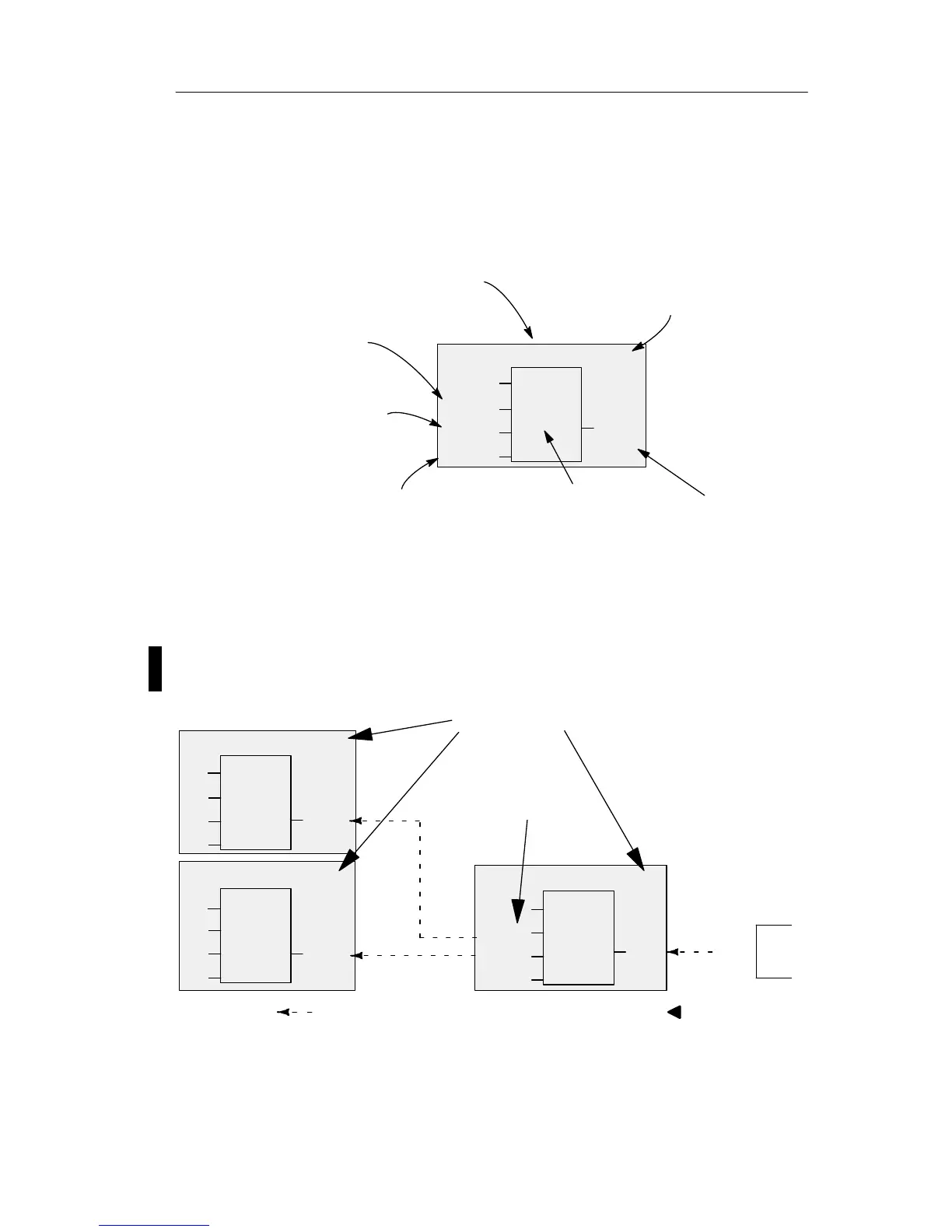
View of blocks on the LOGO! display
The figure below shows a typical view of the LOGO! dis-
play. As you can see, it can show only one block at a time.
We have therefore introduced block numbers to help you
check the circuit structure.
1
B2
I3
Q1
B1
View of the LOGO! display
x
Block number -
assigned by
LOGO!
A further block is con-
nectedat this point
Input
This connector is not required
Output
Block
x
Assigning a block number
LOGO! assigns each new block a circuit program a block
number.
LOGO! uses these block numbers to indicate the block in-
terconnections. This means that these numbers mainly
represent an aid to your orientation in the circuit program.
I1
I2
I3
1
B1
B2
B2
1
B3
Q1
B1
B1
Scrolling the circuit program using the key
I4
I5
I6
1
B1
These blocks are
interconnected
Block numbers
Q1
x
B3
x
x
x
Pro







 To Next Page