197
LOGO! Manual
A5E00380835-01
Functional description
The function fetches the analog signal of input Ax.
This value is multiplied by the value of the A (gain) parame-
ter, and parameter B (offset) is then added to the product,
i.e. (Ax gain) + offset = actual value Ax.
The actual value Ax is output at AQ.
Using the analog input value of a potentiometer
You can acquire the analog input value of a potentiometer
by interconnecting an analog input with an analog amplifier
and an analog flag.
Scale the analog value at the analog amplifier for further
use.
Connect, for example, the time base for parameter T of
a time function (e.g. On-/Off-delay, Chapter 4.4.3) or the
on and/or off limit specification of an up/down counter
(Chapter 4.4.13) to the scaled analog value.
For more information with programming examples refer to
the online help for LOGO!Soft Comfort.
Preset of the Par parameter
The gain and offset parameters are used to adapt the sen-
sors to the relevant application.
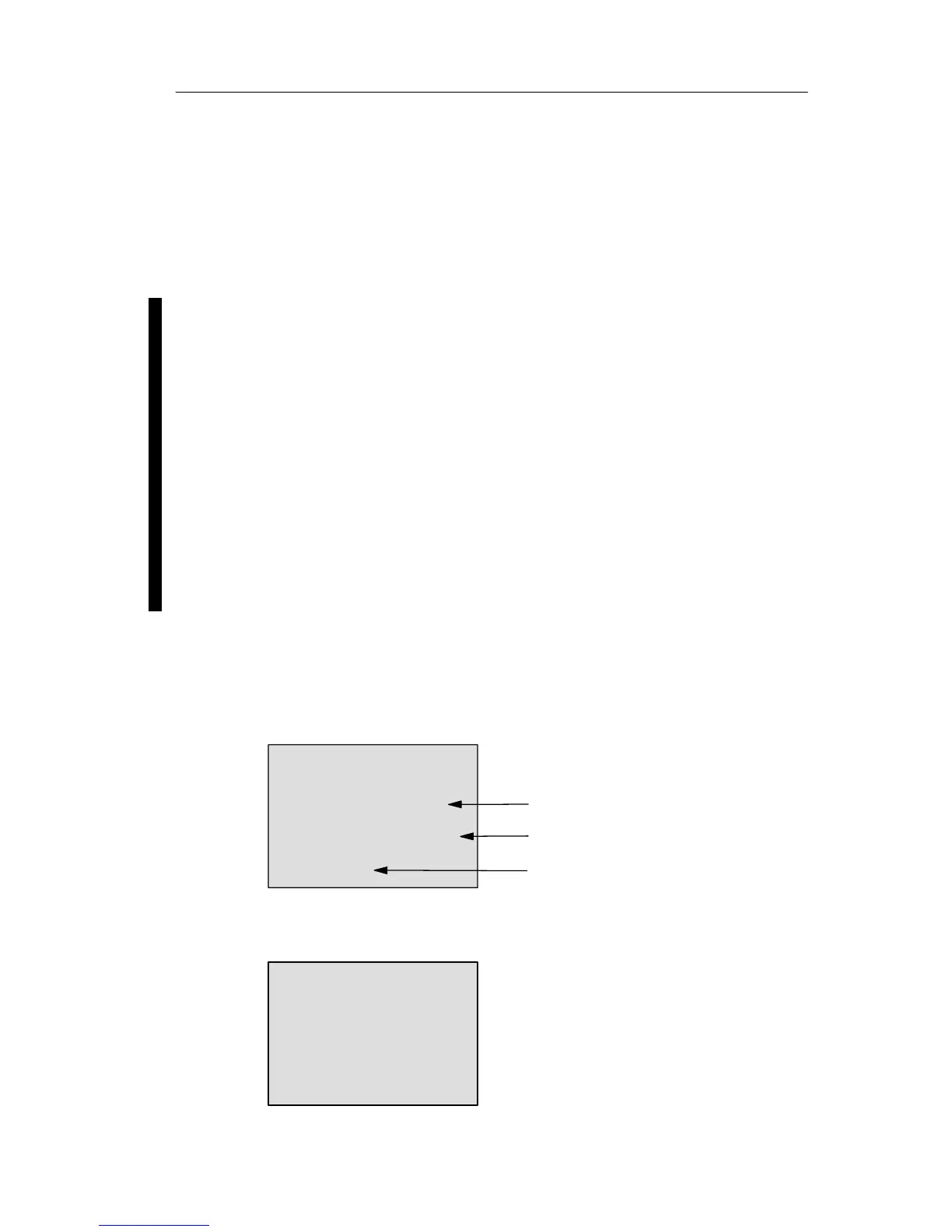
View in programming mode (example):
Decimals in the message text
B3 +
A =02.50
B =–00300
p=0
Offset
Gain
View in parameter assignment mode (example):
B3
AQ =–00250
LOGO! functions







 To Next Page