237
LOGO! Manual
A5E00380835-01
5.1.2 Selecting the parameters
To select a parameter:
1. On the parameter assignment menu, select
’Set Param’: Press
or
Stop
>Set Param
Set..
Prg Name
2. Confirm with OK.
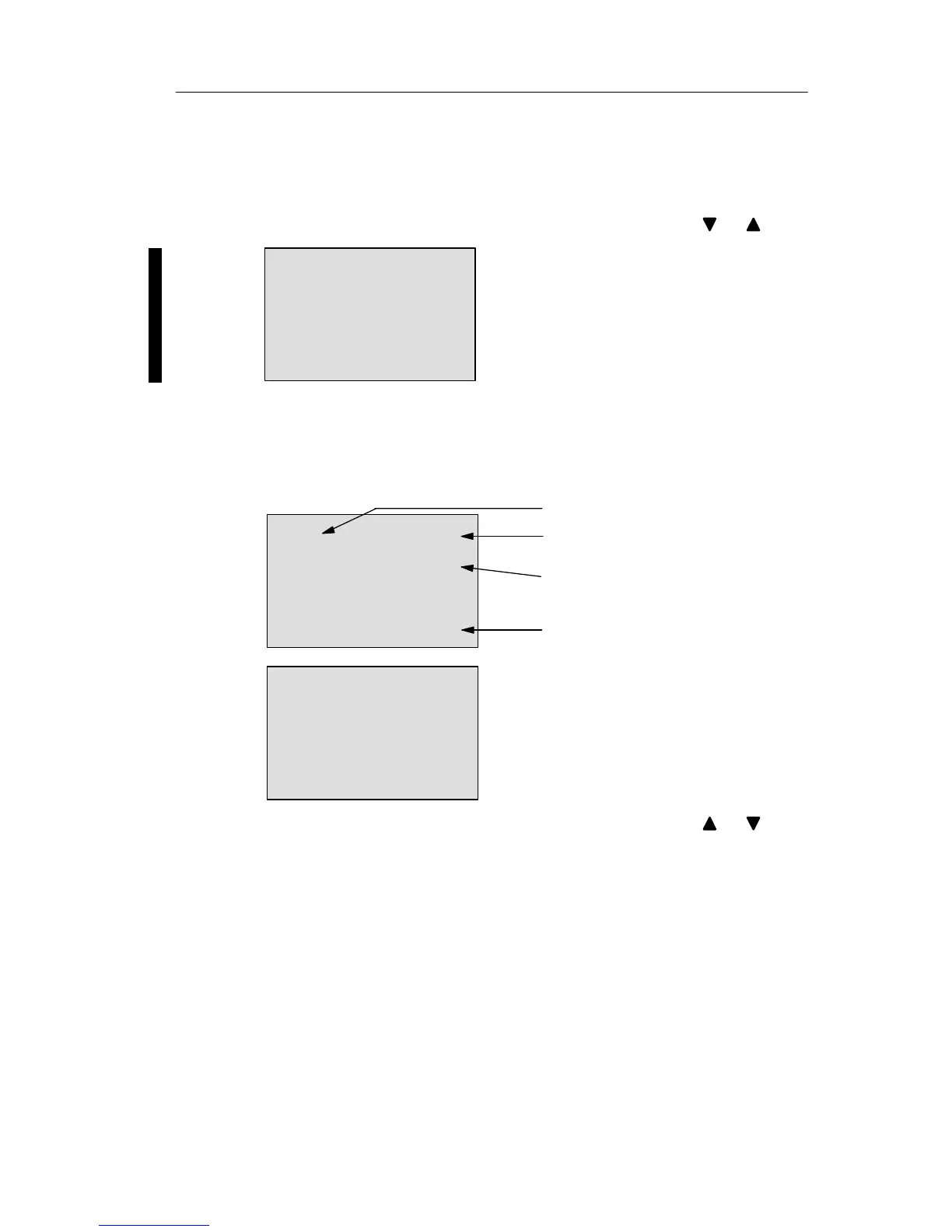
LOGO! shows the first parameter. If no parameter can
be set, you can press ESC to return to the parameter
assignment menu.
B9 1
Display number for functions with
several displays
The value set at pa-
rameter T (Time)
The current time in the
LOGO!
Press ESC
No Param
No parameters for editing:
Press ESC to return to the parame
ment menu
T =60:00s
Ta =06:00s
Block number
3. Now, select the desired parameter: Press or .
4. Select the parameter you want to edit, and press OK.
Confi







 To Next Page