LOGO! Manual
A5E00380835-01
94
6. To move the cursor to the input of Q1, i.e. to B2,
press
:
B2 Q1
7. Confirm with OK.
8. Now replace block B2 with block B1 at output Q1.
The procedure:
– Select the BN list: Press or
– Accept the BN list: Press OK
– Select ’B1’: Press or
– Apply ’B1’: Press OK
Result: Block B2 is deleted, because it is no longer used in
the circuit. Block B1 has replaced B2 directly at the output.
3.7.9 Deleting block groups
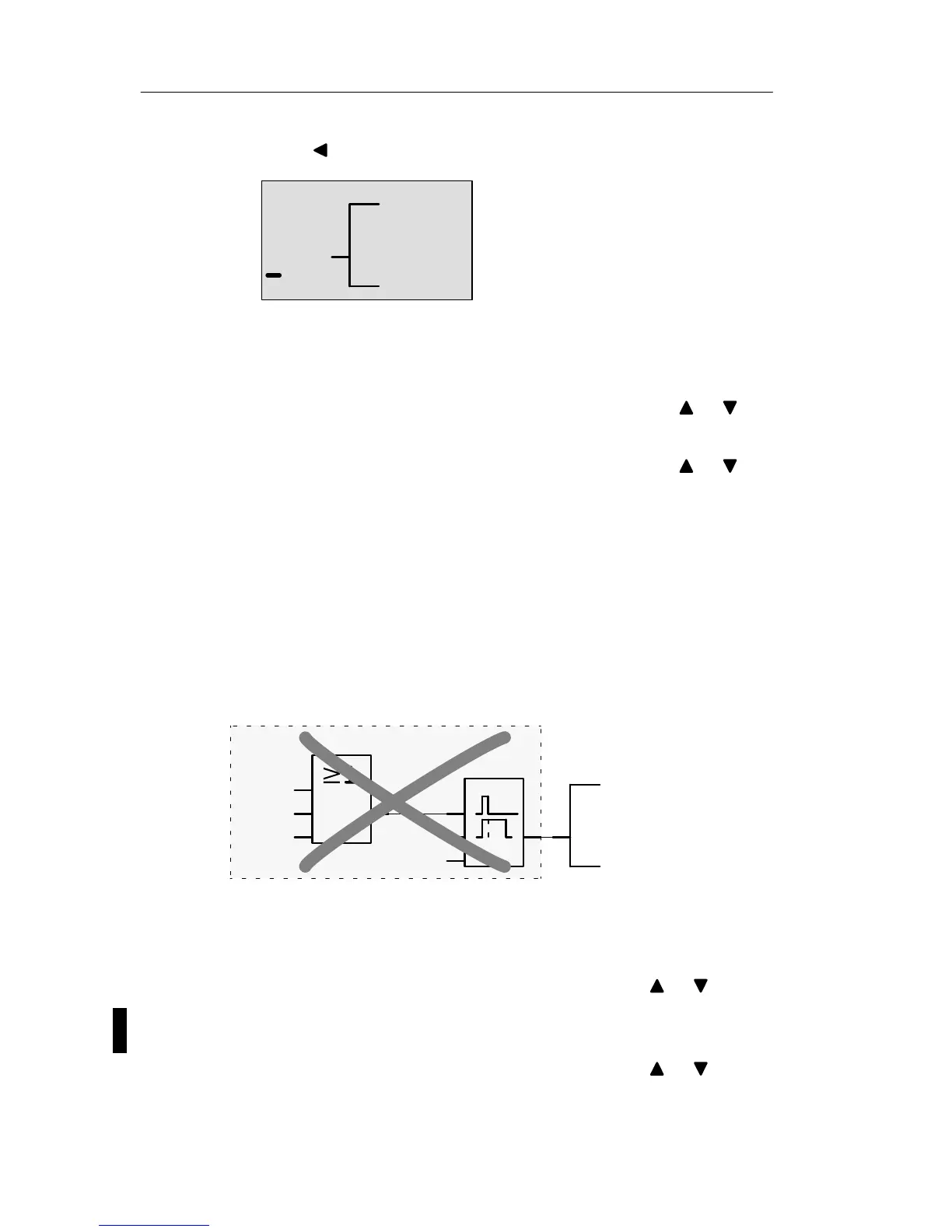
Let us assume you want to delete the blocks B1 and B2
from the following circuit program (corresponds with the
circuit program in Chapter 3.7.7).
Q1
I1
I2
x
x
Par
B1
B2
Proceed as follows:
1. Switch the LOGO! to programming mode
(as a reminder, refer to page 66).
2. To select ’Edit’: Press or
3. To confirm ’Edit’: Press OK
(If required, enter your password and confirm with OK.)
4. To select ’Edit Prg’: Press or
Pro







 To Next Page