255
LOGO! Manual
A5E00380835-01
Note
Before you switch the LOGO! to RUN, you must ensure
that the system you are controlling with LOGO! does not
represent a source of hazard.
1. Move the ’>’ cursor to ’Start’: Press or
2. Press OK.
Copying by means of the “Card”menu
For information on the replacement of a program module
(card), also note Chapter 6.2.
To copy a program from the program module (card) to
LOGO!:
1. Insert the program module (card)
2. Switch the LOGO! to programming mode (ESC / >Stop).
>Program..
Card..
Setup..
Start
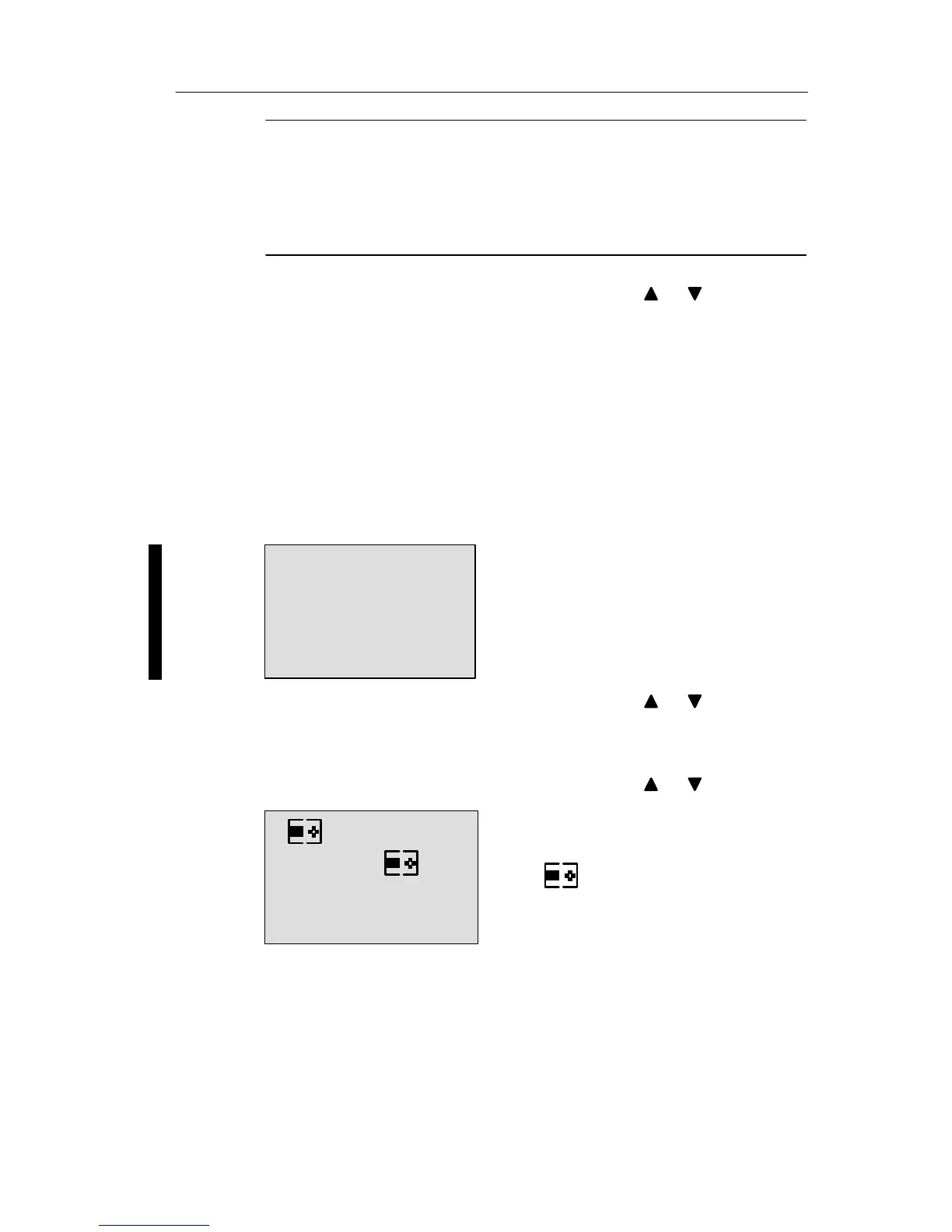
3. Move the ’>’ cursor to ’Card’: Press or
4. Press OK. The transfer menu opens.
5. Move the ’>’ cursor to ’Card ³ LOGO’:
Press or
= LOGO!
"Card
>Card"
CopyProtect
6. Press OK.
LOGO! copies the circuit program from the program mod-
ule (card) to LOGO!. When LOGO! has finished copying, it
automatically returns to the main menu.
LOGO! program module (card)







 To Next Page