95
LOGO! Manual
A5E00380835-01
5. To confirm ’Edit Prg’: Press OK
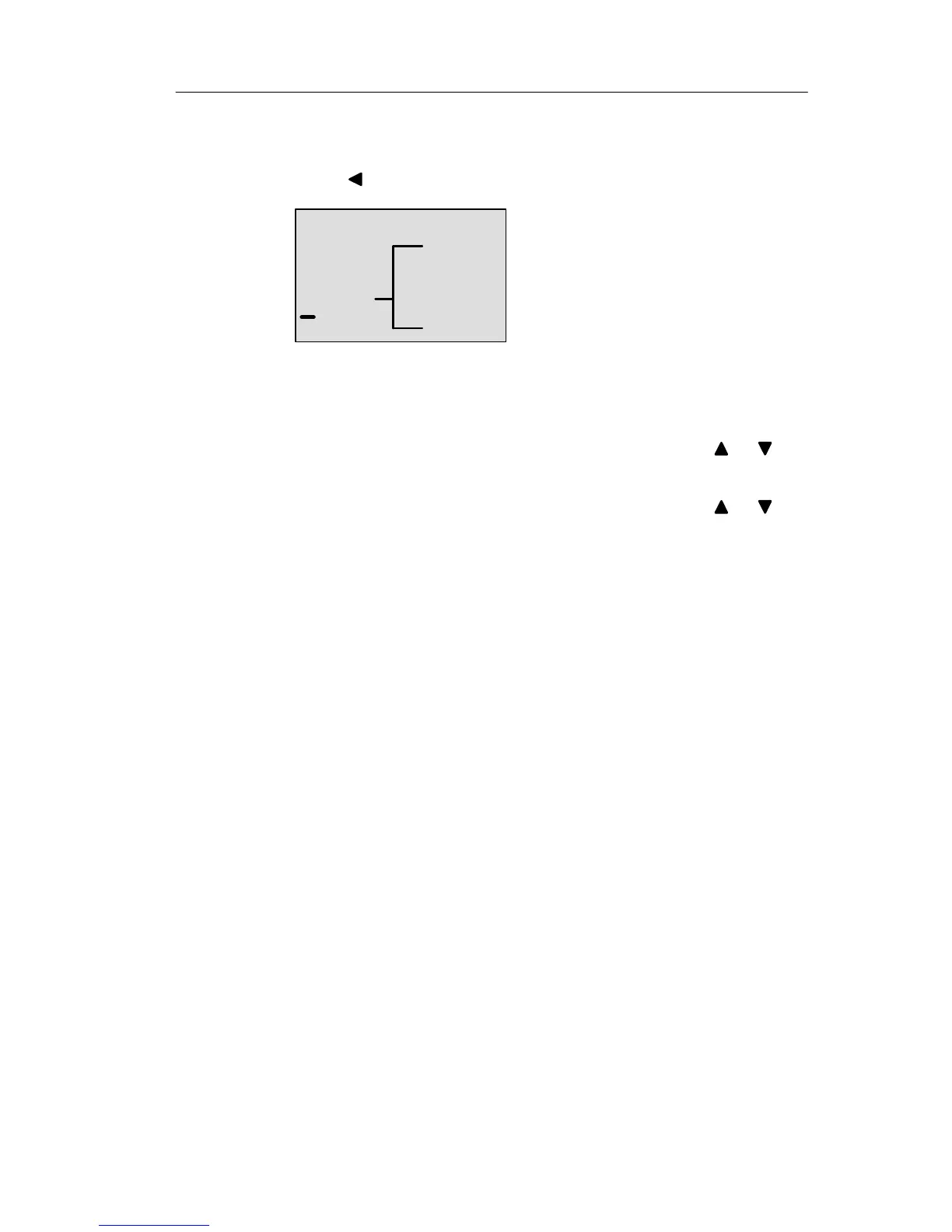
6. To move the cursor to the input of Q1, i.e. to B2,
press
:
B2 Q1
7. Confirm with OK.
8. Now set the connector ’x’ at output Q1 instead of block
B2. To do so:
– Select the Co list: Press
or
– Accept the Co list: Press OK
– Select ’x’: Press or
– Apply ’x’: Press OK
Result: Block B2 is deleted, because it is no longer used in
the circuit. This includes all blocks connected to B2. In this
example, block B1 also.
3.7.10 Correcting typing errors
Programming errors can be corrected easily in LOGO! :
Provided editing mode is not yet closed, you can revert
by one step by pressing ESC.
If you have already configured all inputs, simply reconfi-
gure the faulty input:
1. Move the cursor to the faulty position
2. Change to editing mode. Press OK
3. Enter the correct input circuit.
You can only replace a block with a block that has exactly
the same number of inputs. However, you can delete the
old block and then insert a new one. You can choose any
new block.
Pro







 To Next Page