93
LOGO! Manual
A5E00380835-01
Closing the programming mode
Although you were shown how to exit the programming
mode when you created your first circuit program,
here is a reminder:
1. To return to the programming menu: Press ESC
2. To return to the main menu: Press ESC
3. To move the ’>’ cursor to ’Start’: Press or
4. To confirm ’Start’: Press OK
LOGO! is back in RUN mode:
You can press or
to scroll the pages and to monitor the I/O
states.
2005-01-27
Mo 09:30
3.7.8 Deleting a block
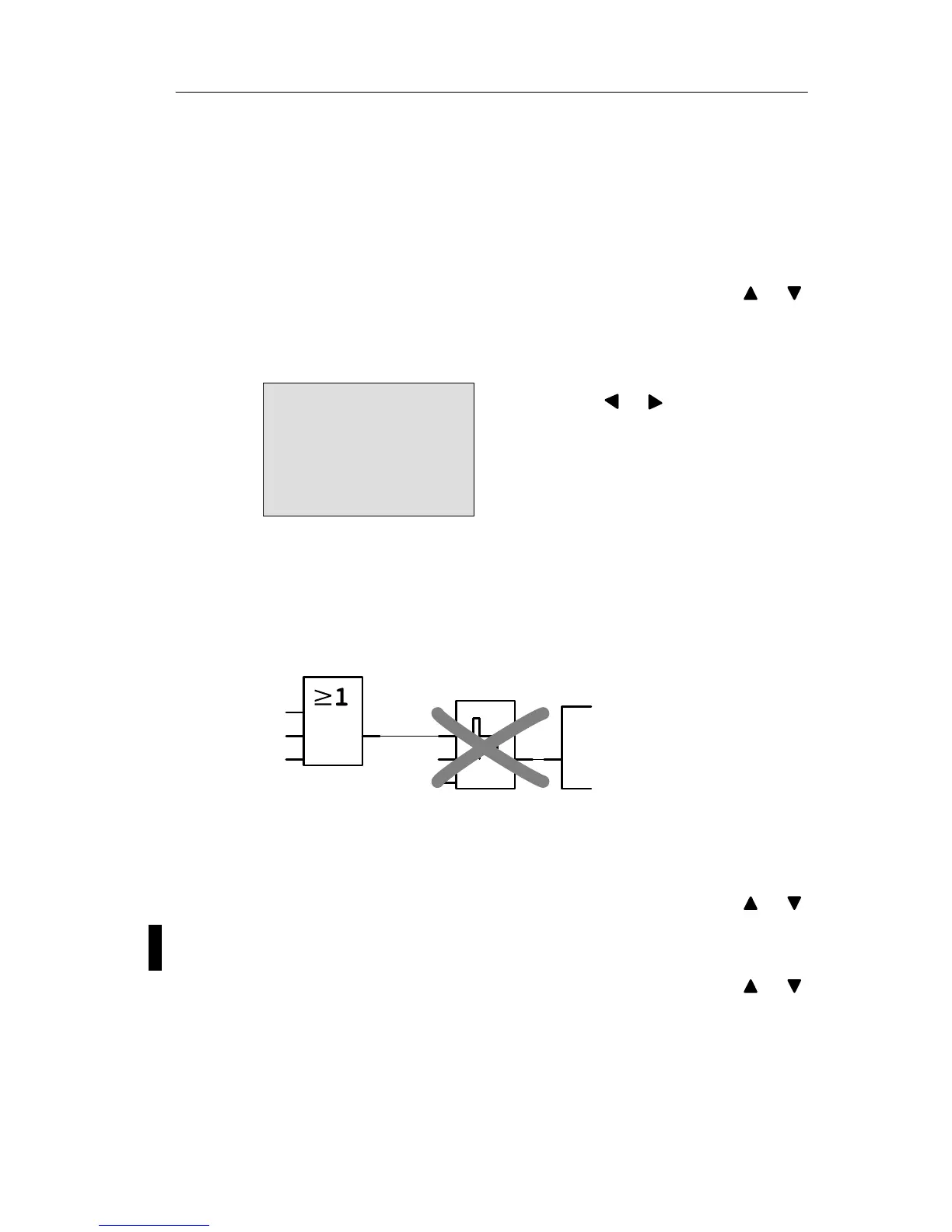
Let us assume you want to delete the block B2 from your
circuit program and connect B1 directly to Q1.
Q1
I1
I2
x
x
Par
B1
B2
Proceed as follows:
1. Switch the LOGO! to programming mode
(as a reminder, refer to Page 66).
2. Select ’Edit’: Press or
3. Confirm ’Edit’: Press OK
(If required, enter your password and confirm with OK.)
4. Select ’Edit Prg’: Press or
5. Confirm ’Edit Prg’: Press OK
Pro







 To Next Page