LOGO! Manual
A5E00380835-01
204
Example
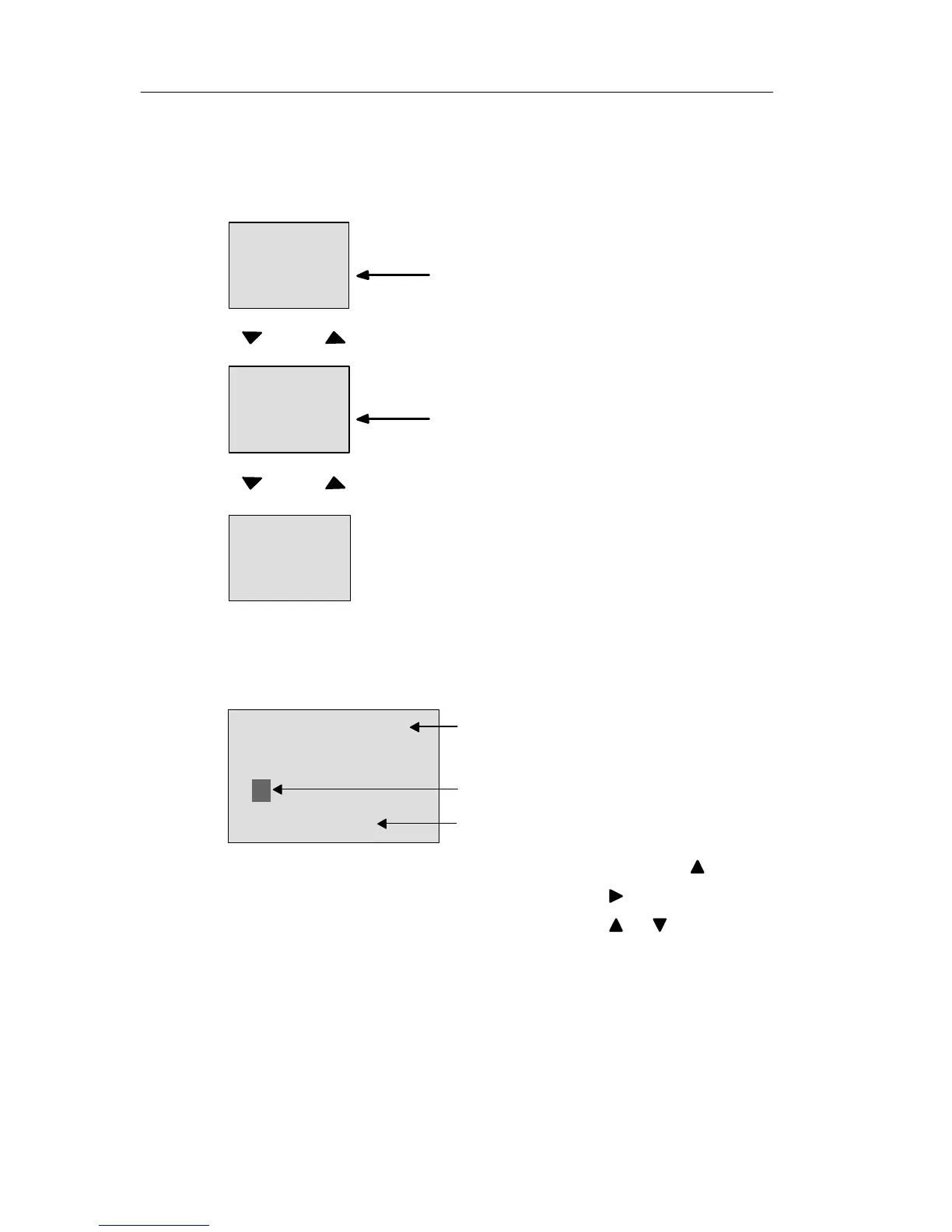
This is how tow message texts could be shown:
Display field of the LOGO! in RUN mode
Date and current time-of-day
(only for versions with real-time
clock).
2003-01-27
Mo 09:00
Key
Motor 2
3000
hours
MAINTENANCE!
Example: Message text with
priority 10
Motor 5
STOP AT
10:12
!!Action!!
Example: Message text with
priority 30
Press
Input P configuration
To configure the priority and the acknowledgment (pro-
gramming mode):
Priority
Status of the acknowledgment
B33 +
Priority
00
Quit=Off
“+” means: The parameters and actual
values in an active message text can be
edited
1. Increase the priority to 1: Cursor on ’0’ +
2. Change to ’Quit’: Press
3. Enable ’Quit’: Press or
LOGO! functions







 To Next Page