LOGO! Manual
A5E00380835-01
88
Editing the circuit program
Switch the LOGO! to programming mode.
As a reminder:
1. Switch the LOGO! to programming mode
(in RUN: Press ESC to enter the parameter assignment
mode. Select the ’Stop’ command, confirm with OK,
then move the ’>’ cursor to ’Yes’, and once again con-
firm with OK). See Page 66.
2. On the main menu, select ”Program”
3. On the Programming menu, select “Edit”, confirm with
OK. Next, select ”Edit Prg” and confirm with OK.
If required, enter your password at the prompt and con-
firm with OK.
You can now modify the current circuit program.
Adding a block to a circuit program
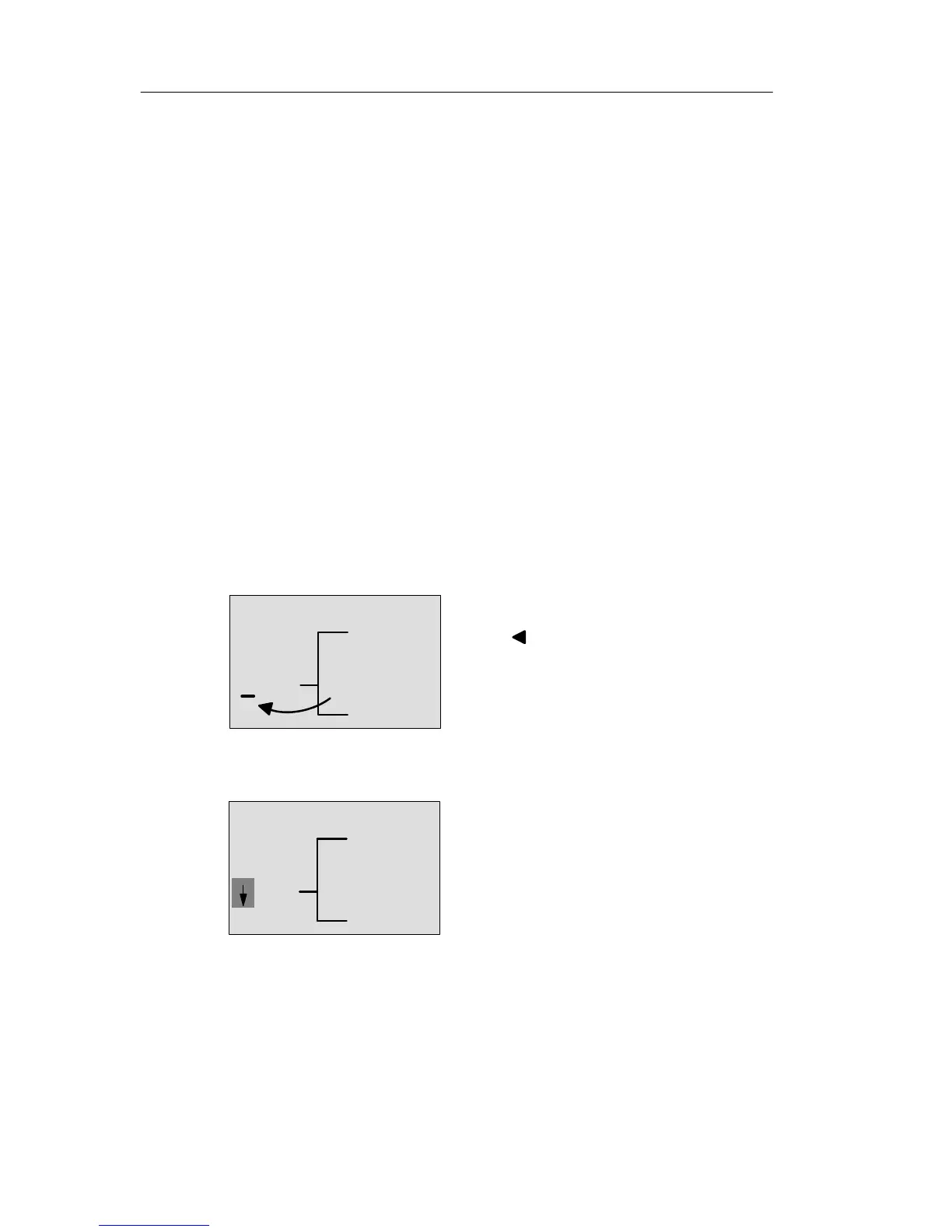
Move the cursor to the B in B1 (B1 is the number of the OR
block):
Q1
B1
To move the cursor:
Press
We now insert the new block at this position.
Confirm with OK.
Q1
BN
LOGO! shows you the BN list
Pro







 To Next Page