89
LOGO! Manual
A5E00380835-01
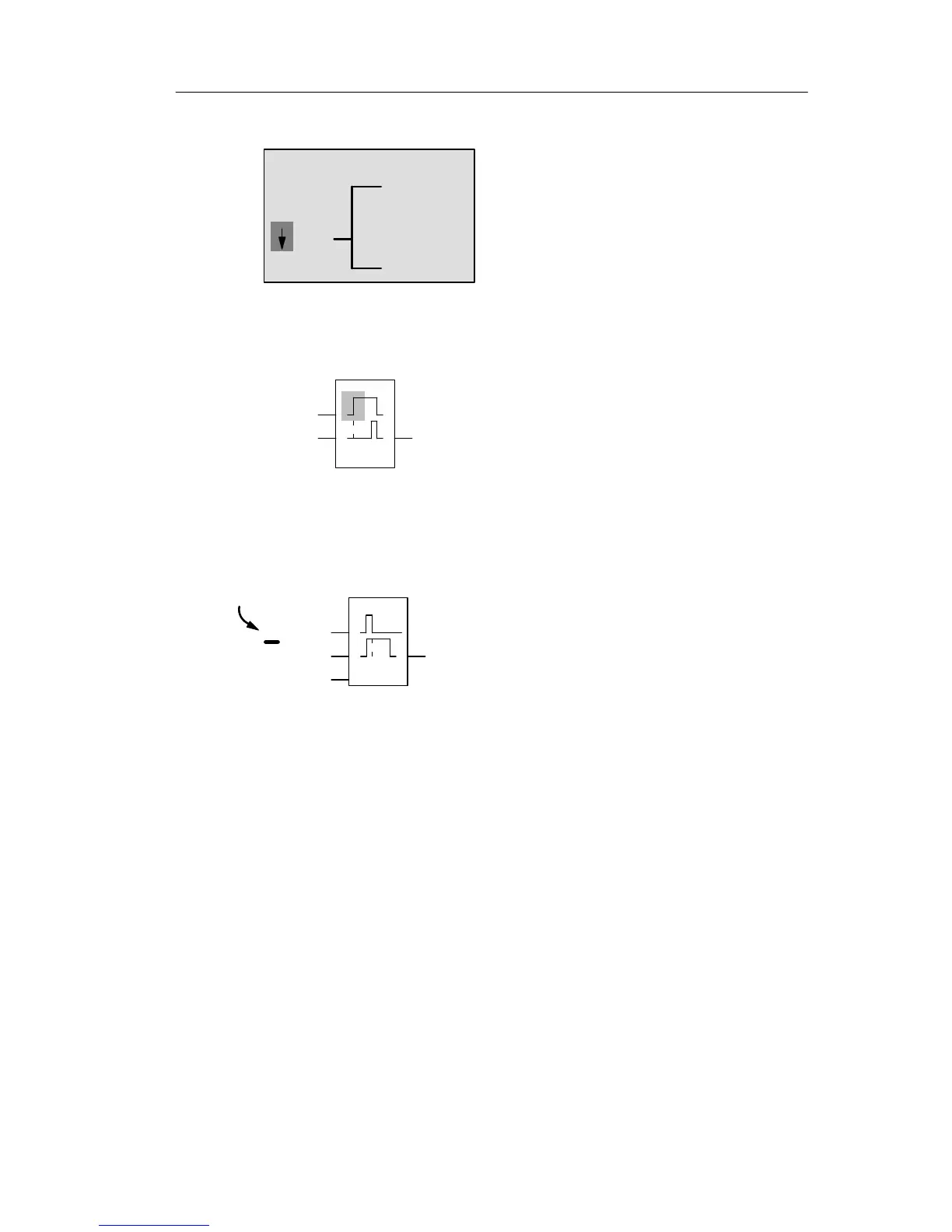
Press to select the SF list:
Q1
SF
The SF list contains the special
function blocks.
Press OK.
The block of the first special function is shown:
Trg
Par
Q1
When you select a special or basic function
block, LOGO! shows you the relevant func-
tion block. The solid square cursor is posi-
tioned on the block. Press or to select
the required block.
Select your block (off-delay, see the next figure), and then
press OK:
R
The added block is assigned the block num
ber B2. The cursor is positioned at the top
input of the added block.
B1
Par
Q1
B2
Before you press
’OK’, this shows
the entry Trg
The B1 block previously connected to Q1 is automatically
connected to the uppermost input of the new block. Note
that you can only interconnect digital inputs with digital out-
puts or analog inputs with analog outputs. The ’old’ block
will otherwise be lost.
The off-delay block has three inputs. At the top is the trig-
ger input (Trg) you use to start the off-delay time. In our
example, the OR block B1 triggers the off-delay. You reset
the time and the output with a signal at the reset input. Set
the off-delay time at parameter T of the input Par.
Pro







 To Next Page