LOGO! Manual
A5E00380835-01
38
Connecting a two-wire sensor to the LOGO! AM 2
Wire up the two-wire sensor’s connecting wires as follows:
1. Connect the minus connector on the sensor to connec-
tor I1 on the analog expansion module.
2. Connect the plus connector on the sensor to the 24 V
supply voltage (L+).
3. Connect the ground connector of the supply voltage to
connector M1 on the analog expansion module.
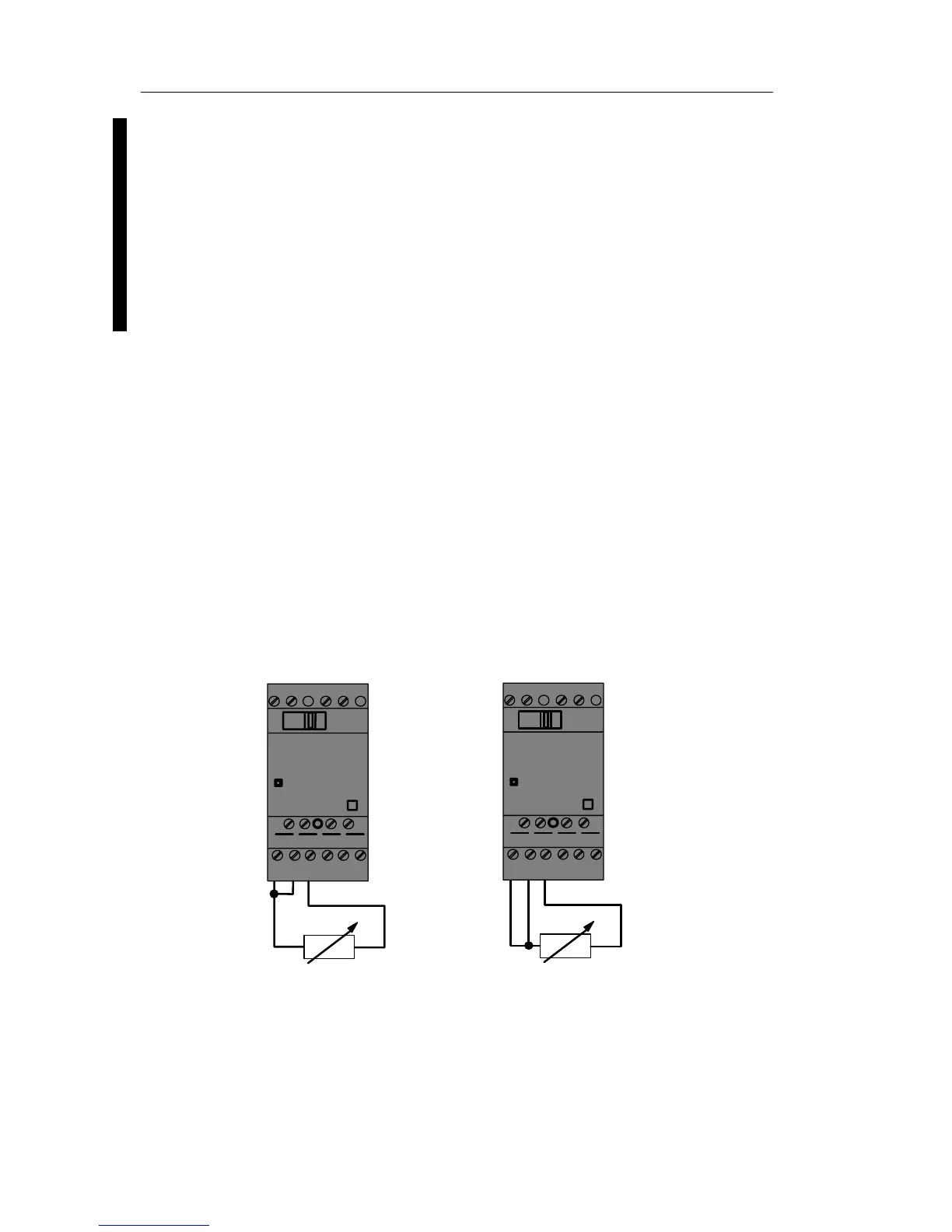
LOGO! AM 2 PT100
You can connect either a 2- or 3-wire Pt100 resistive
thermocouple to the module.
For a 2-wire connection, you need to short-circuit terminals
M1+ and IC1 or M2+ and IC2. Errors caused by the ohmic
resistance of the measuring line are not compensated with
this type of connection. A line resistance of 1 W is
proportional to a measuring error of +2.5Ă°C.
A 3-wire technique suppresses the influence of the cable
length (ohmic resistance) on the result of the
measurement.
M1+
PE
L+ M
RUN/
STOP
L+ M
IC1 IC2M1- M2+ M2-
Pt100
M1+
PE
L+ M
RUN/
STOP
L+ M
IC1 IC2M1- M2+ M2-
Pt100
2-wire technique
3-wire technique
LOGO! installation and wirin







 To Next Page