LOGO! Manual
A5E00380835-01
84
3.7.6 Switching LOGO! to RUN mode
In the main menu, select RUN to start LOGO!.
1. To return to the main menu: Press ESC
2. Move the ’>’ cursor to ’Start’: Press or
3. To confirm ’Start’: Press OK
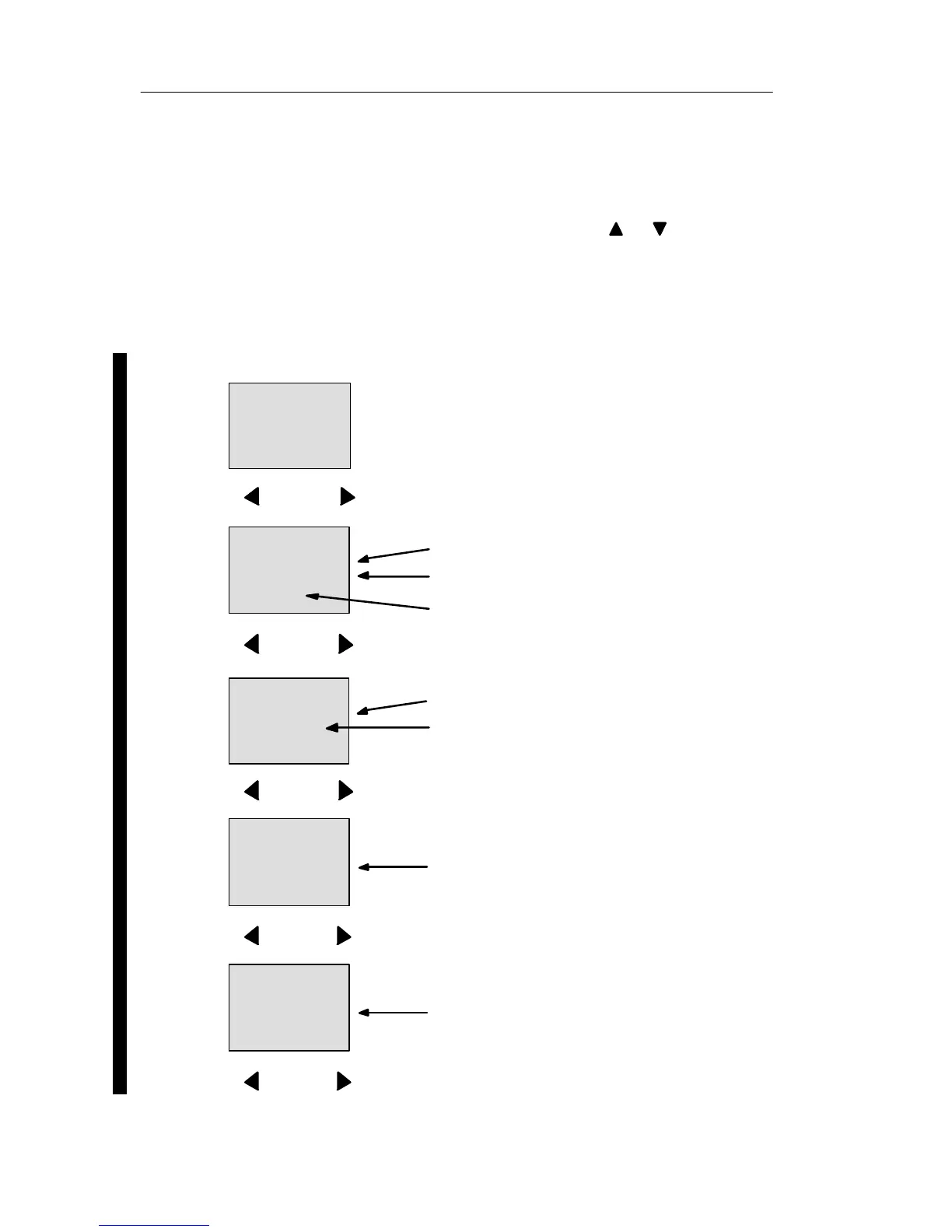
LOGO! runs the circuit program and shows the following
display:
Display field of the LOGO! in RUN mode
Start screen: Date and current time-of-
day (only for versions with real-time
clock). This element flashes if the date
and time are not set.
Or: Start screen digital inputs (see
Chapter 5.2.3)
2005-01-27
Mo 09:00
Press
Inputs I1 to I9
I:
0.. 123456789
1..0123456789
2..01234
Inputs I20 to I24
Inputs I10 to I19
Press
Q:
0.. 123456789
1..0123456
Outputs Q1 to Q9
Outputs Q10 to Q16
Press
AI:
1: 00000
2: 01000
3: 00253
Analog inputs AI1 to AI3
Press
AI:
4: 00010
5: 00000
6: 00005
Analog inputs AI4 to AI6
Press
Pro







 To Next Page